Guides
Feature map
A complete map of GuideLab clinic, laboratory, account, finance, and settings features.
Use this page as the product index. The active organization determines whether you see the clinic or laboratory navigation.
Clinic workspace
| Feature | What it is for | Guide |
|---|---|---|
| Dashboard | Operational and finance summary for the active clinic | Clinic overview |
| Orders | Draft, submit, filter, and track laboratory cases | Labs and orders |
| Calendar | Date-based view of clinic cases and deadlines | Clinic calendar |
| Patients | Patient identity, contact data, notes, files, and order history | Patients |
| Inbox | Conversations with connected organizations | Inbox |
| Inventory | Clinic stock, suppliers, purchasing, and movements | Clinic inventory |
| Finances | Laboratory invoices, credits, statements, balances, and payments | Clinic finance |
| Settings | Company, team, payment methods, integrations, labs, locations, scanners, filters, and inventory rules | Clinic settings |
| Uploaded Files | Clinic-wide scan, photo, document, X-ray, and other file library | Files and scanners |
| Scanner Explorer | Browse cases exposed by connected scanner APIs | Files and scanners |
Laboratory workspace
| Feature | What it is for | Guide |
|---|---|---|
| Dashboard | Blocked-order triage and financial trend summary | Lab overview |
| Orders | Drafts, approvals, active work, holds, completion, and shipment views | Orders and statuses |
| Calendar | Scheduled laboratory workload | Lab calendar |
| Scan Inbox | Intake from supported scanner connections | Scan Inbox |
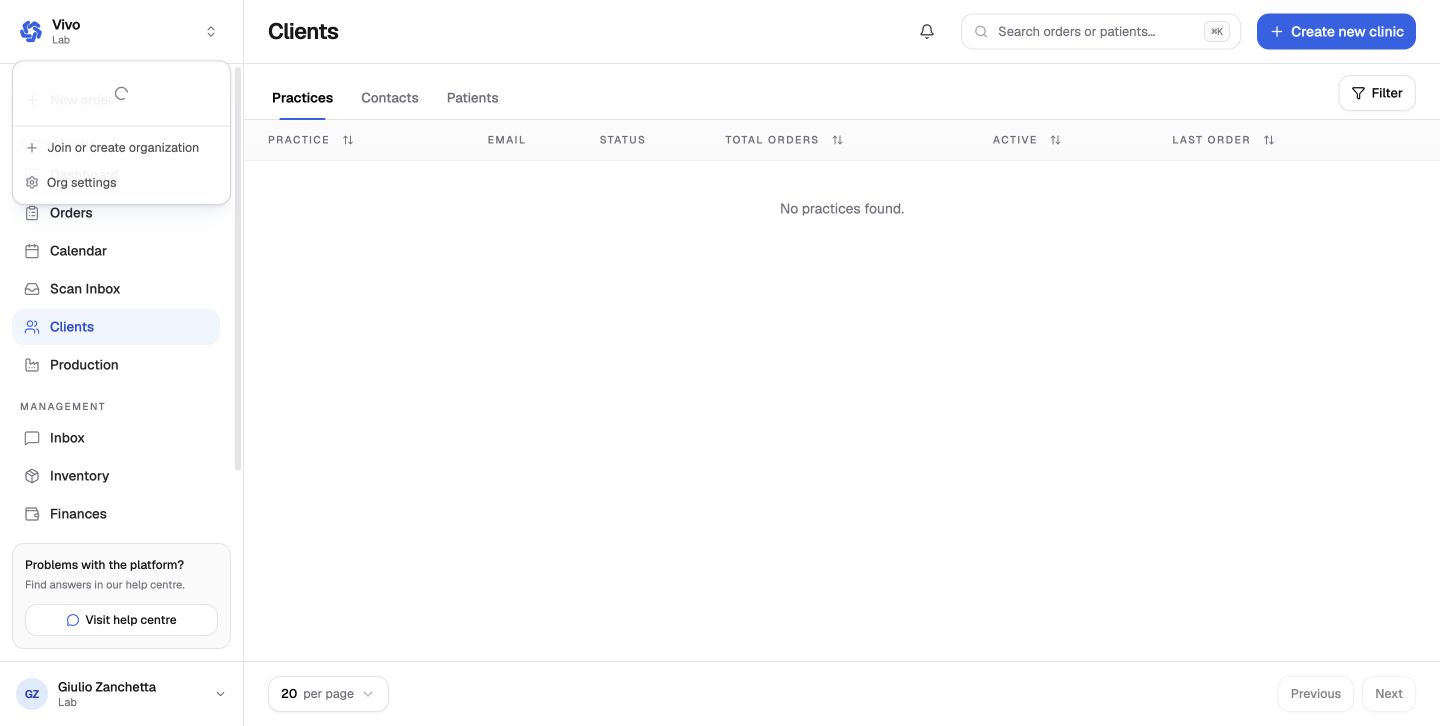
| Clients | Clinic practices, contacts, shared patients, partnership details, and client-level finance | Clients |
| Production | My tasks, room pool, statistics, history, trays, and workflow progression | Production |
| Inbox | Organization and order communication | Inbox |
| Inventory | Materials, suppliers, purchasing, stock valuation, and movements | Inventory |
| Finances | Accounts, invoices, credits, overpayments, expenses, reconciliation, consolidations, statements, transactions, and ageing | Lab finance |
| Reports | Built-in and custom operational reporting | Reports |
| Settings | Complete lab configuration surface | Settings reference |
Personal account
Profile, password, language, two-factor authentication, sessions, notification channels, and invitations belong to the user rather than one organization. See Personal account settings.
If a guide says a feature is owner-only or manager-only, the API enforces the same boundary. A disabled control is not the only protection.