Clients
Accept clinic partnerships and review each client's patients and orders.
The Clients area represents clinics that work with the laboratory. A client relationship starts as a partnership request and becomes active when the other organization accepts it.
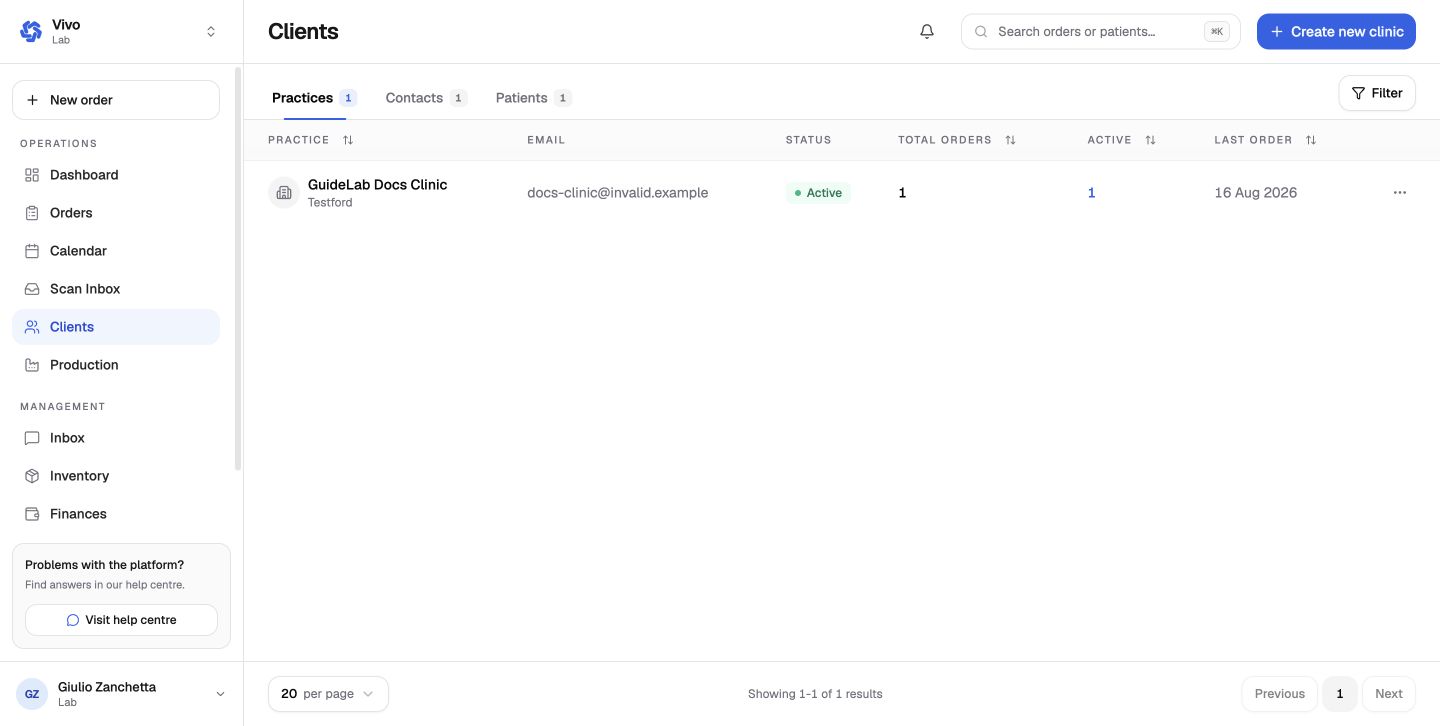
Review incoming requests
Open Clients and inspect the incoming partnership. Confirm the clinic name before accepting it.
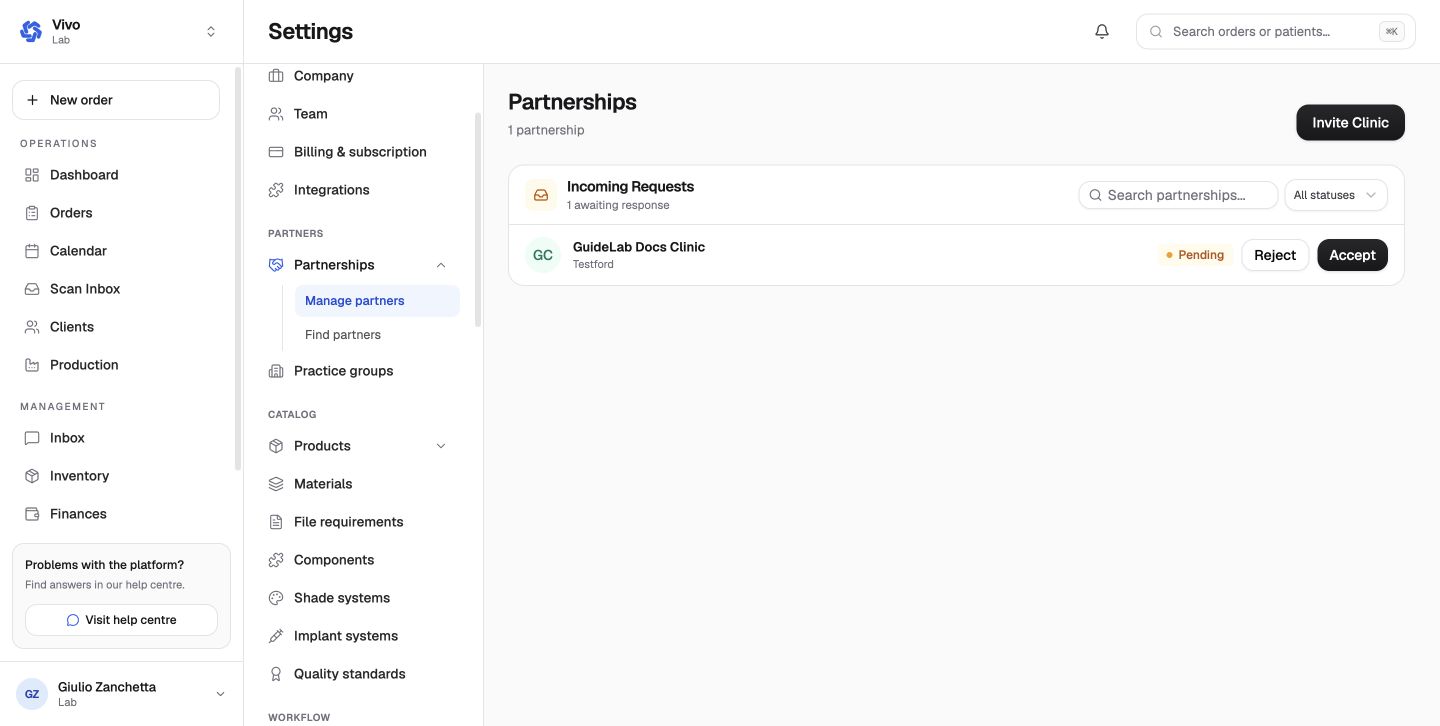
Accept the partnership
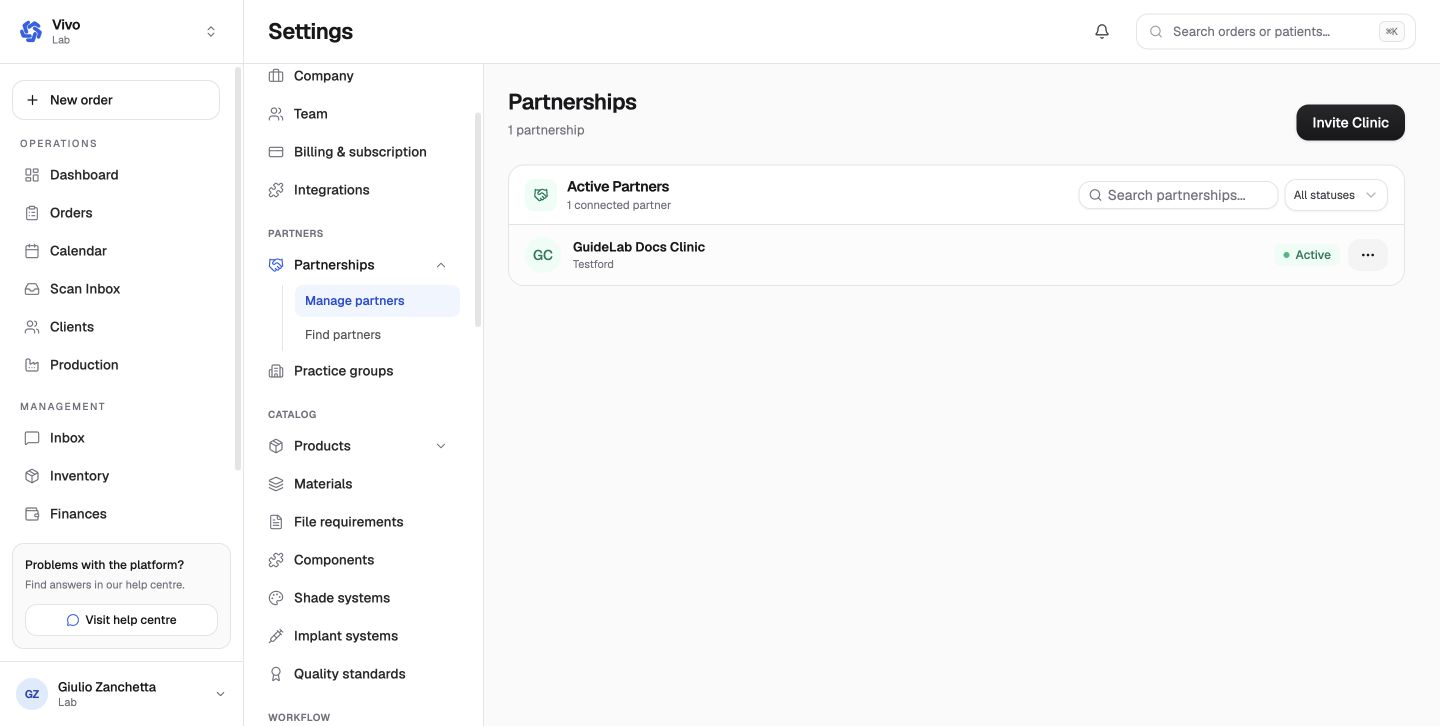
Accepting activates the clinic relationship. The client page then summarizes active orders, contacts, and patients made available to the lab.
Work from the client page
Use the client page to review clinic-specific work and create a new order for that clinic when needed.
Only access patient records that the clinic has explicitly shared with your laboratory.
Client directory tabs
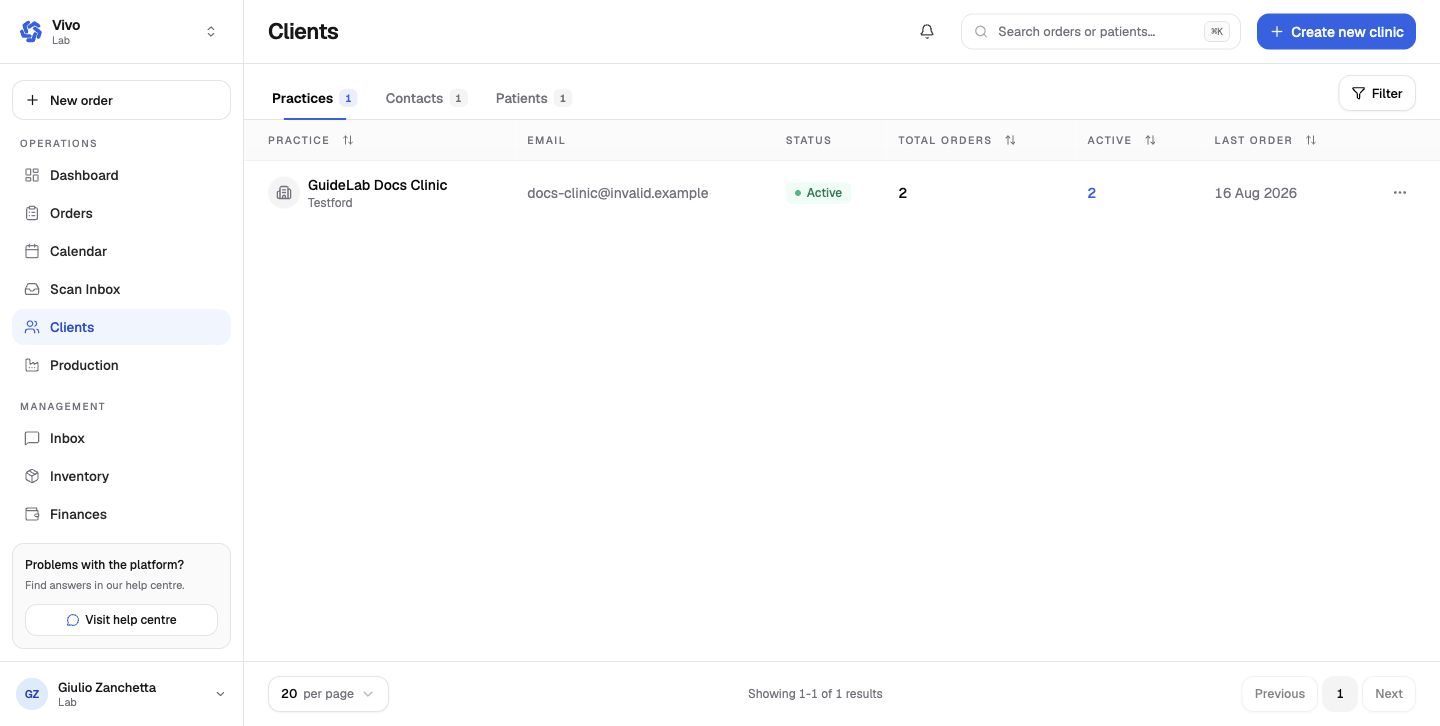
- Practices shows contact address, relationship status, total orders, active orders, and last-order date.
- Contacts lists clinic members associated with client organizations.
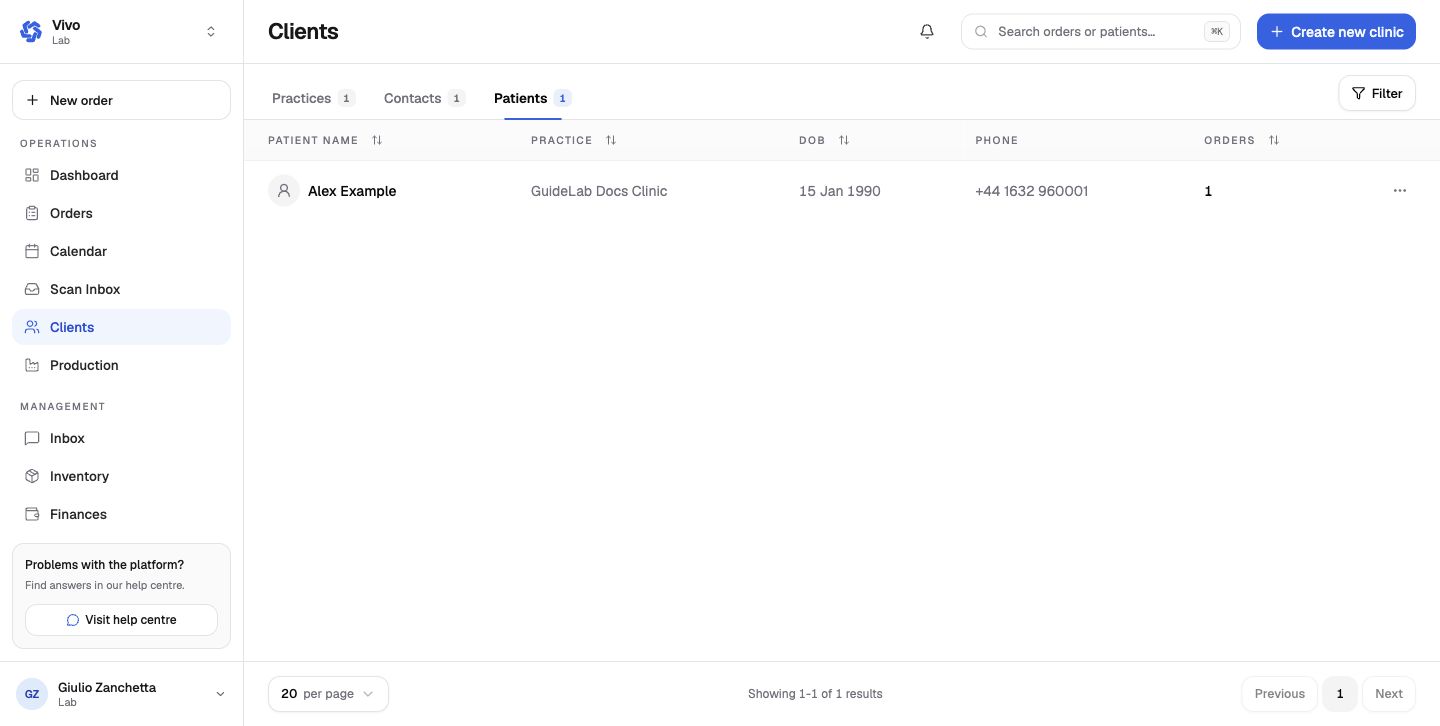
- Patients lists patients shared with the lab, their clinic, date of birth, contact data, and order count.
Client detail
Open a practice to see its overview, contacts, patients, orders, invoices, and partnership configuration. Client filters and practice groups help manage a larger network. A practice group can also be used for consolidated management, reporting, and custom exports.
The Create new clinic action is for a lab-created client record. A direct organization partnership remains the preferred relationship when the clinic already uses GuideLab.
Next: Orders and production.