Lab overview
Understand the laboratory dashboard and daily navigation.
The laboratory workspace covers the full case lifecycle: intake, client relationships, production, communication, stock, finance, reporting, and configuration.
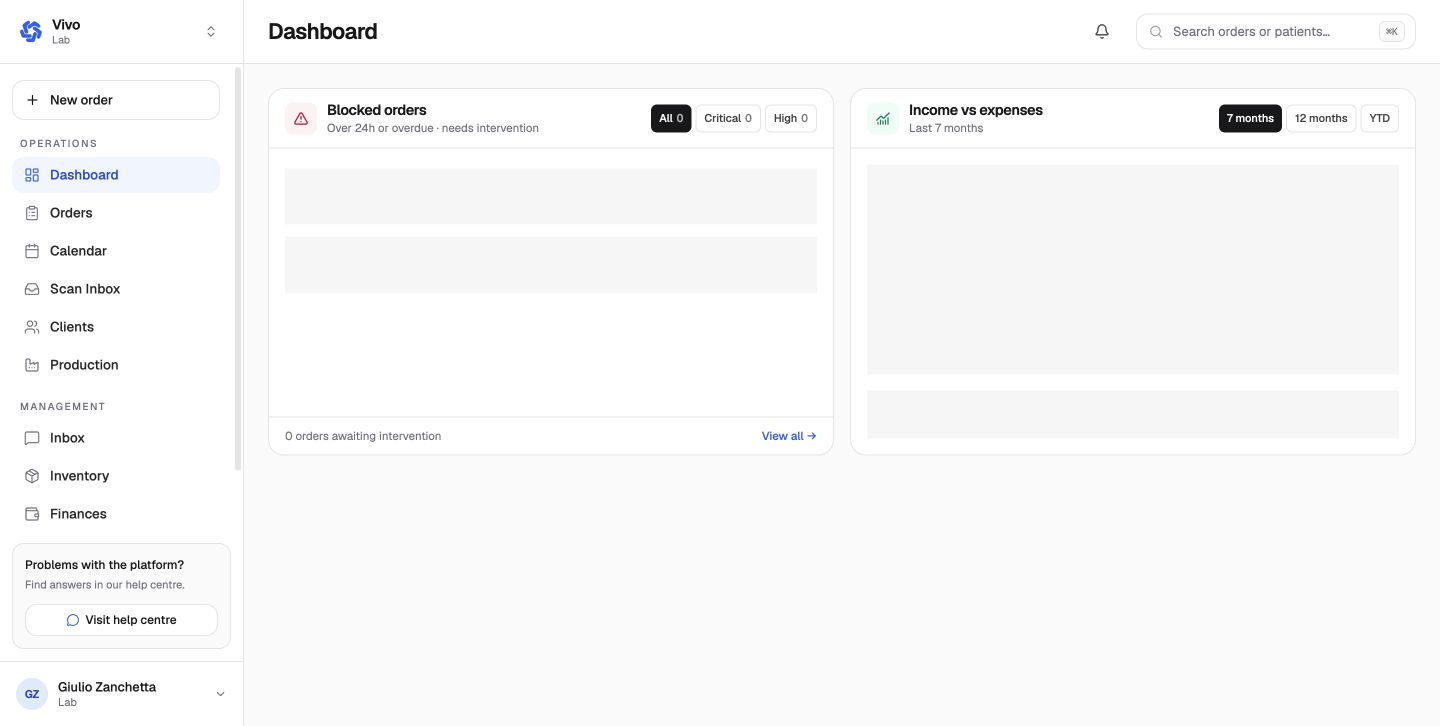
Daily navigation
- New order creates a case on behalf of a connected clinic.
- Orders is the case register, with status and due-date filters.
- Calendar shows scheduled work.
- Scan Inbox receives supported scanner submissions.
- Clients manages clinic partnerships and shared patients.
- Production visualizes cases across the configured workflow.
- Inventory, Finances, and Reports support operations and management.
Dashboard cards
The Blocked orders card prioritizes work that is overdue or has remained blocked for more than 24 hours. Severity filters separate critical and high attention items. Open the complete on-hold view from View all.
The income-versus-expenses chart can be viewed across seven months, twelve months, or year to date. It is a management summary; the finance module remains the source for individual accounts, invoices, payments, and expenses.
Daily operating rhythm
- clear critical blocked-order exceptions;
- review orders needing approval;
- assign and perform work from Production → My tasks;
- monitor the room Pool and due calendar;
- triage the Scan Inbox and ordinary Inbox;
- finish with inventory and finance exceptions.
Use the dashboard's blocked-order panel to prioritize cases that are overdue or have remained blocked for more than 24 hours.
Next: Connect and manage clients.