Production
Use My tasks, Pool, Statistics, History, rooms, trays, phases, and task progression.
Production turns an accepted order into actionable laboratory work. The room, phase, task, tray, date, and operator assignments determine where the case appears.
My tasks
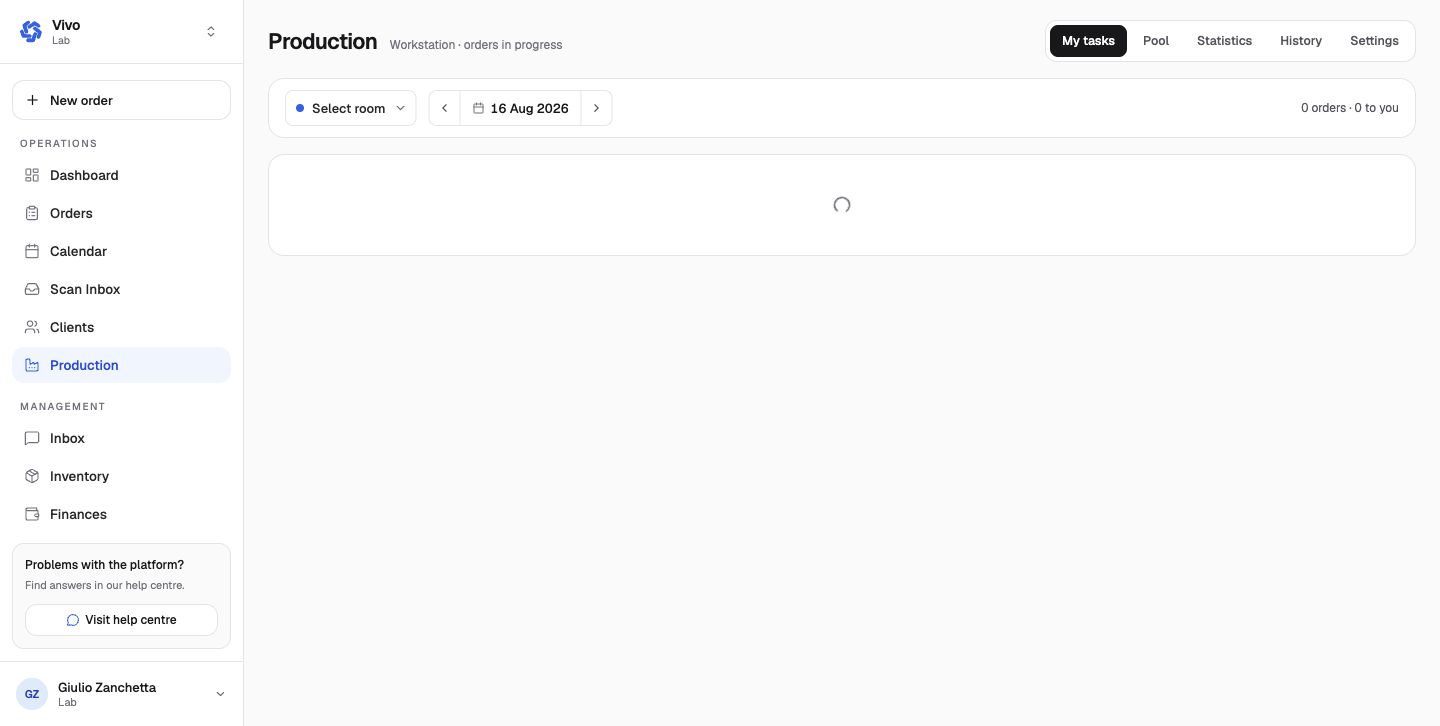
My tasks is the current operator's assigned work. Select a room and date, then open a case to perform or complete the next task.
Pool
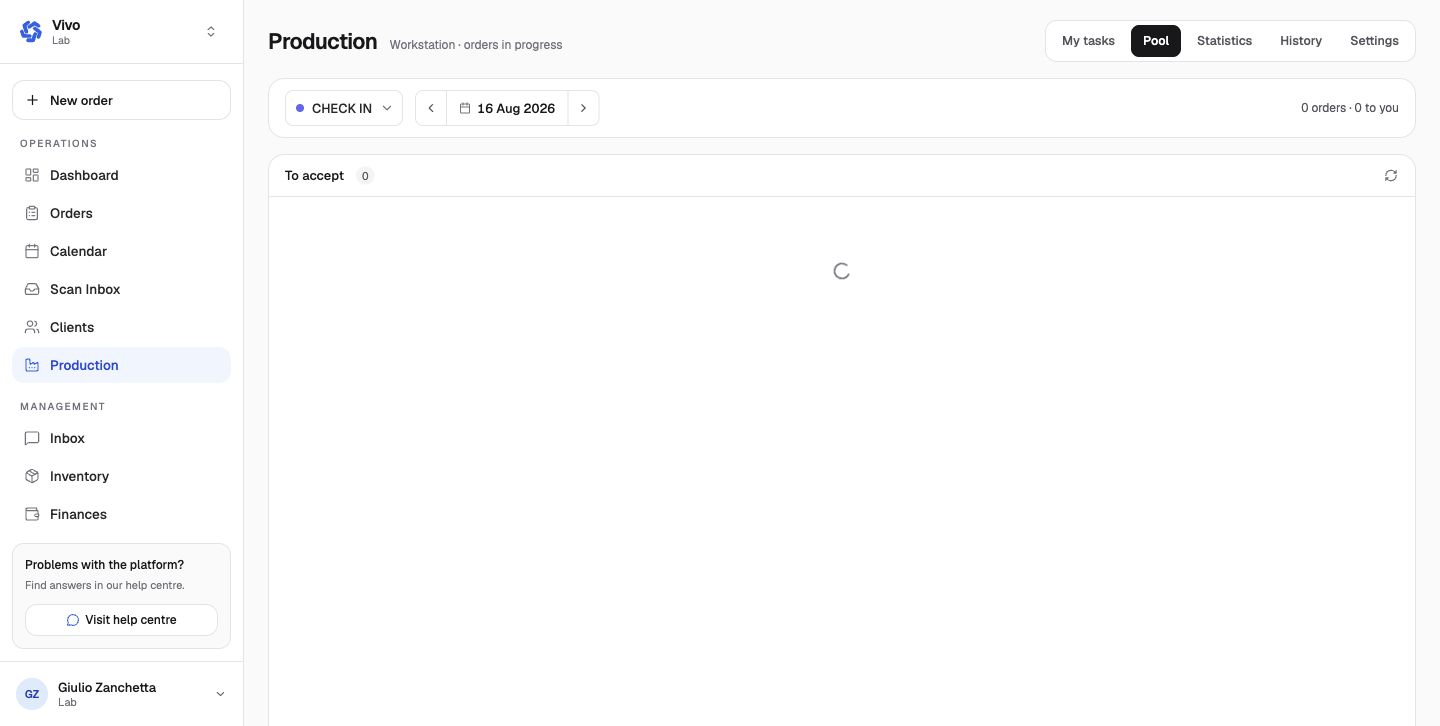
Pool shows the room's unassigned or shared queue. Acceptance rooms can show cases waiting to be accepted. Assign work according to the laboratory's normal capacity and responsibility rules.
Statistics and history
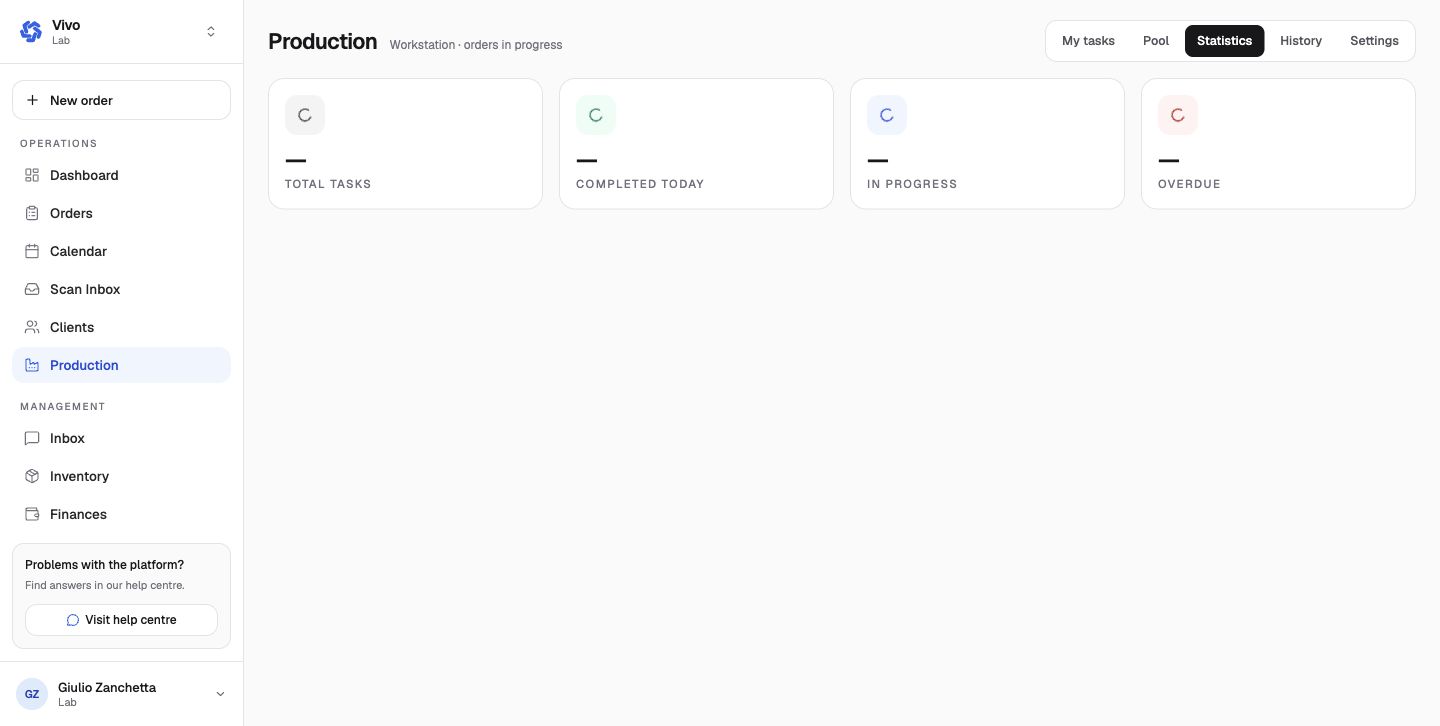
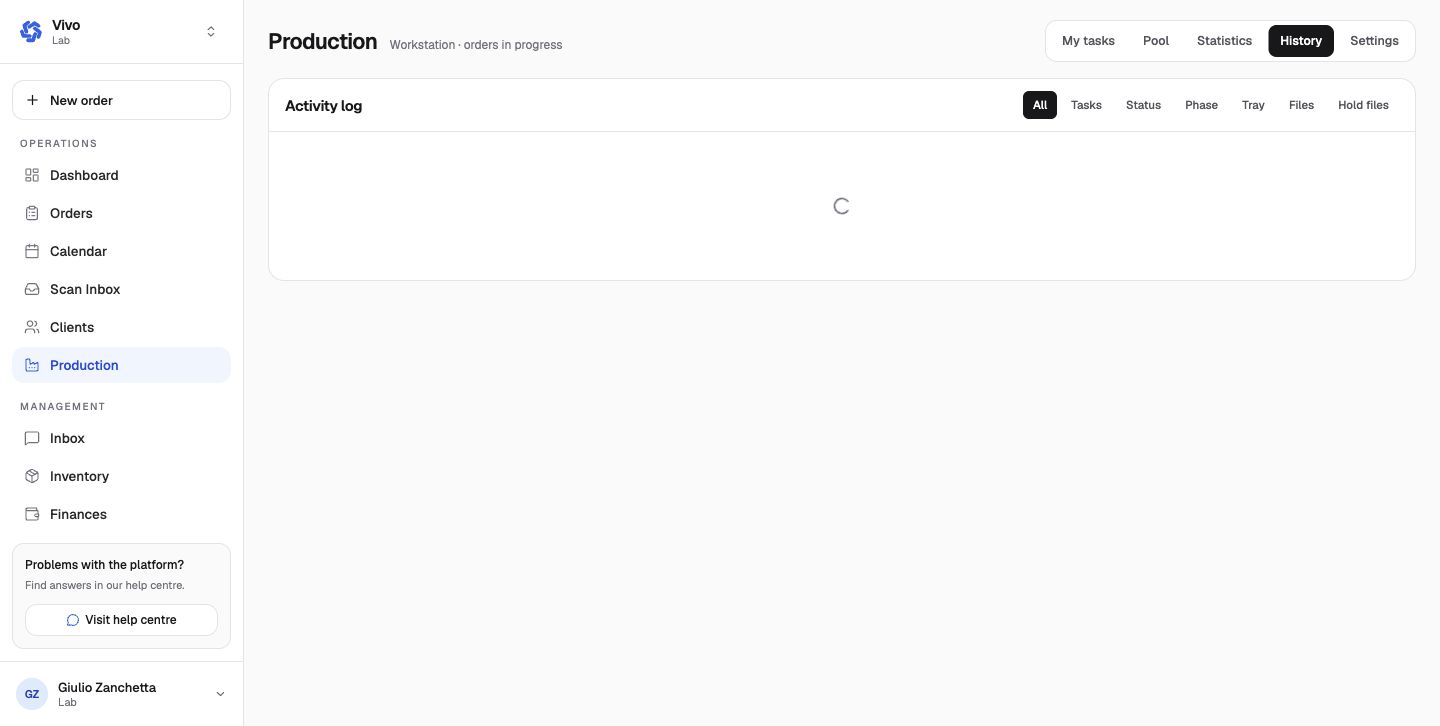
Statistics summarizes total, completed-today, in-progress, and overdue task counts. History is the activity log and can be filtered by tasks, status, phase, tray, files, and hold-file events.
Configuration relationship
- Rooms control workstation layout and location.
- Phases define the ordered treatment/production stages.
- Tasks define concrete work inside the process.
- Work Trays identify the physical case carrier; one active order per tray.
- Printers and label templates support physical production outputs.
- Production settings control planning, cutoff, buffer, capacity, grouping, sorting, visible columns, barcode scanning, and product/category exclusions.
Move a case only after its current work is complete. Use an on-hold reason when the case cannot progress, and record QC or remake information in its dedicated controls rather than free-text alone.