Scan Inbox
Review incoming scanner cases and connect supported scanner providers.
The Scan Inbox is the landing area for cases received from supported scanner integrations. New submissions appear here before they are matched to GuideLab patients and orders.
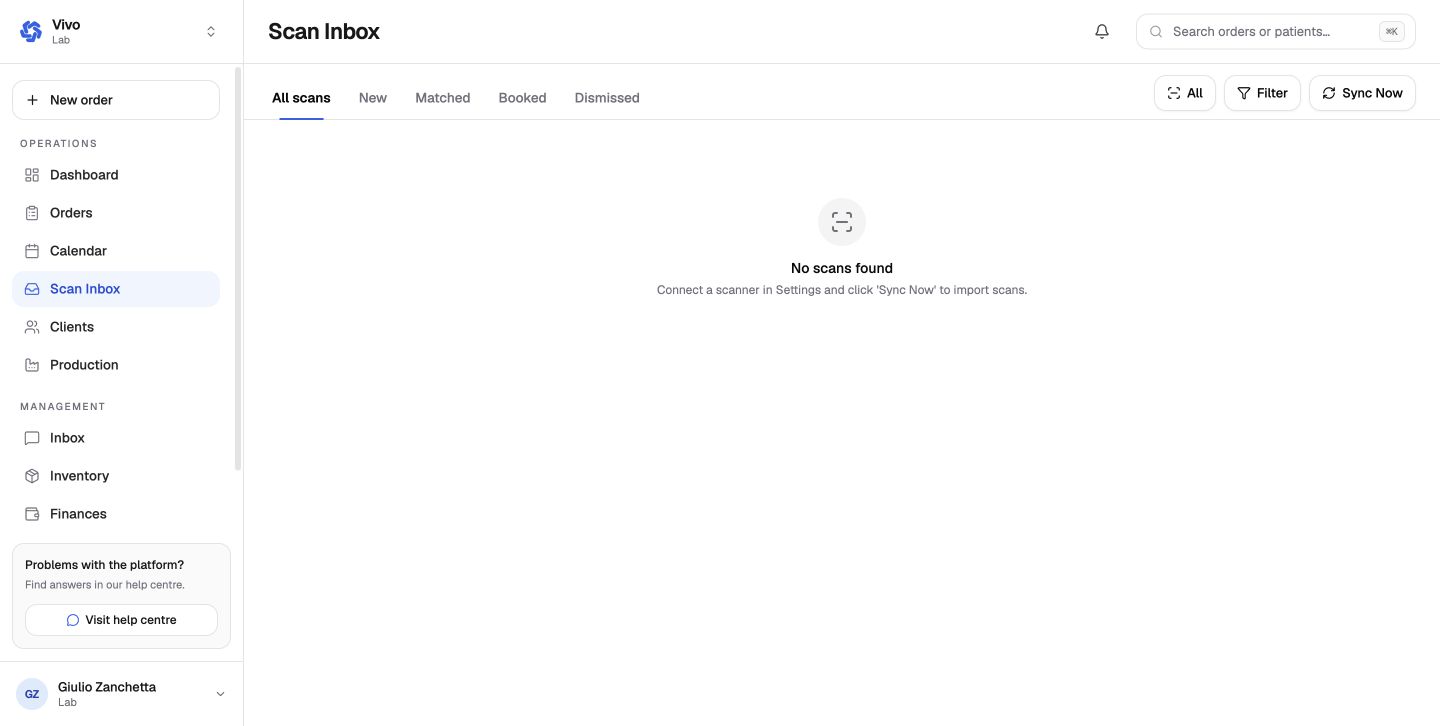
When the inbox is empty
An empty inbox is expected until a scanner integration is configured and sends data. Use the setup action on the page or open Settings → Integrations to connect the supported provider.
Triage an incoming scan
- confirm the originating clinic and patient identity;
- review the submitted files and metadata;
- match the submission to an existing order or create the correct case;
- resolve duplicates before production begins.
Scanner connections
Settings → Scanner has two areas: Connections for Medit, iTero, 3Shape, and other supported provider accounts, and Settings for global scanner behavior. The Scan Inbox remains empty until at least one connection can deliver cases.
The order file step can also import directly from a connected scanner. That workflow selects the provider, case, and individual files before attaching them to the order.
Treat scanner files as clinical data. Match the clinic and patient carefully before attaching them to an order.