GuideLab guides
Step-by-step guides for clinics and dental laboratories using GuideLab.
GuideLab brings clinic ordering and laboratory operations into one workspace. These guides follow the product screen by screen, from creating an organization to managing patients, orders, production, inventory, finance, and settings.
Choose your path
- Complete index: use the Feature map to find every sidebar area and settings screen by name.
- New to GuideLab: start with Workspaces and navigation, then Create an organization.
- Clinic team: follow the Clinic overview, Patients, and Labs and orders guides.
- Laboratory team: begin with the Lab overview, then configure Clients and Orders and production.
- Operations: see Inventory, Finance, Inbox, and the complete Settings reference.
What the screenshots show
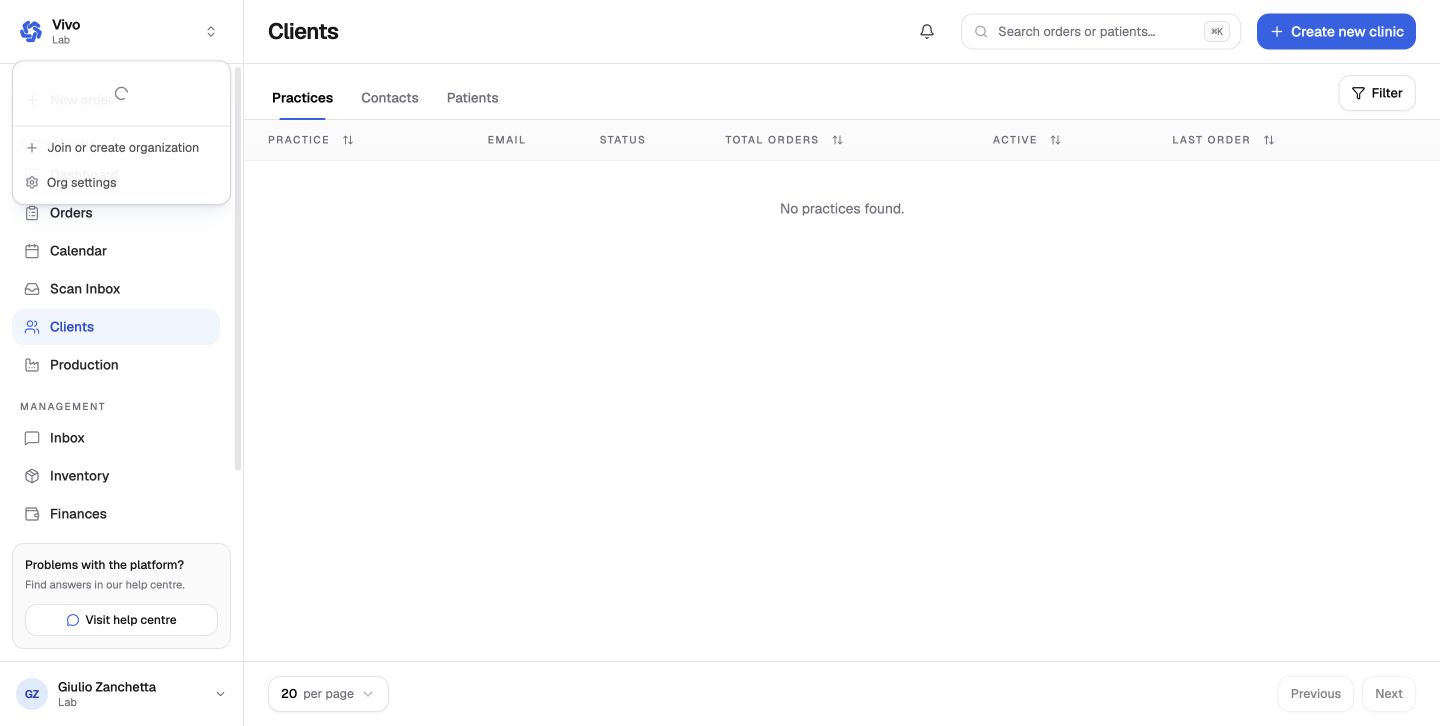
The screenshots use a synthetic clinic named GuideLab Docs Clinic, a synthetic patient named Alex Example, and the existing stage laboratory Vivo. No customer or production records are used.
Guide conventions
Page names and button labels are written exactly as they appear in the app. Where a feature differs between clinic and lab workspaces, the guide calls out the organization type explicitly.
Each settings article explains what the controls affect downstream, who can change them, and what should be verified after a change. The reference page also lists every current clinic and laboratory settings route so less frequently used features are not omitted.
For programmatic integrations, use the API guide and generated API reference.