Workspaces and navigation
Switch between clinic and lab organizations and understand the GuideLab sidebar.
A GuideLab account can belong to more than one organization. The active organization controls the data you see and whether the sidebar shows clinic or laboratory tools.
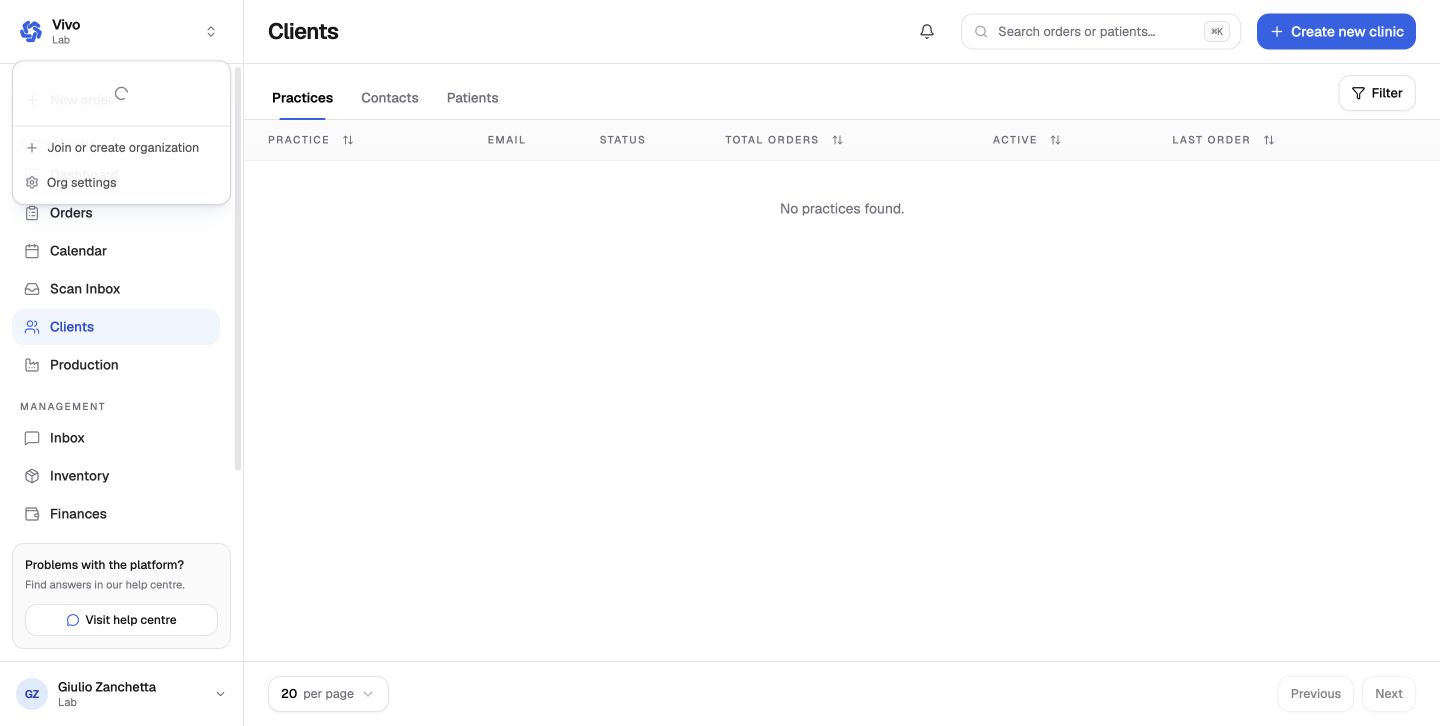
Switch organizations
Click the organization name and logo at the top-left of the sidebar.
Select the clinic or lab you want to work in. The organization type is shown under its name.
Check the sidebar before making changes. A clinic shows Patients, while a lab shows Clients, Production, Scan Inbox, and Reports.
Join or create another organization
Choose Join or create organization from the switcher. Select Create new organization to start a new clinic or lab, or use an invitation to join an existing team.
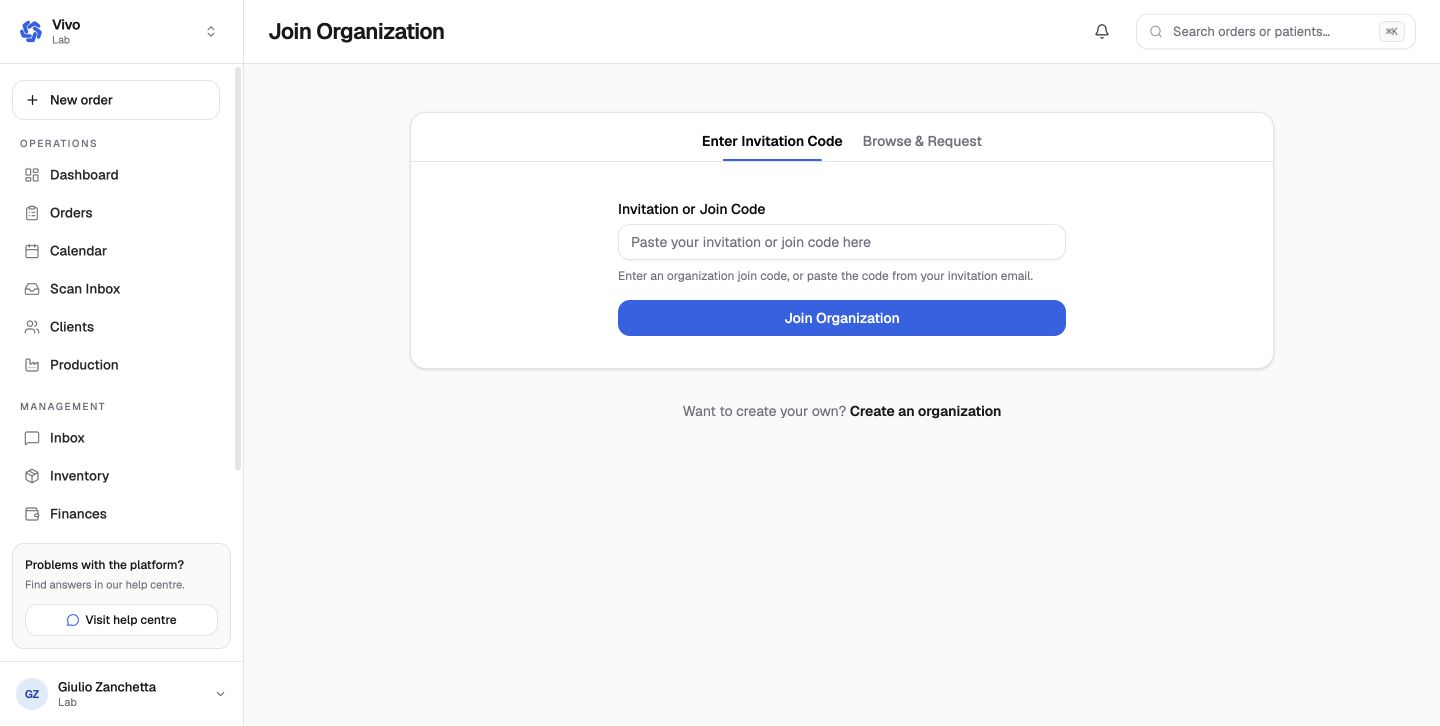
Keep the workspace in view
Always confirm the organization name before creating an order, patient, supplier, or financial record. Data belongs to the active workspace.
Next: Create an organization.