GuidesInventory
Inventory overview
Monitor stock value, availability, attention items, and recent movements.
Open Inventory to see the current stock position. The dashboard summarizes inventory value, category distribution, low or unavailable stock, expiring items, and recent movements.
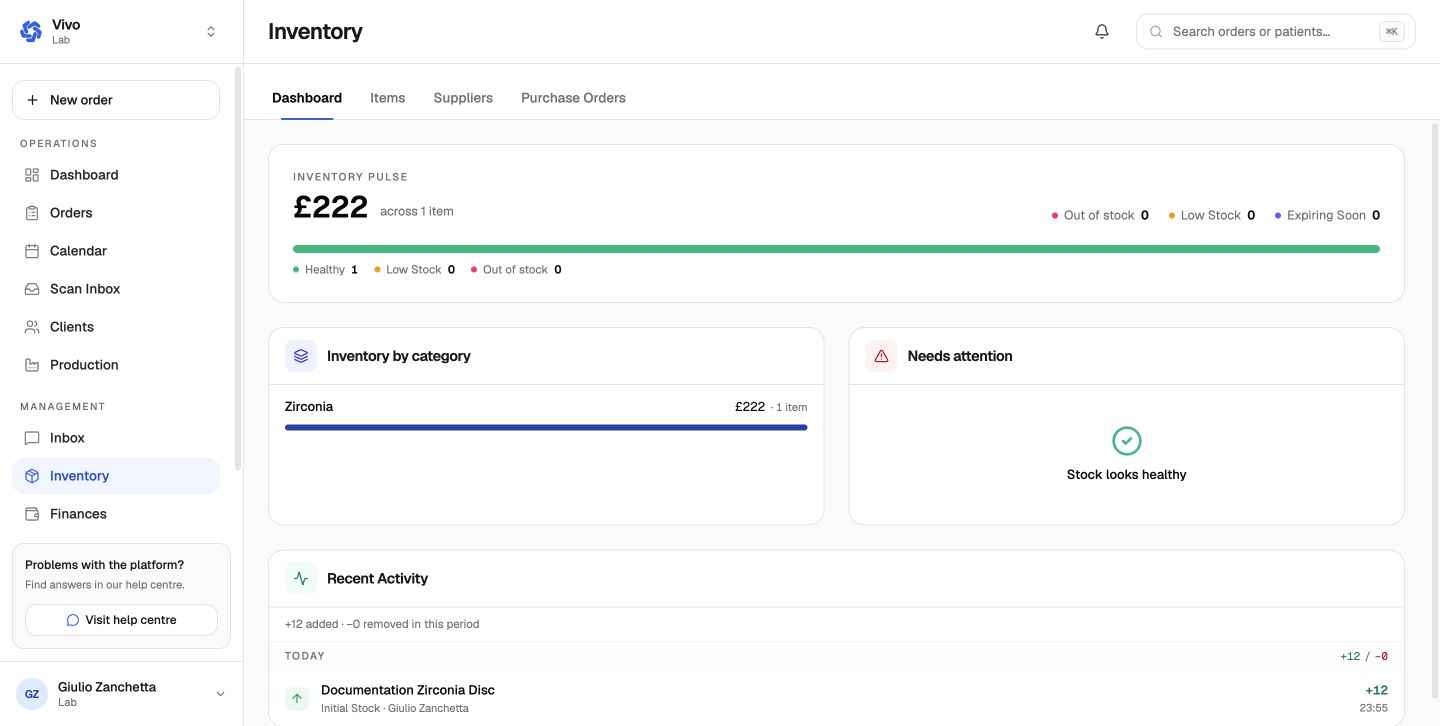
Read the dashboard
- Inventory pulse shows total recorded stock value and item health.
- Inventory by category explains where the value is held.
- Needs attention highlights low, unavailable, or expiring stock.
- Recent activity records additions and removals.
Minimum and maximum quantities set on each item drive the dashboard's health signals. Keep those limits current when usage changes.
Next: Create suppliers and items.