GuidesInventory
Purchase orders
Create, review, and send a purchase order for inventory stock.
Purchase orders group replenishment items under one supplier and track the order from draft through receipt.
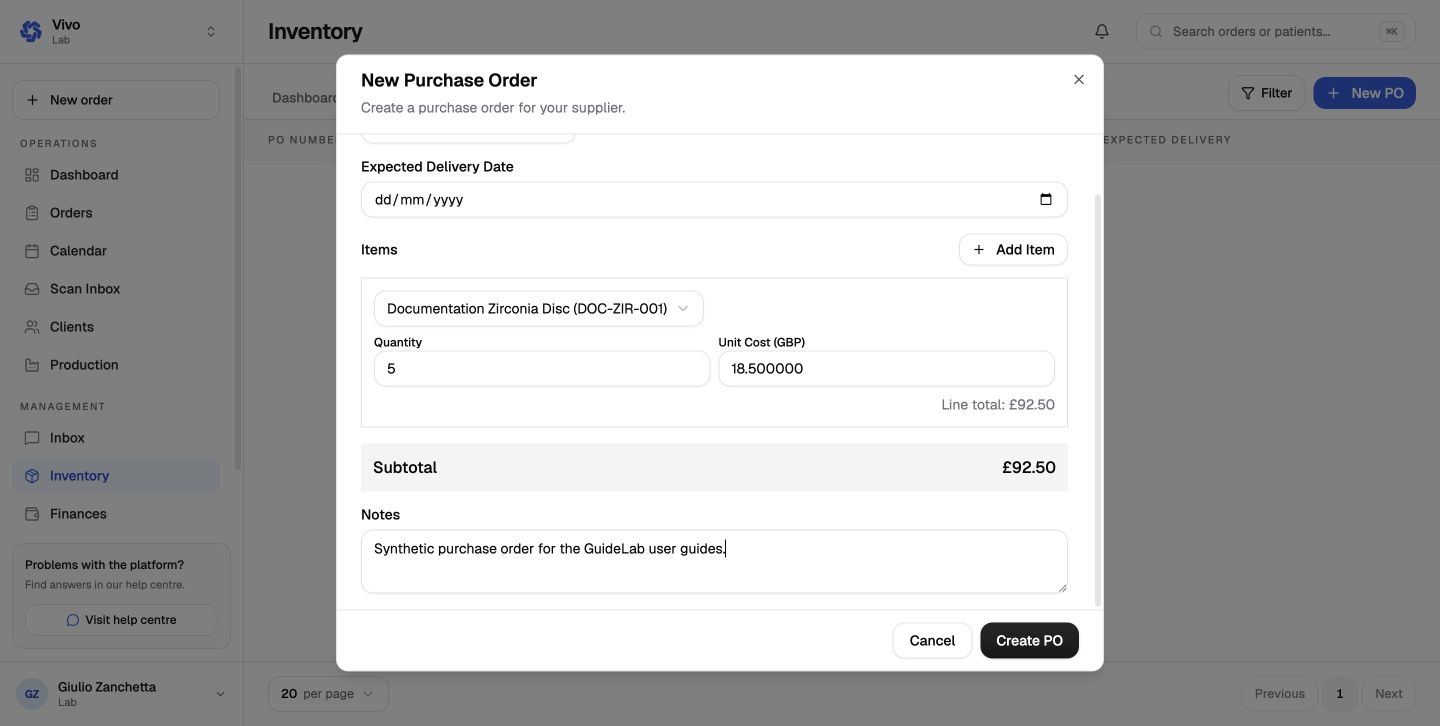
Add supplier, delivery, and line items
Choose the supplier, add the expected delivery date and notes, then select each inventory item and quantity. Review the calculated total before creating the order.
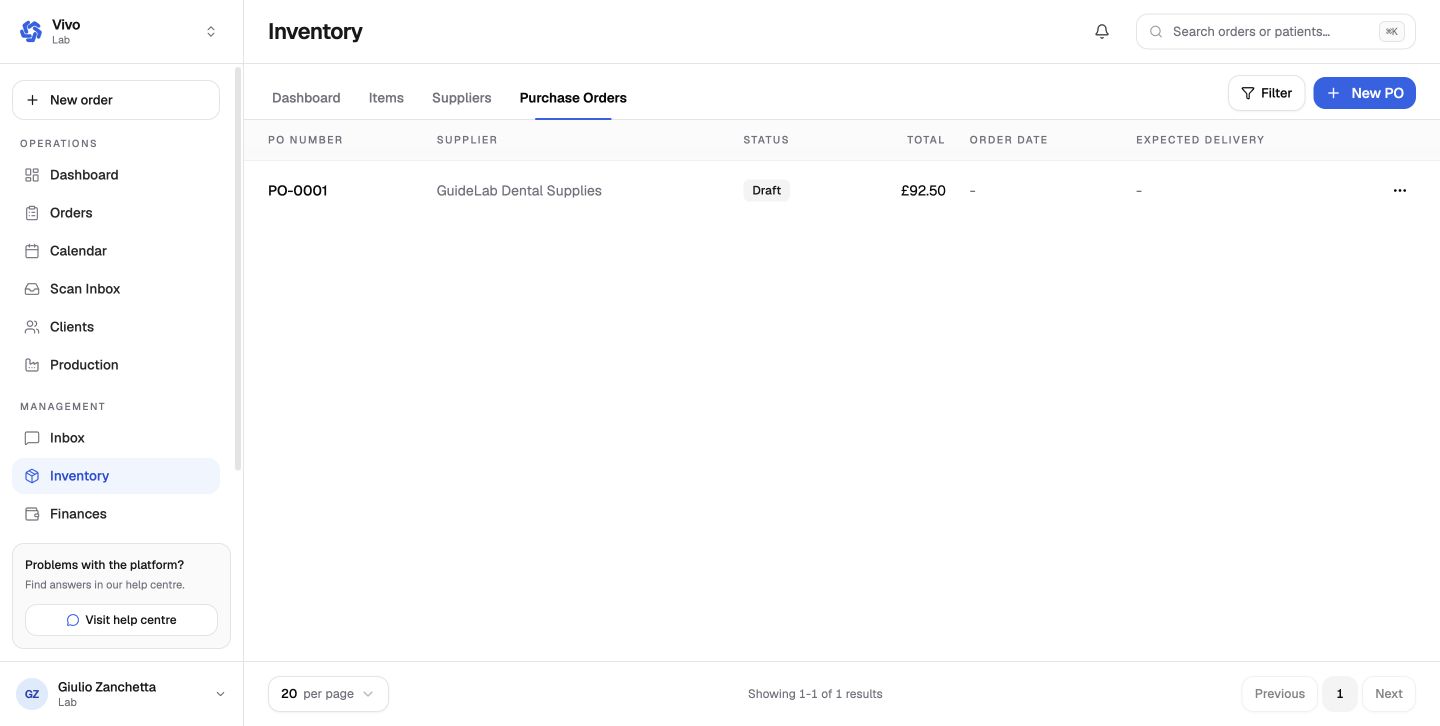
Review and send
Open the newly created draft, confirm every line, and mark it sent when the supplier order has actually been placed. Update receipt status only when the stock arrives.
Creating a purchase order does not replace the stock movement itself. Confirm the delivered quantities when goods are received.