Inbox
Use clinic and laboratory inboxes for case-related communication.
The Inbox keeps organization conversations inside the relevant clinic or laboratory workspace. Use it for operational discussion connected to clients, patients, and orders.
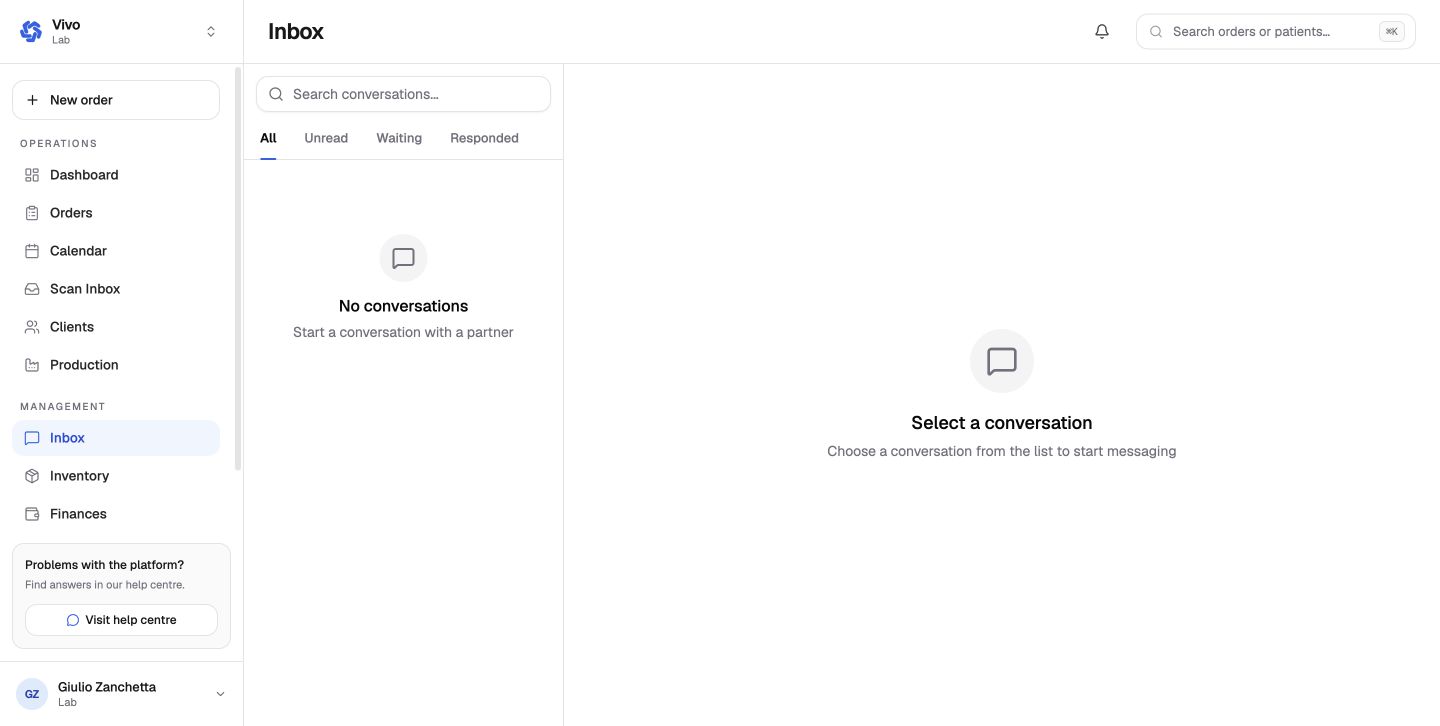
Start and manage a conversation
- open Inbox in the correct organization;
- select an existing conversation or start one with an available contact;
- keep the subject specific to the case or operational question;
- use the related order for clinical files and structured order details;
- resolve or archive the conversation when no follow-up remains.
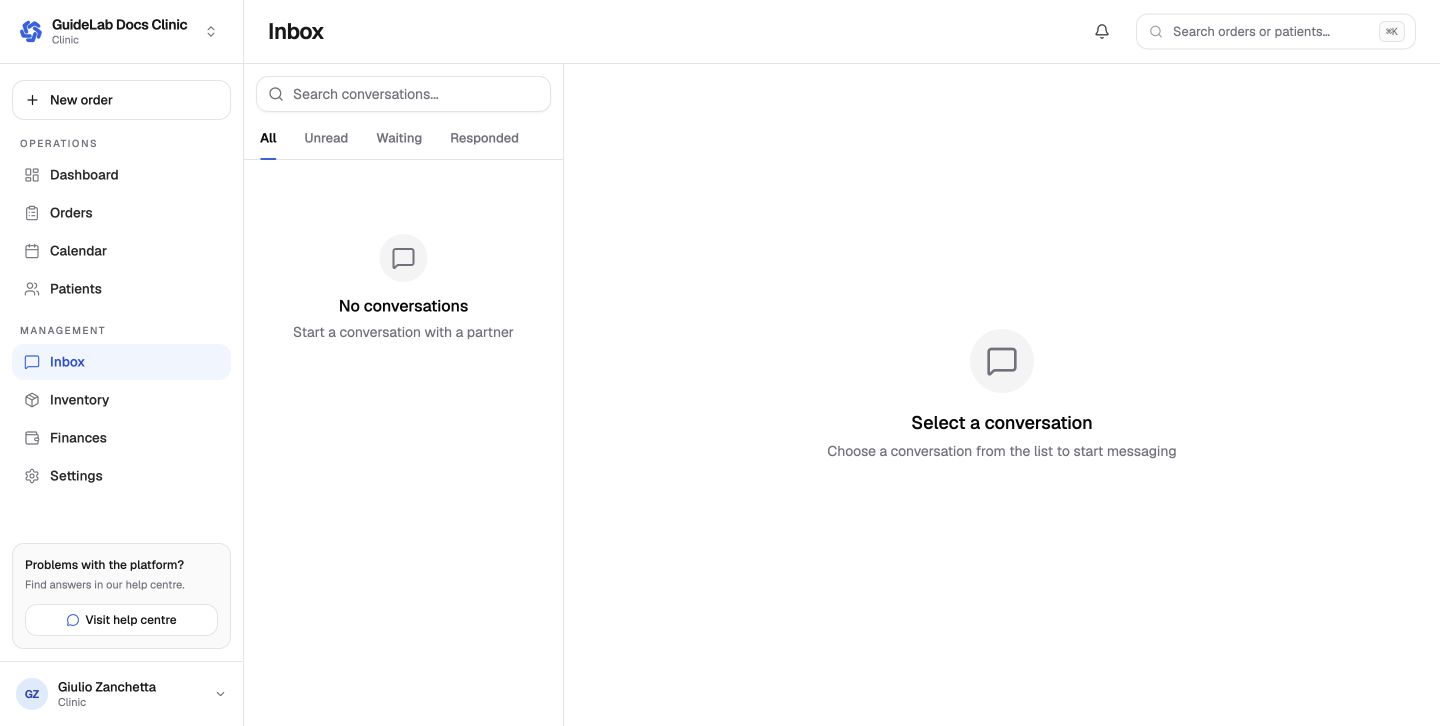
Confirm the organization first
The inbox changes with the active workspace. Verify the organization and recipient before sending patient- or case-related information.
Conversation scope
Use the ordinary inbox for organization-to-organization operational discussion. Use the order communication panel when the message belongs to one case; that keeps the conversation beside its files, status, patient, and production history.
Messages do not replace structured actions. Change a due date in the order, record a hold through the hold control, attach a file through the file area, and record payment through finance. The message can explain the decision, but the structured record remains the source of truth.
Notifications
Inbox activity can use the user's configured email, SMS, WhatsApp, or push channels. Organization Twilio settings control the lab-owned SMS/WhatsApp provider; personal preferences control whether the user wants each channel.