Clinic finance
Detailed reference for laboratory invoices, credit notes, statements, balances, payments, and autopay.
Clinic finance shows records issued by connected laboratories. It is organized around what the clinic owes, has paid, or can offset with credit.
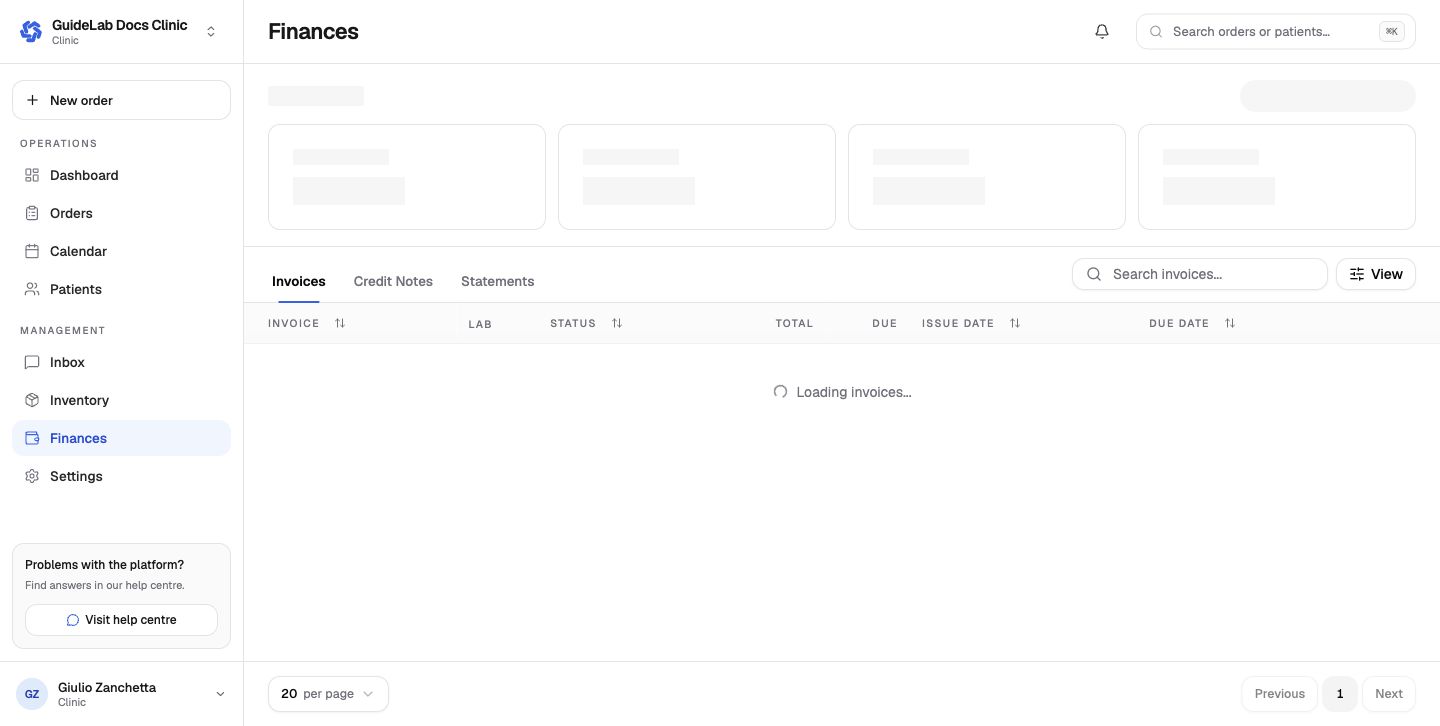
Invoices
Use search, sorting, pagination, and view controls to find an invoice. Review the lab, status, total, amount still due, issue date, due date, and line items before paying. Payment availability depends on the lab's Stripe connection, partnership payment policy, and the clinic's saved payment method.
Credit notes
Credit notes show the total issued and value remaining for allocation. A credit does not automatically mean cash was refunded; open the record to see how it was allocated.
Statements
Statements summarize opening balance, invoices, credits, payments, closing balance, and total due for a lab and period. Patient names may appear depending on the laboratory's statement setting.
Payment methods and autopay
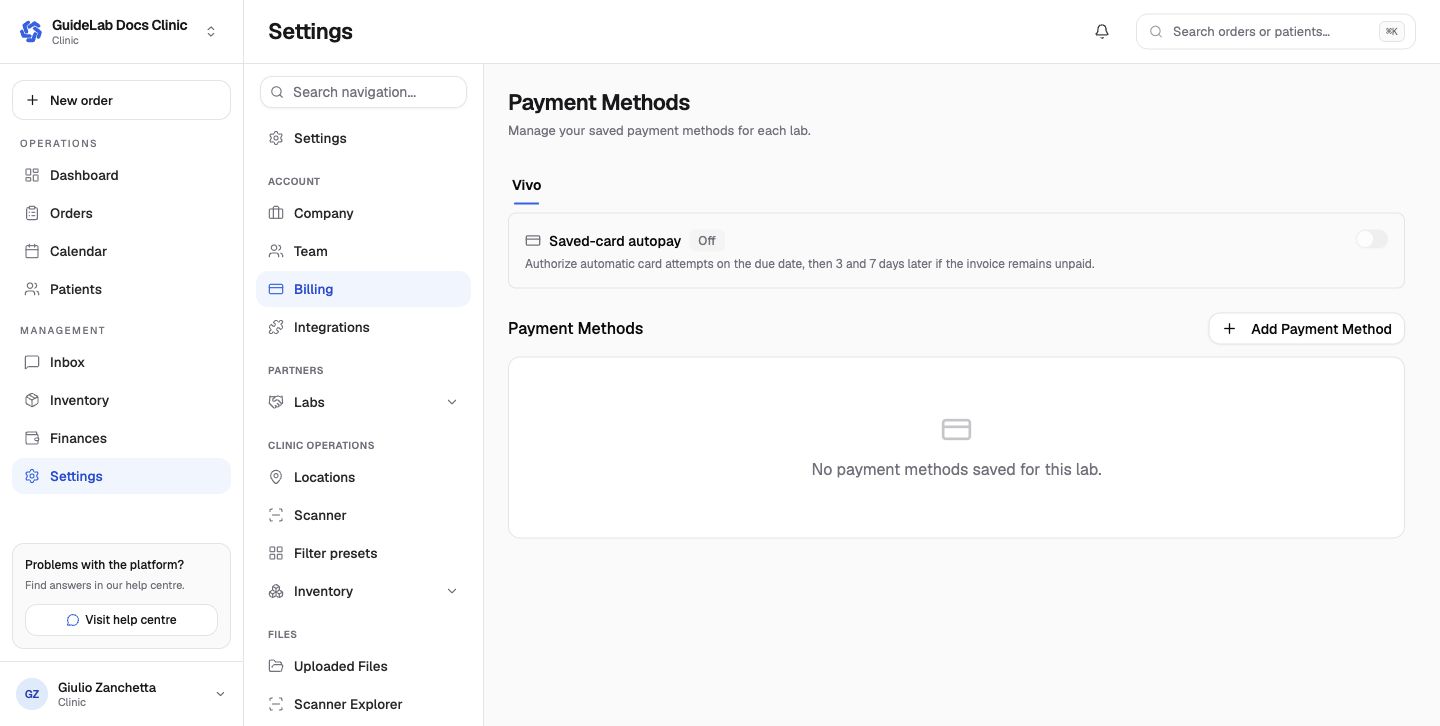
Payment methods are managed per laboratory under Settings → Billing. When saved-card autopay is enabled, GuideLab can attempt the saved card on the due date and again 3 and 7 days later while the invoice remains unpaid. Only enable it after confirming the card, billing authority, and connected lab.