GuidesFinance
Laboratory finance
Detailed reference for accounts, invoices, credits, overpayments, expenses, reconciliation, consolidations, statements, transactions, and aged balances.
The laboratory finance sidebar is a complete accounts-receivable and operational finance workspace.
Overview and accounts
- Overview summarizes outstanding value, monthly invoicing, payments, overdue totals, recent invoices, and recent payments by currency.
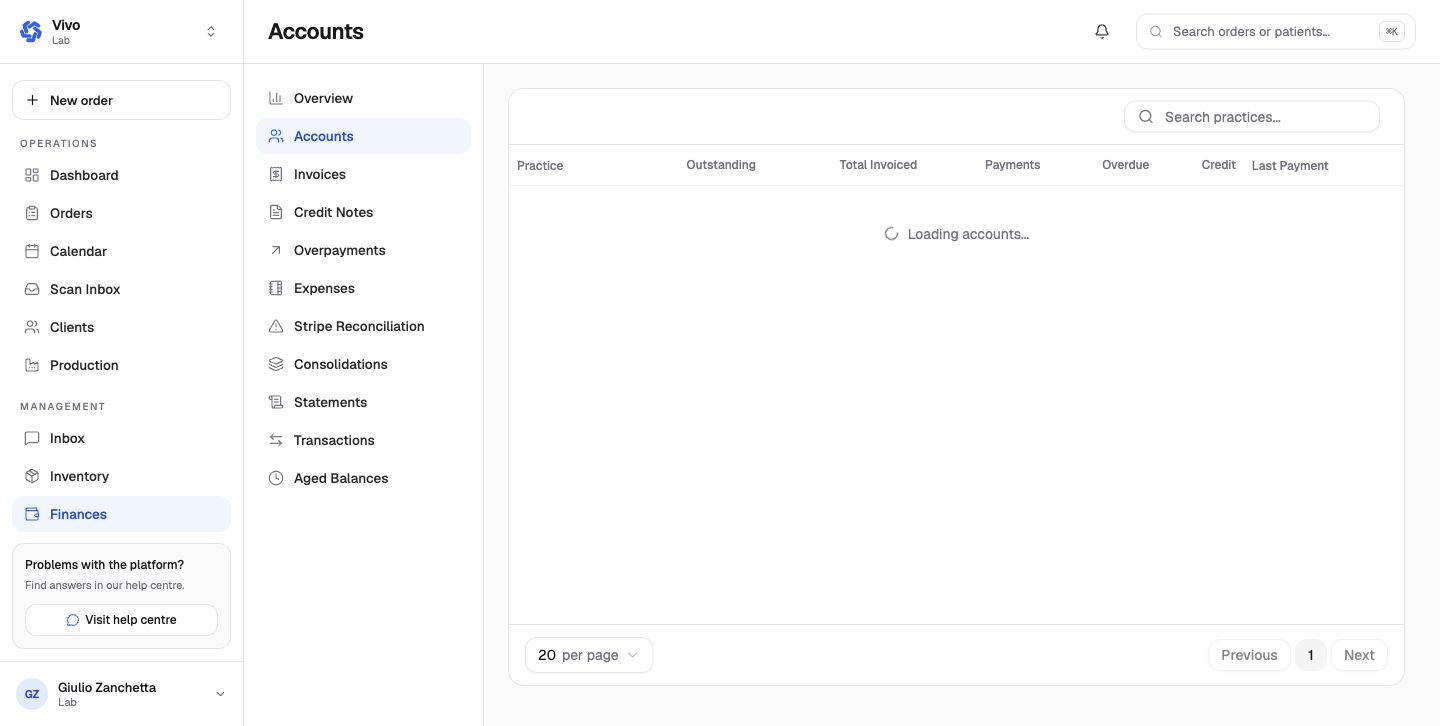
- Accounts gives each practice's outstanding, total invoiced, payments, overdue value, available credit, and last payment. Open an account for its invoice and transaction history.
Invoices and credit
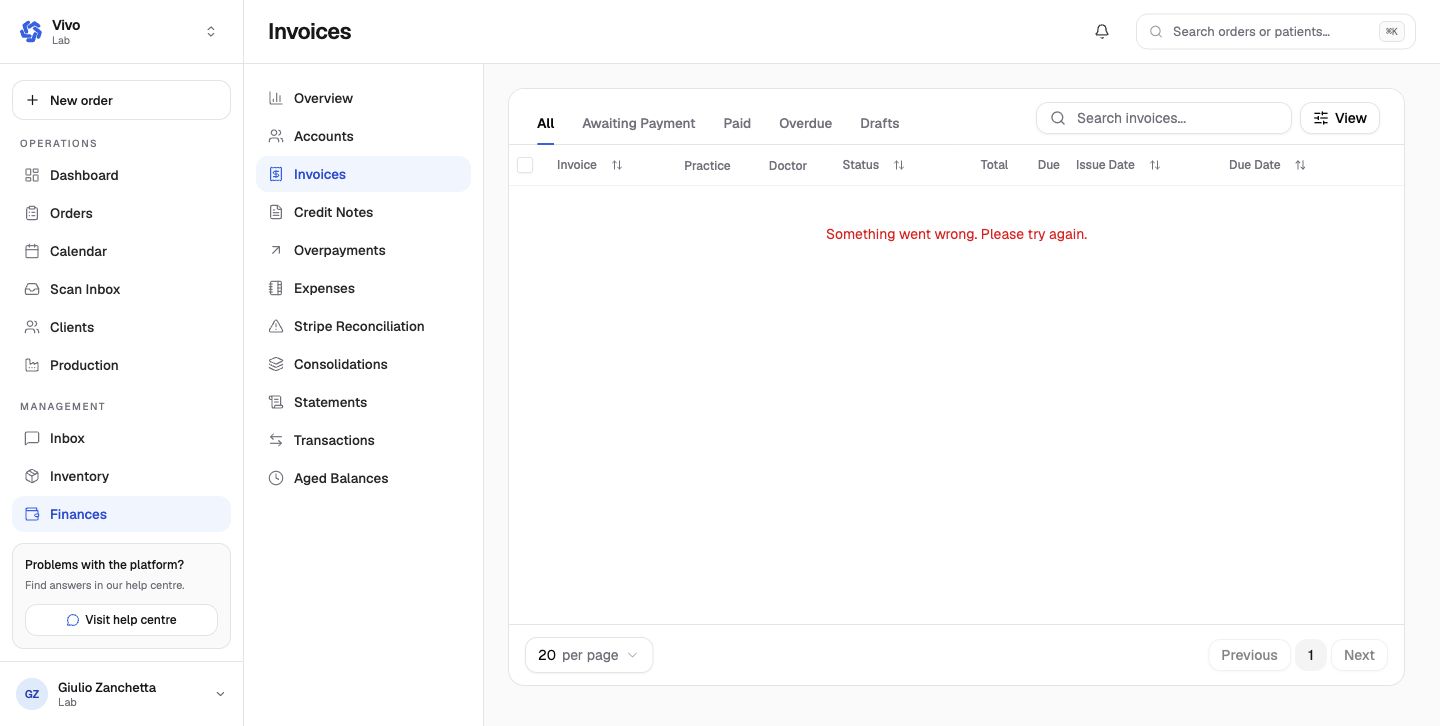
- Invoices separates all, awaiting payment, paid, overdue, and draft records. Rows expose practice, doctor, status, total, due, issue date, and due date.
- An order's shipping charge is billed as its own invoice line at its shipping type's VAT rate. A discount never applies to it, whether it is an upfront payment discount or one added to a draft invoice, and a draft's discount cannot exceed the subtotal of its other lines.
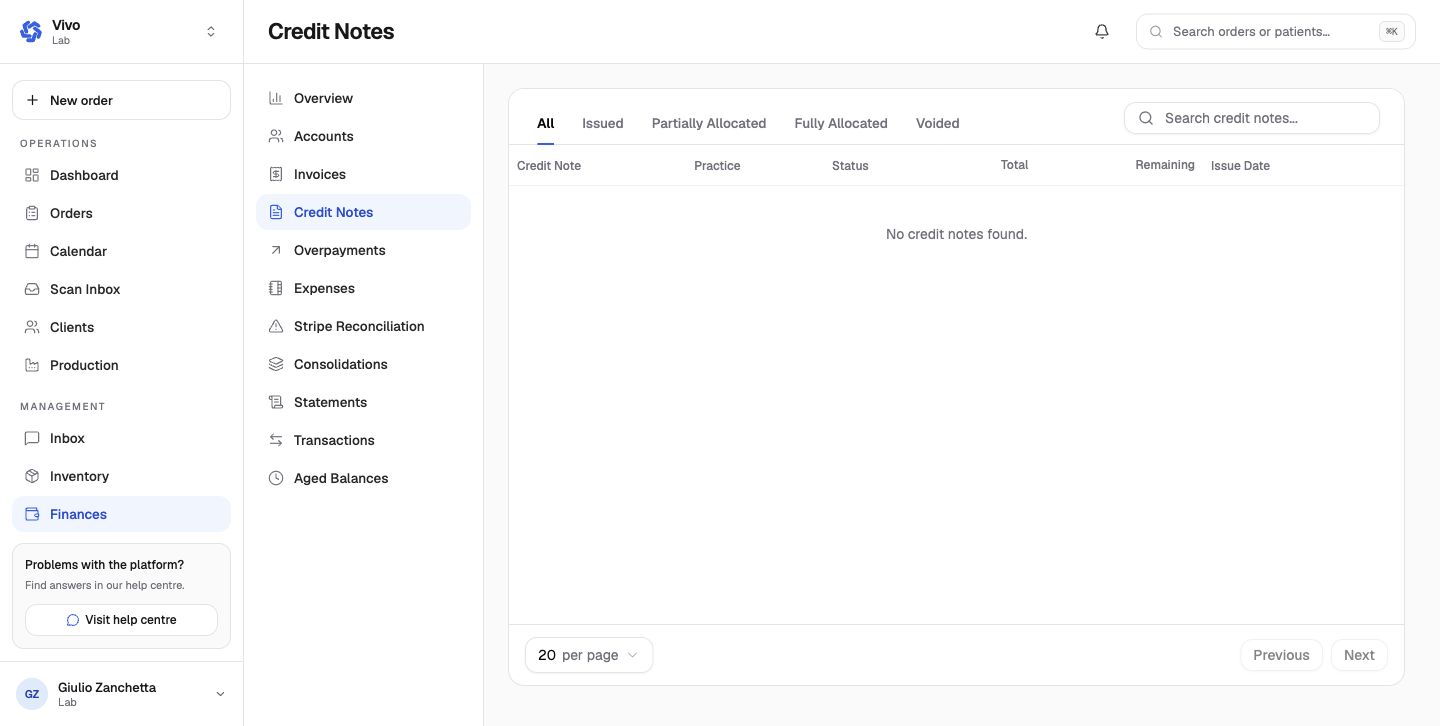
- Credit Notes tracks issued, partly allocated, fully allocated, and voided credits, including remaining value.
- Overpayments tracks original payment, linked invoice, overpaid, refunded, remaining, and date; allocate or refund through the permitted actions.
Expenses and reconciliation
- Expenses records manual cash expenses in the reporting currency, with pending, paid, and void states plus original and reporting amounts.
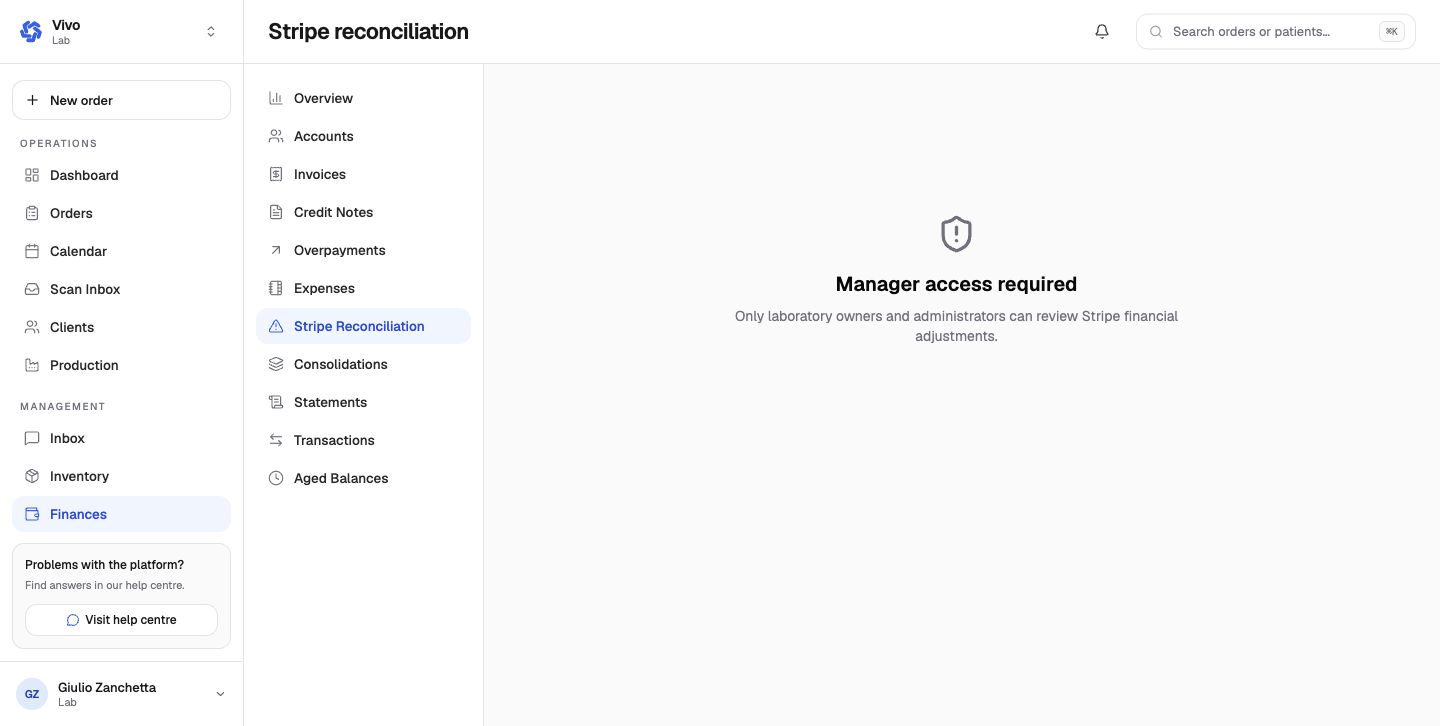
- Stripe Reconciliation exposes provider-side discrepancies and financial adjustments. It is limited to laboratory owners and administrators.
Consolidations, statements, and ledger views
- Consolidations groups eligible invoices for one recipient, currency, and period into a consolidated document.
- Statements generates practice account summaries for a selected date or period.
- Transactions is the chronological ledger-style list and can be filtered by type or exported.
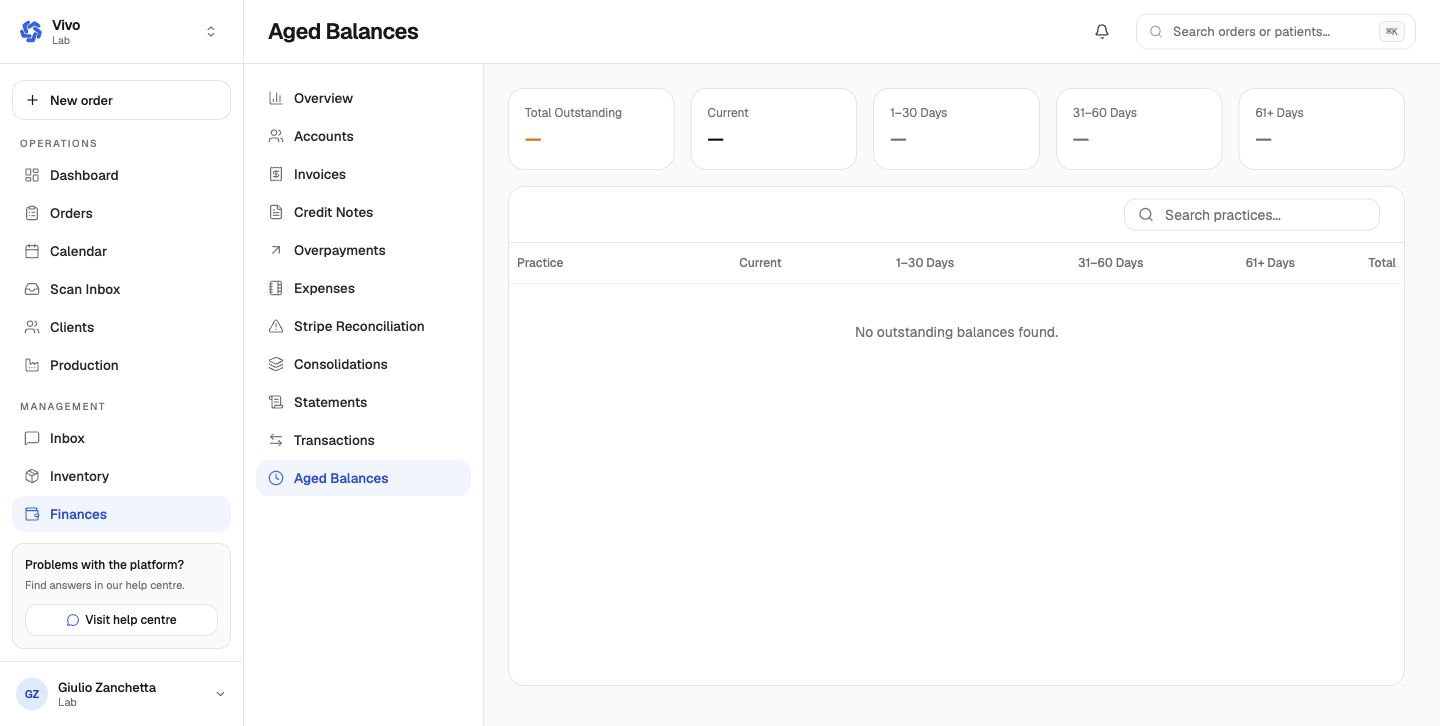
- Aged Balances splits open receivables into current, 1–30, 31–60, and 61+ day buckets.
Configuration
Settings → Finance settings controls default invoice terms, list window, reminder milestones, overdue credit hold, terms, bank transfer information, nominal code, statement options, late fees, finance email automation, payment policy, and sales tax. See Finance settings and data.
Current stage issue
The stage invoice register currently returns an internal-server error. Other finance sections load, but invoice-dependent actions should be treated as unverified until that defect is fixed.