Finance settings and data management
Configure invoice, payment, tax, statement, and finance-email policy, then safely import, export, and restore archived records.
Finance settings
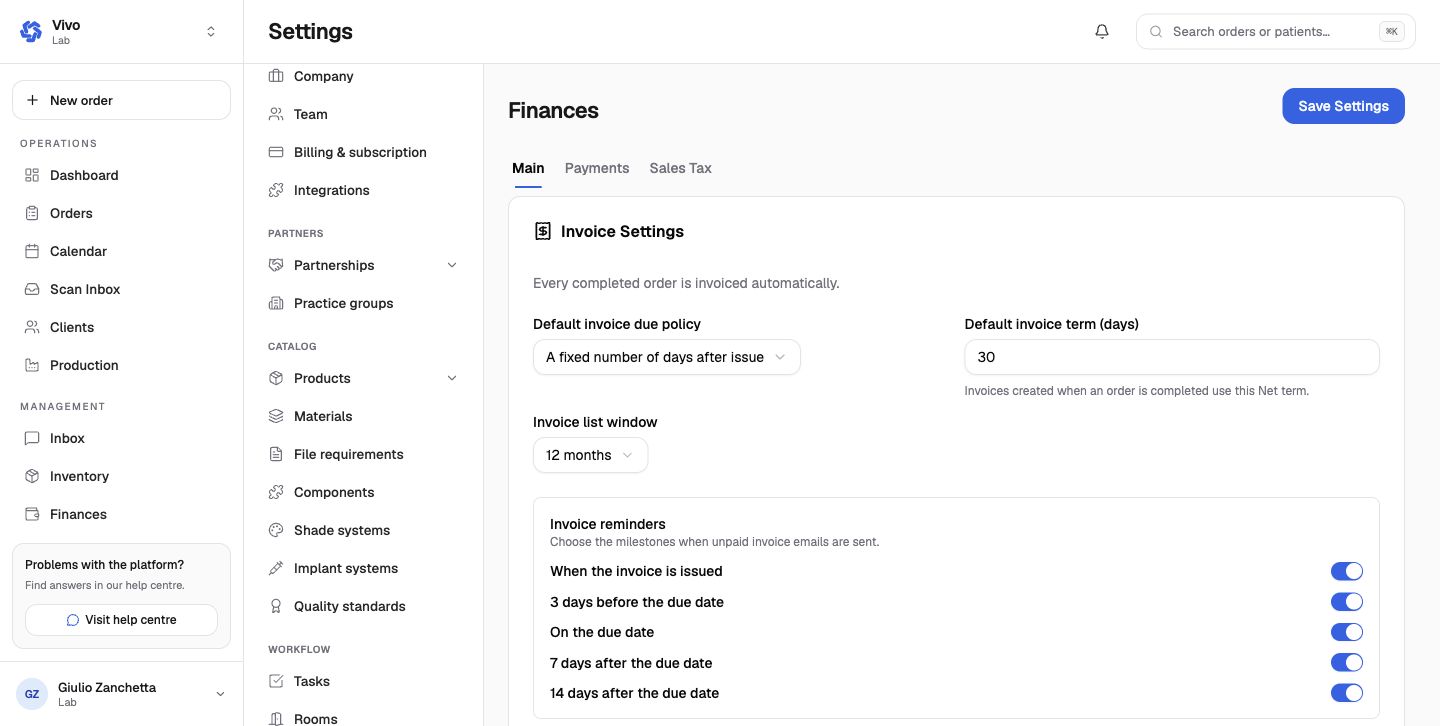
Finance settings are split into Main, Payments, and Sales Tax.
Main
- invoice creation and default due policy or Net term;
- invoice-list time window;
- issue, pre-due, due-date, and overdue reminder milestones;
- overdue credit hold that can override normal clinic payment policy;
- invoice terms, bank-transfer information, and nominal code;
- monthly statement day and display options;
- late-fee policy;
- automatic sales-invoice, sales-credit, statement, and consolidated-invoice emails.
Payments and tax
Payment settings define default partnership payment behavior and owner-only Stripe connection controls. Sales Tax manages the tax rates used by invoice lines. Confirm currency and accounting mappings before activation.
Import
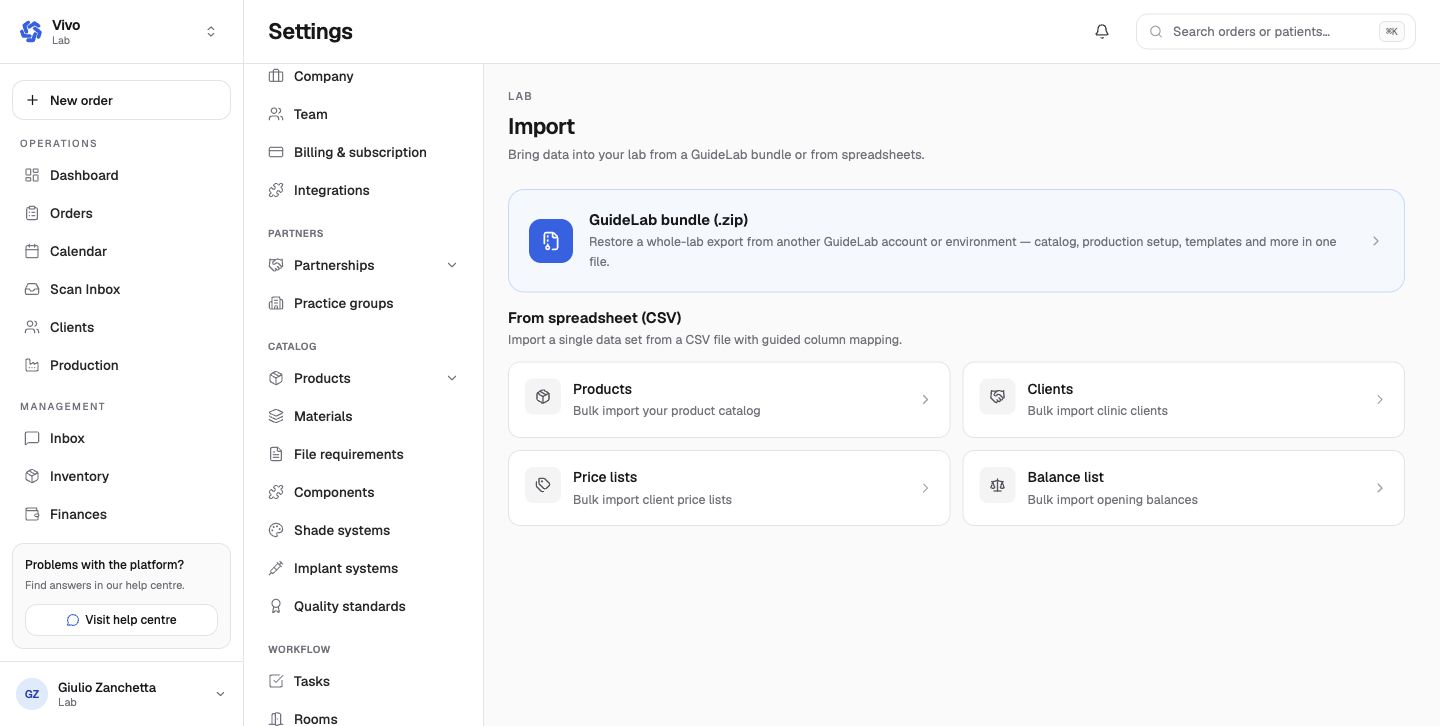
Import either:
- a GuideLab
.zipbundle containing selected lab configuration; or - one CSV dataset for products, clients, price lists, or opening balances using guided column mapping.
Review the preview, mapping, row limit, and validation errors before applying an import. Keep the source export and error report until reconciliation is complete.
Export
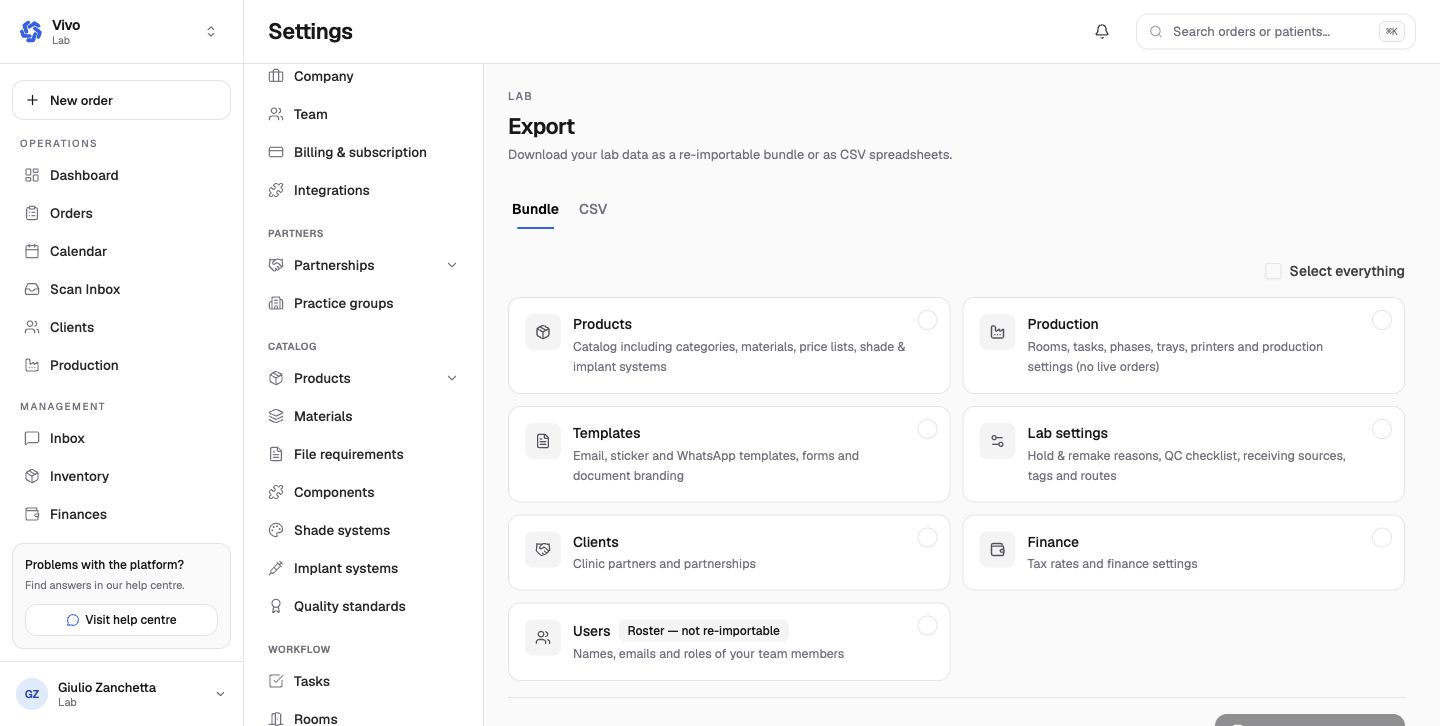
Bundle export can include products, production configuration, templates, lab settings, clients, finance settings, and a non-re-importable team roster. CSV exports provide focused tabular datasets. Live orders are not part of the production-configuration bundle section.
Exports can contain personal, clinical, and financial data. Select the minimum sections, store the file securely, and delete temporary copies after use.
Archive
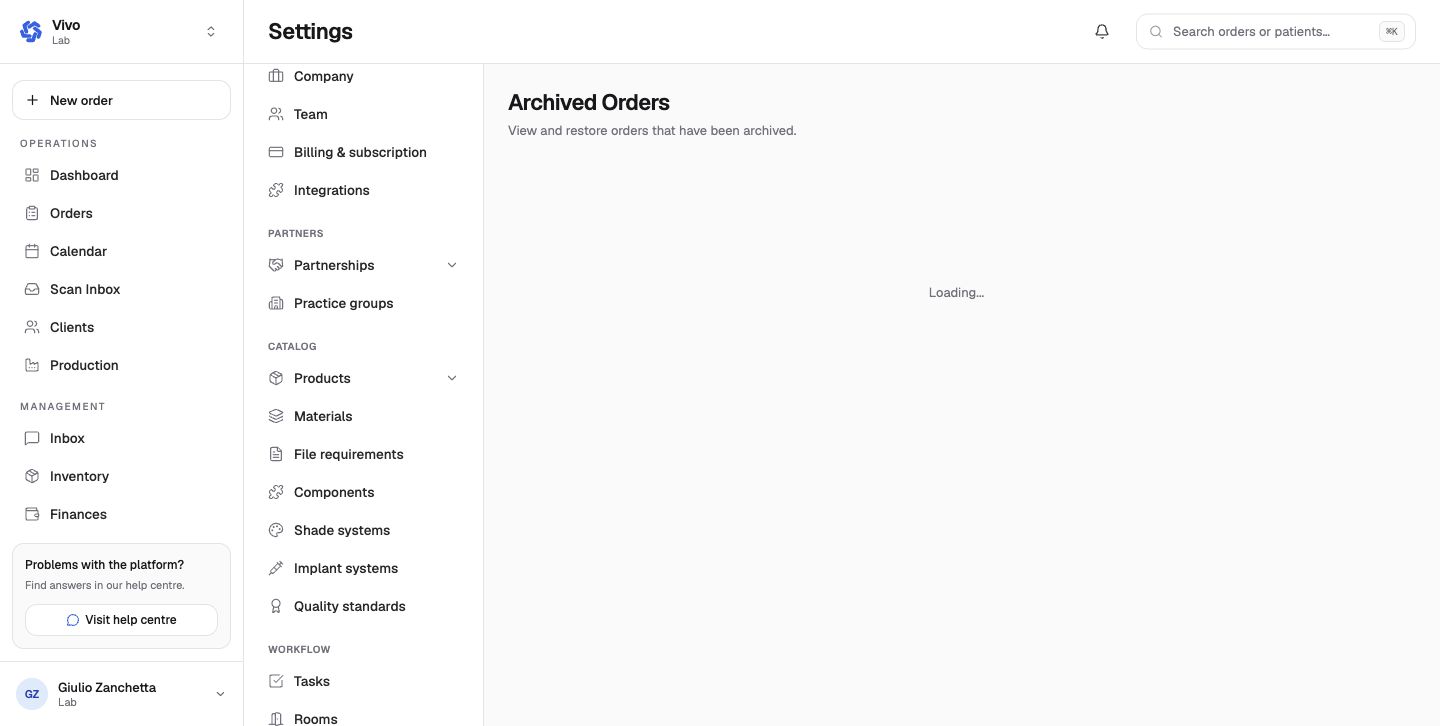
Archived Orders and Archived Patients are searchable restore surfaces, not a hard-delete function. Restoring returns the record to the active workflow while preserving its history and relationships.