Order operations settings
Configure tags, filter presets, work trays, hold reasons, remakes, and QC.
Order-operation settings define how teams classify and find cases, and how exceptions are recorded.
Tags and filter presets
Tags are color-coded labels for custom order categories such as priority or an internal workflow distinction. They have a name, description, color, order, and active state.
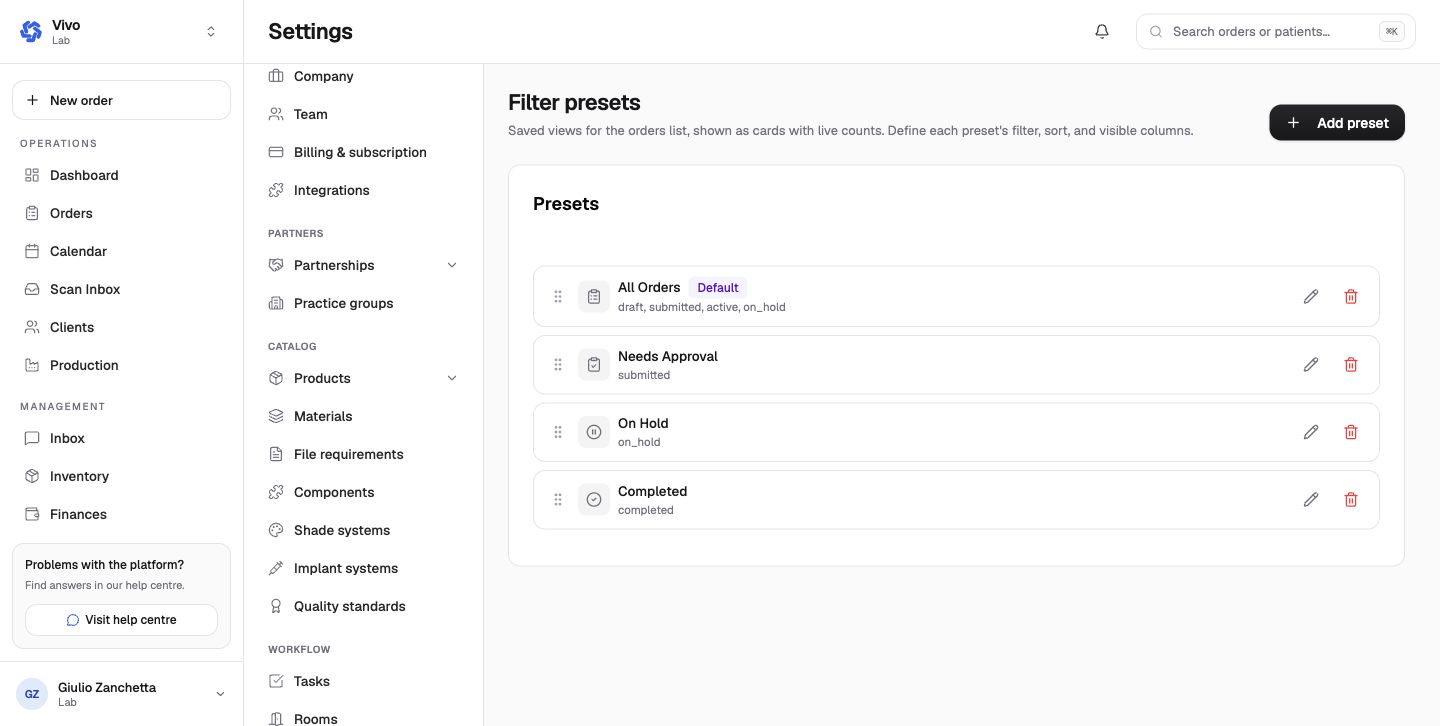
Filter presets create the cards shown above the order list. Each preset defines status and other filters, sort order, and visible columns. Built-in examples are All Orders, Needs Approval, On Hold, and Completed.
Work trays
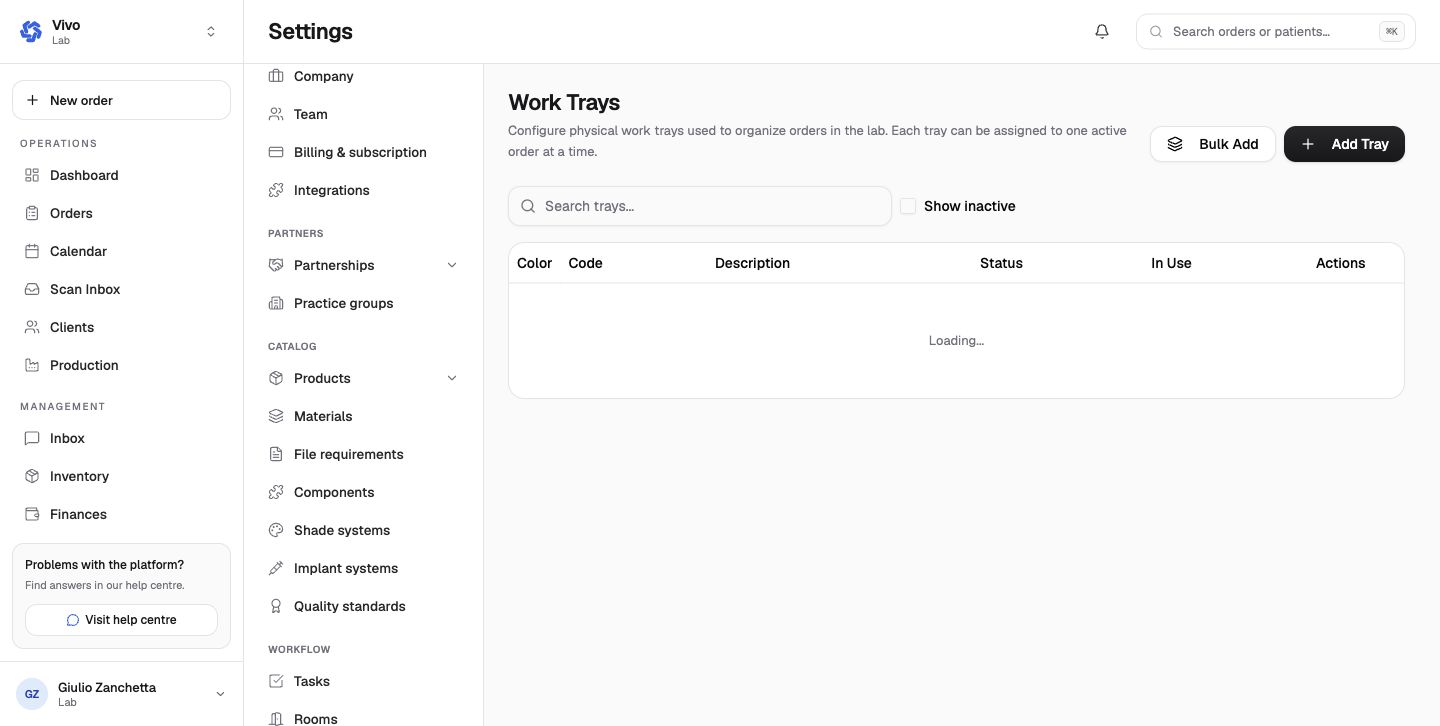
Each physical tray has a unique code, optional color/description, and active state. A tray can be assigned to only one active order at a time. Bulk Add creates a bounded code sequence for new physical trays.
Holds, remakes, and quality control
Hold reasons are ordered choices used when pausing an order. Use specific, actionable reasons rather than ambiguous labels.
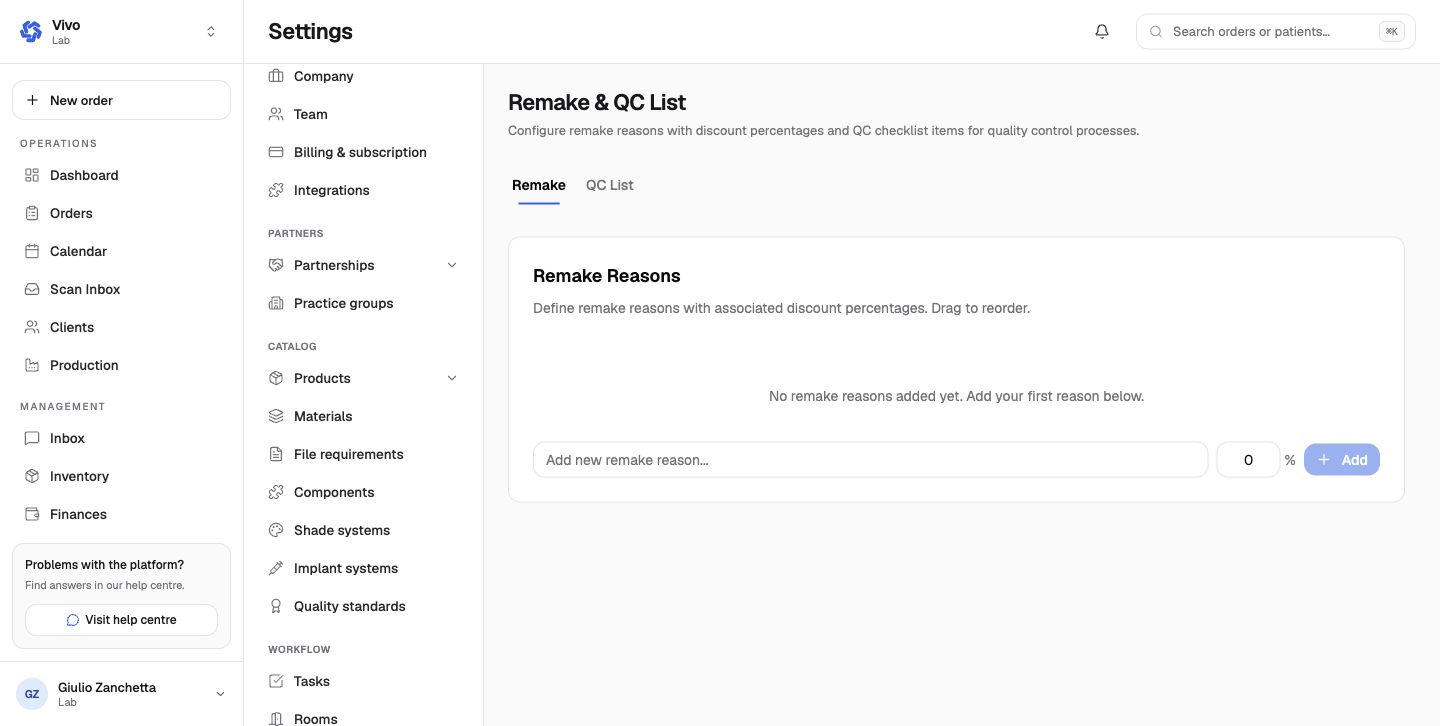
Remake reasons can include a discount percentage. QC List items form the quality-control checklist. Keep financial treatment and quality evidence separate: a remake reason is not a substitute for recording failed QC criteria.