Catalog products and pricing
Configure orderable laboratory products, prices, turnaround, visibility, requirements, and conditional options.
The laboratory catalog defines what clinics and lab users can add to an order. Product configuration also drives file requirements, material consumption, clinical options, price, due-date calculation, and production behavior.
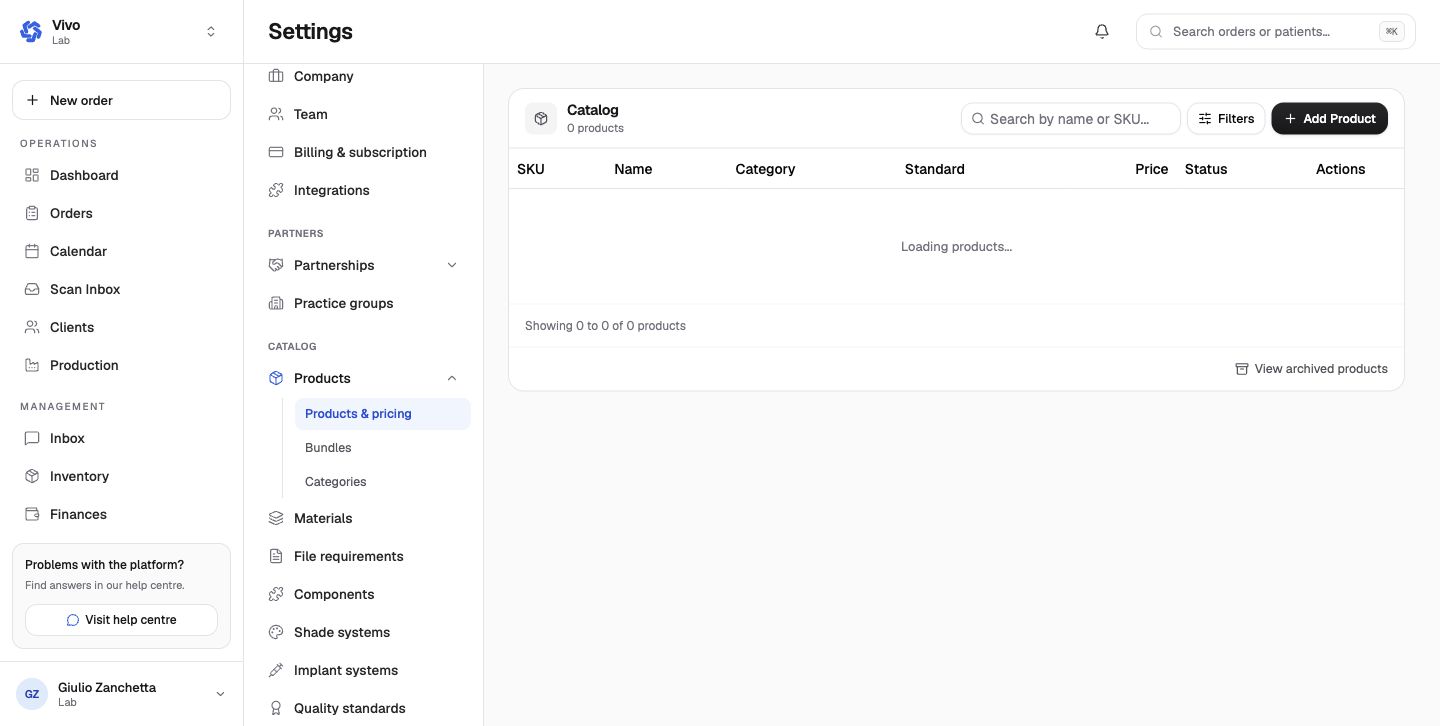
Product model
Review these areas for every product:
| Area | Effect |
|---|---|
| Identity | Name, SKU/code, description, category, and searchability |
| Availability | Active state and whether the item is shown in the catalog |
| Commercial | Base price, currency, client price-list behavior, and optional markup |
| Shipping | Weight in grams, which prices shipping; see Shipping prices |
| Scheduling | Turnaround or working-day duration used for due-date suggestions |
| Clinical configuration | Materials, shades, implant options, components, and custom fields |
| Files | Required attachment types and accepted formats |
| Production | Tasks, phases, room behavior, material requirements, and planning exclusions |
| Conditional behavior | Visibility and triggered product/configuration rules based on earlier answers |
Catalog checklist
- use a clear clinical name and description;
- group related items consistently;
- set the current price and currency;
- enter the weight of every physical product, so shipping is priced by what an order really weighs (a blank weight counts as 0 g and is flagged to the lab);
- record required options and specifications;
- disable services the laboratory cannot currently accept;
- test the clinic order wizard after a material catalog change.
Bundles and categories
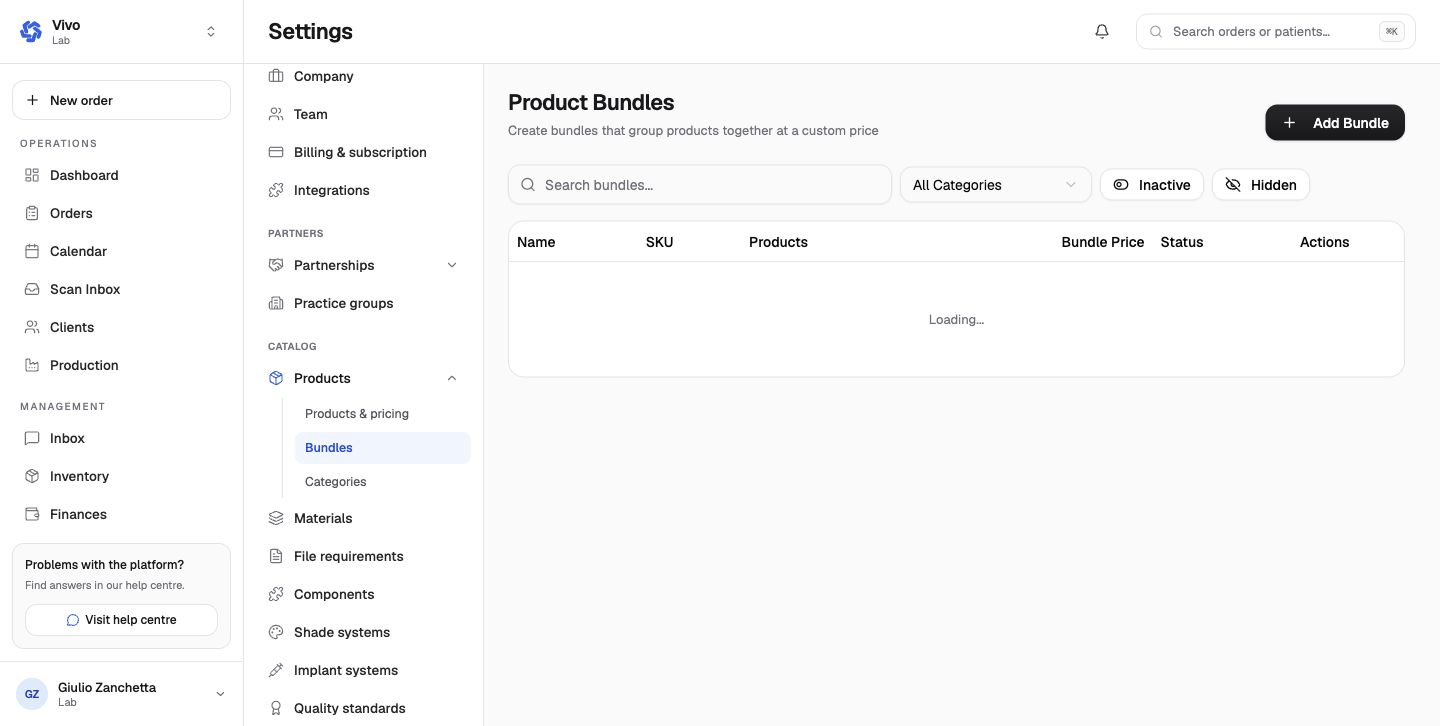
Bundles combine multiple products into one orderable selection with bundle pricing. Test component quantities and the resulting required fields/files.
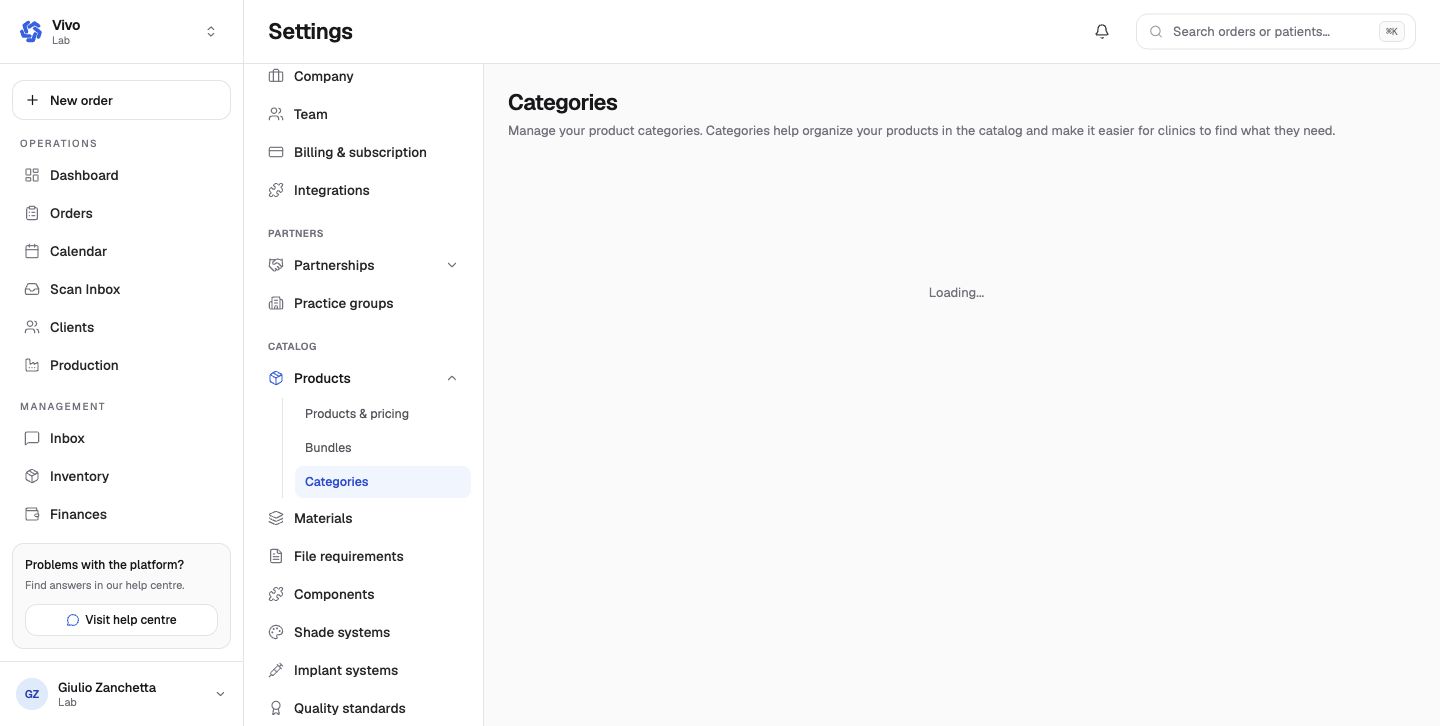
Categories create the hierarchy used by the order browser and reporting. Ordering affects navigation. Hiding a category or product removes it from future catalog selection without rewriting existing orders.
Catalog changes affect future order entry. Existing orders retain their own recorded case details and should be reviewed independently.