Account and settings access
Distinguish personal account settings from organization settings and understand read-only behavior.
GuideLab has two settings scopes:
- Account settings follow the signed-in person across every organization.
- Organization settings belong to the active clinic or laboratory.
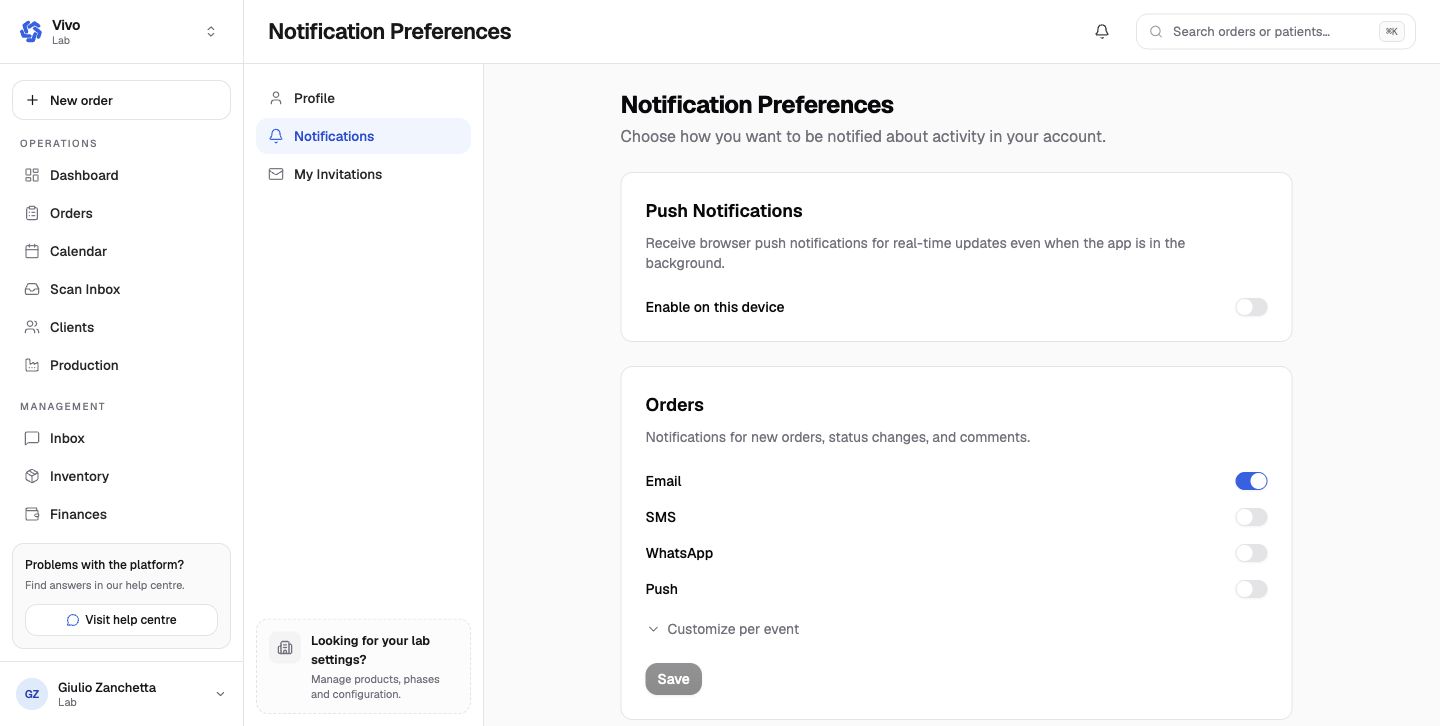
Personal account scope
Profile manages name, avatar, phone, language, password, two-factor authentication, active sessions, and account erasure. Notifications chooses channel preferences. My Invitations lists organization invitations after the mailbox is verified.
Organization scope
The settings sidebar changes when the active organization changes. Company, team, billing, partnerships, operational defaults, catalog, workflow, and finance settings never automatically copy between organizations.
Read-only behavior
Staff roles can inspect settings needed to understand the workflow, but inputs, buttons, checkboxes, selects, and obvious mutation links are locked. Owners and admins can manage most settings. Billing and selected provider controls remain owner-only. The API repeats these checks, so bypassing a disabled control does not grant access.
See Roles and access for the role checklist.