Calendar, scanners, and inventory settings
Configure working dates, scanner connections, stock alerts, expiry, automatic deduction, categories, and adjustment reasons.
Working calendar
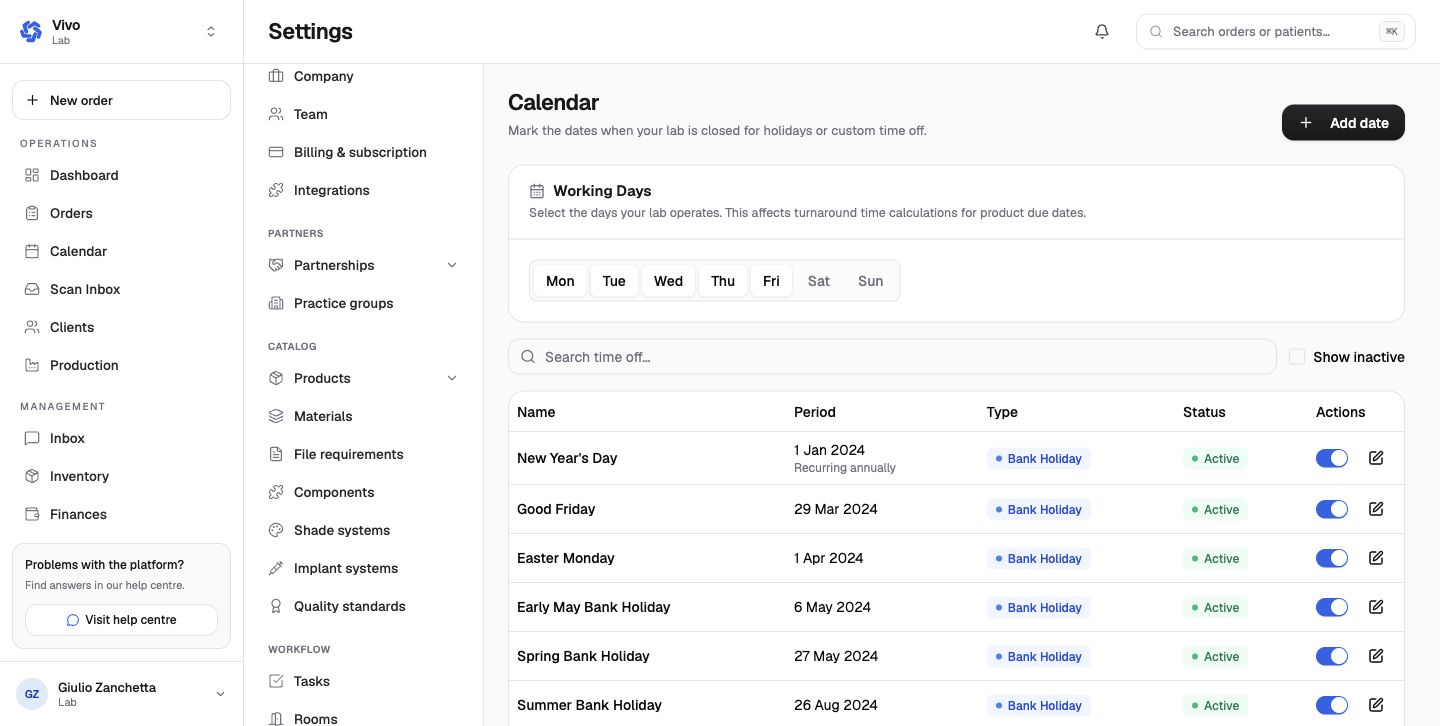
Choose the weekdays the lab operates and add recurring or one-time holidays and closures. These dates affect product due-date and turnaround calculations. An inactive closure remains in history but no longer removes the date from working time.
Scanner connections
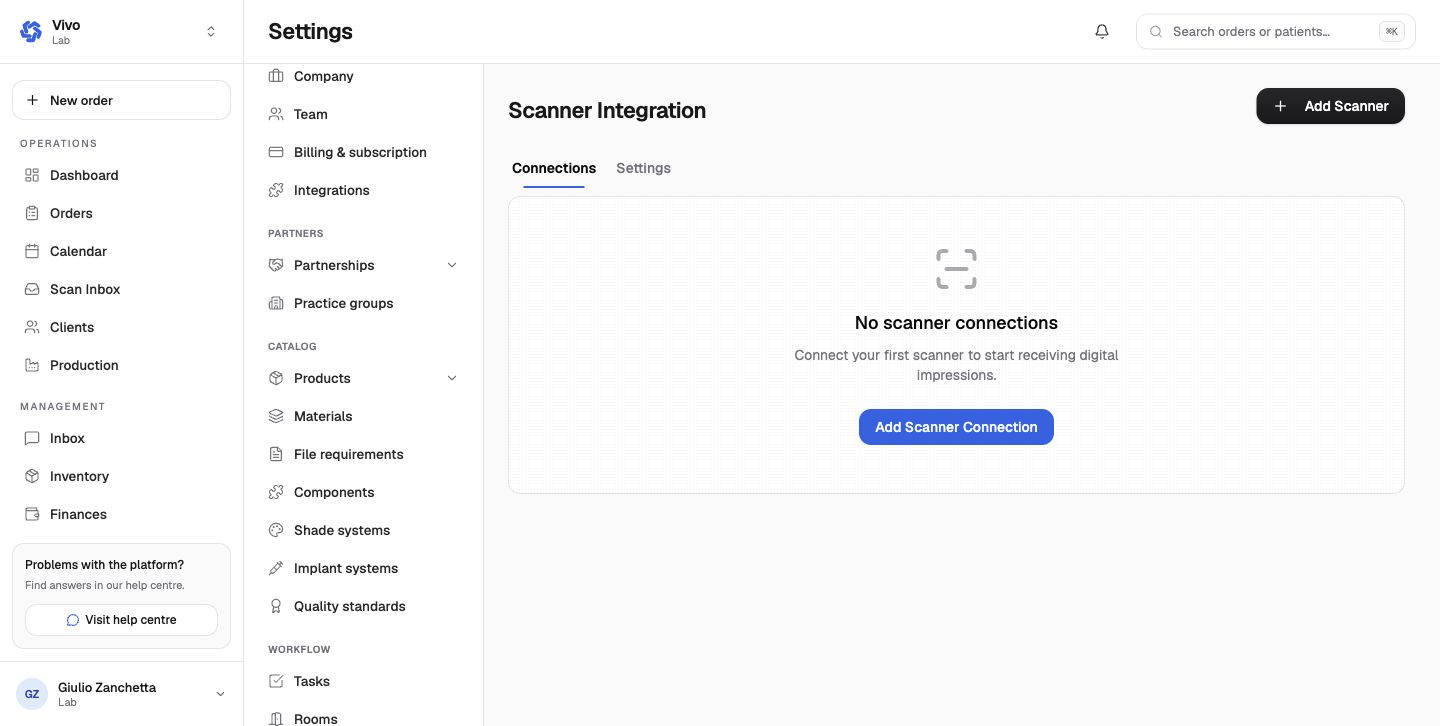
The scanner page separates Connections from global Settings. Add the provider, complete its supported authorization flow, select any related account, then verify a bounded case lookup before relying on the Scan Inbox or Scanner Explorer.
Inventory behavior
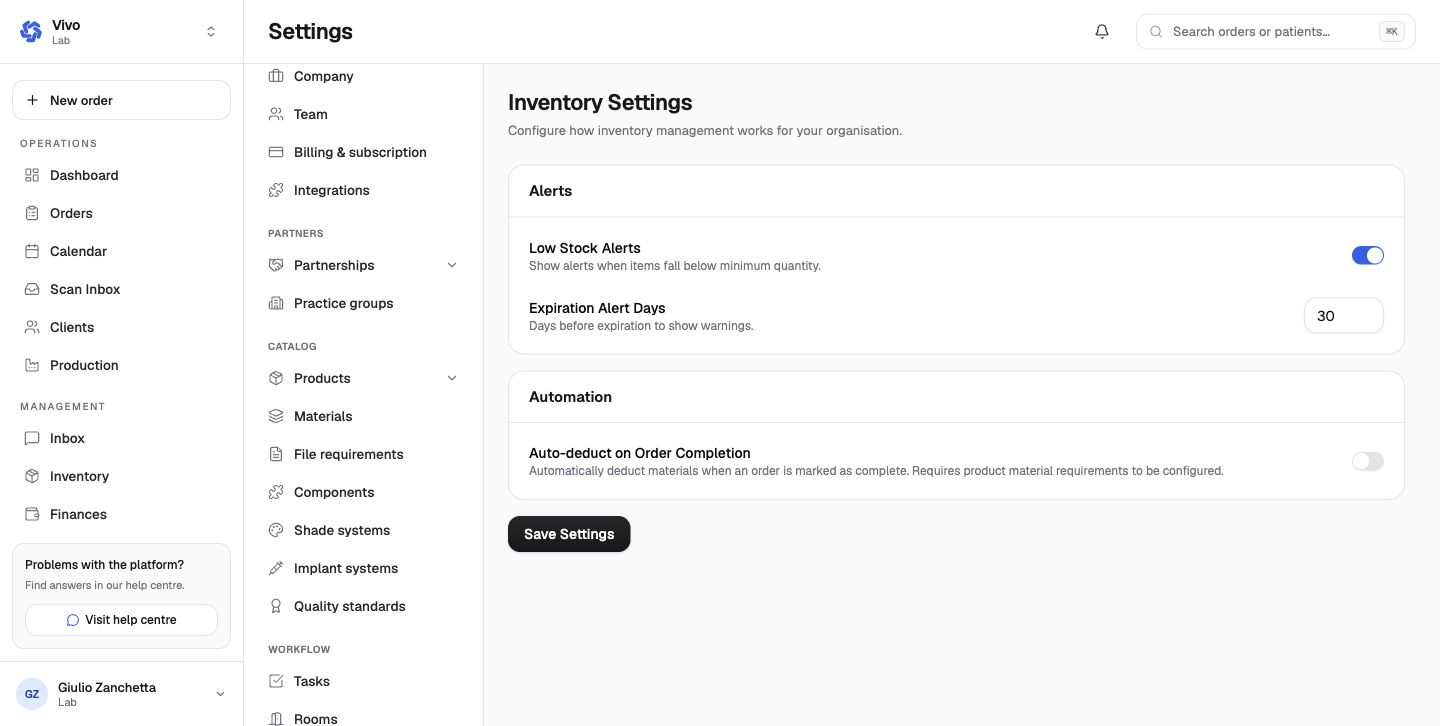
- Low Stock Alerts uses the item's minimum quantity.
- Expiration Alert Days sets the warning window before expiry.
- Auto-deduct on Order Completion consumes product material requirements when the case completes.
Auto-deduction needs accurate product-to-material quantities. Test a synthetic completion and verify the resulting stock movement before enabling it broadly.
Categories and adjustment reasons
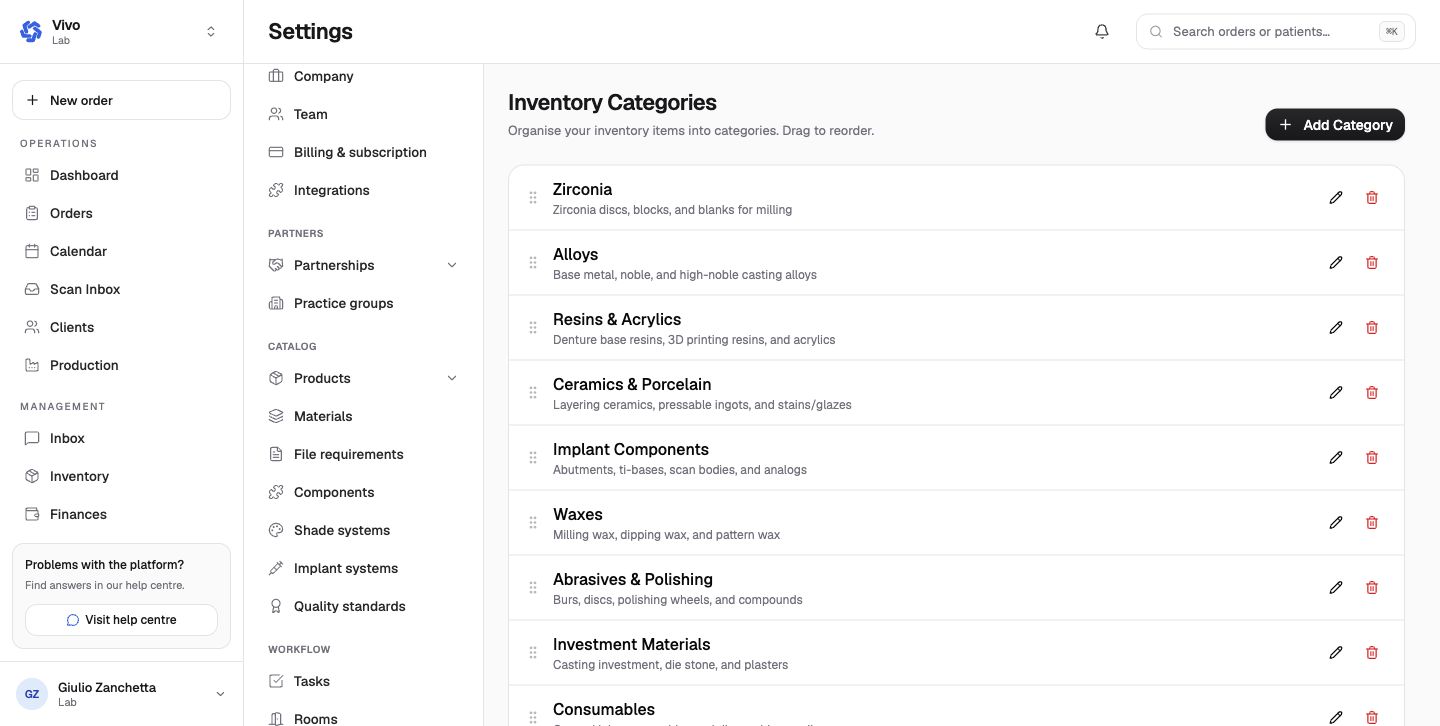
Categories organize the stock list and valuation dashboard. Reorder them to match how staff browse inventory.
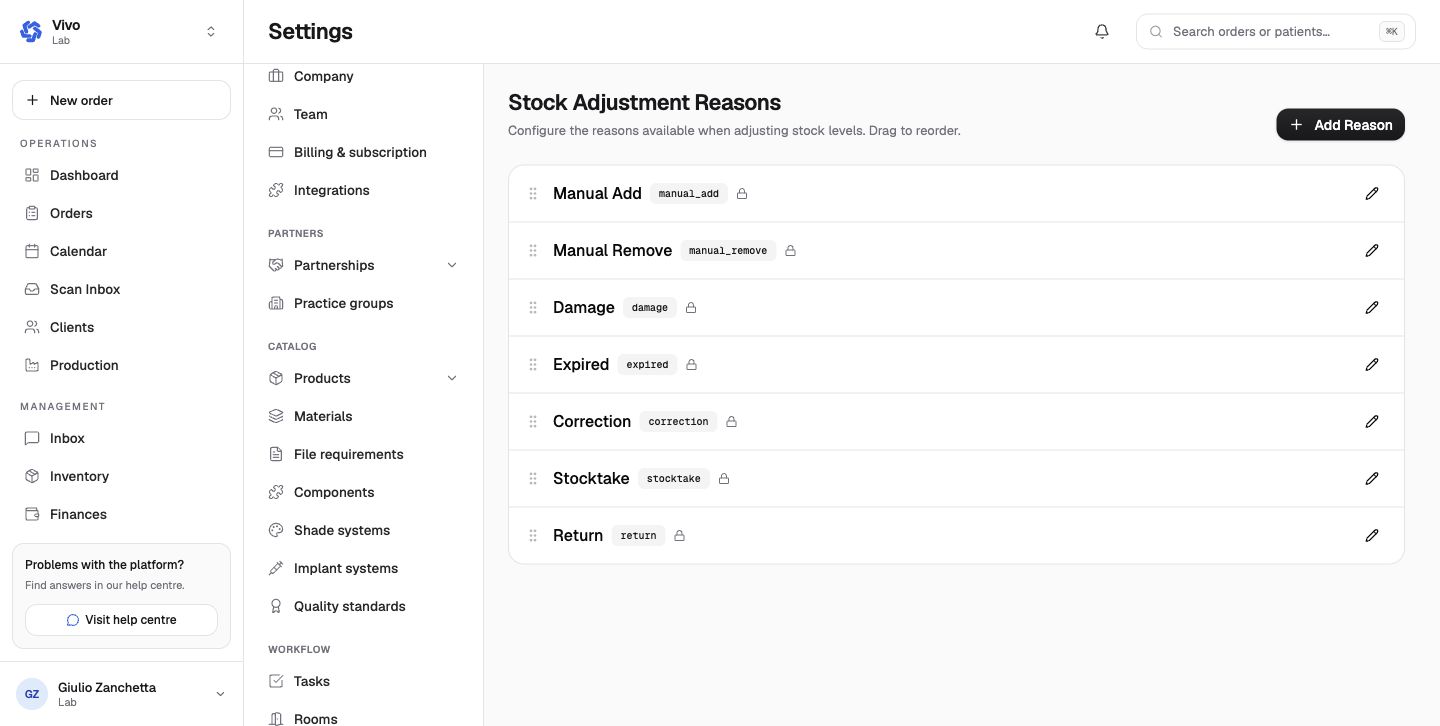
Adjustment reasons provide an auditable vocabulary for manual add/remove, damage, expiry, correction, stocktake, and return movements. Use the closest reason and add a concise note instead of creating overlapping duplicates.