Pickup, delivery, and communications settings
Configure location routes, pickup requests, email, stickers, WhatsApp, and document branding.
Location routes and pickup requests
A location route has a name, description, delivery-day count, default flag, and active state. The default route supplies the ordinary pickup/delivery behavior when no more specific route applies.
Pickup-request settings define the form and workflow clinics use to ask for a case collection. Align the requested fields with the route and dispatch process.
Shipping prices
Settings › Shipping sets what clinics pay for shipping. Nothing is charged until you create a shipping type.
- Types are the choices a clinic sees at checkout, for example Standard
courier, Express, Own driver or Collect at lab. Each has:
- a method;
- the VAT rate of the shipping line (blank uses your default rate);
- optional insurance: a fixed amount or a percentage of the order's items. Deactivate a type to stop offering it. A type an order already uses cannot be deleted.
- Zones group countries, and a country belongs to one zone. The optional Rest of world zone covers every other country. A destination no zone covers is not charged, and only your laboratory is warned.
- Rates give each type and zone up to 10 prices of the form "from X g". The heaviest band an order reaches applies, and lighter orders pay the first band.
An order weighs the sum of its physical products' weights. Products without a weight count as 0 g and are listed on this page.
The price is fixed when the order is submitted or paid. It is never re-priced from the parcel you pack, and no discount applies to it.
A clinic may combine a new order with an open order of its own that is due no earlier. It then pays only what the combined weight adds to the rate.
A client's price list can give that clinic its own shipping price per type, in the price list editor's Shipping card:
- a fixed price, or a discount (100% makes shipping free);
- it never offers a type your rates do not cover;
- a price list's general discount never applies to shipping.
Email templates
Email templates contain a name, subject, category, body, and permitted merge data. Preview with a synthetic context before attaching the template to an automation. Keep clinical details in structured records when possible.
Sticker templates
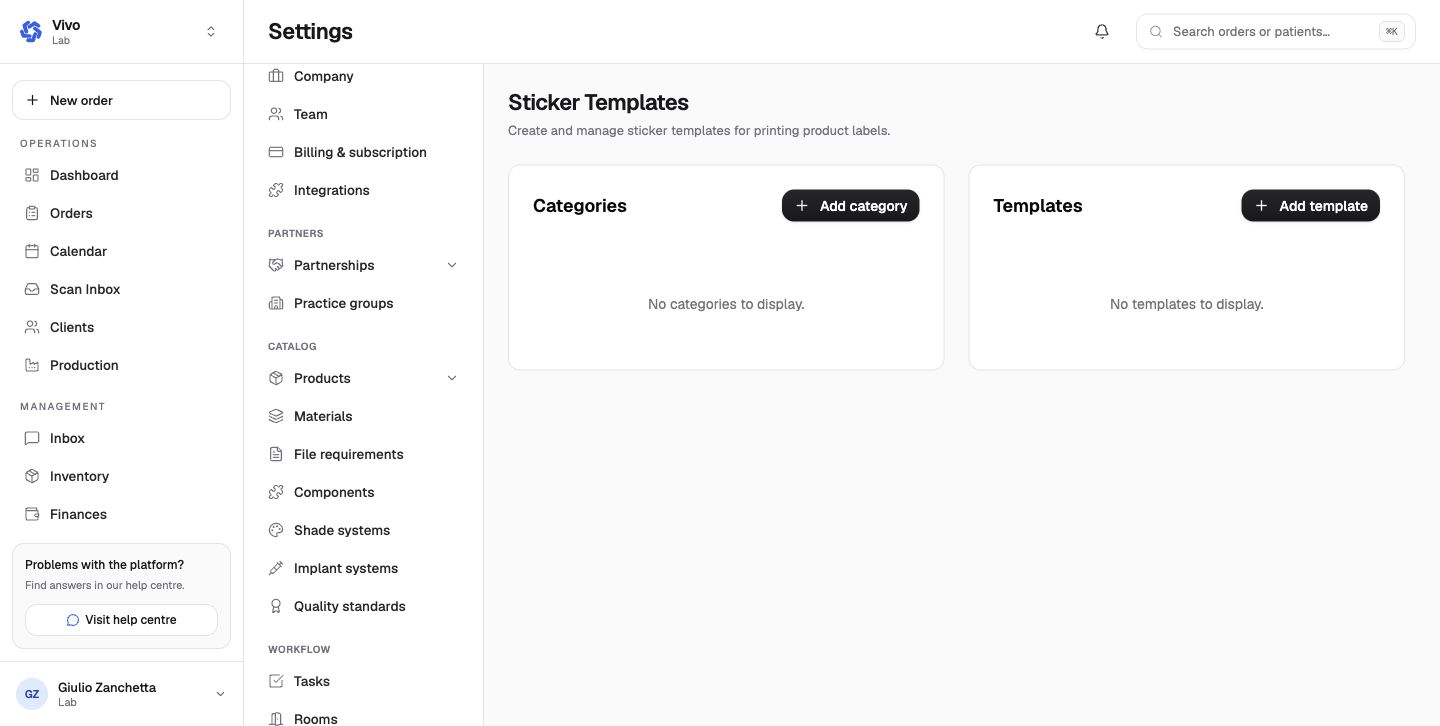
Sticker templates define printable product-label layouts. Categories organize templates; the designer controls size, static text, dynamic variables, barcode, and other elements. Print a physical test on the target printer.
WhatsApp templates
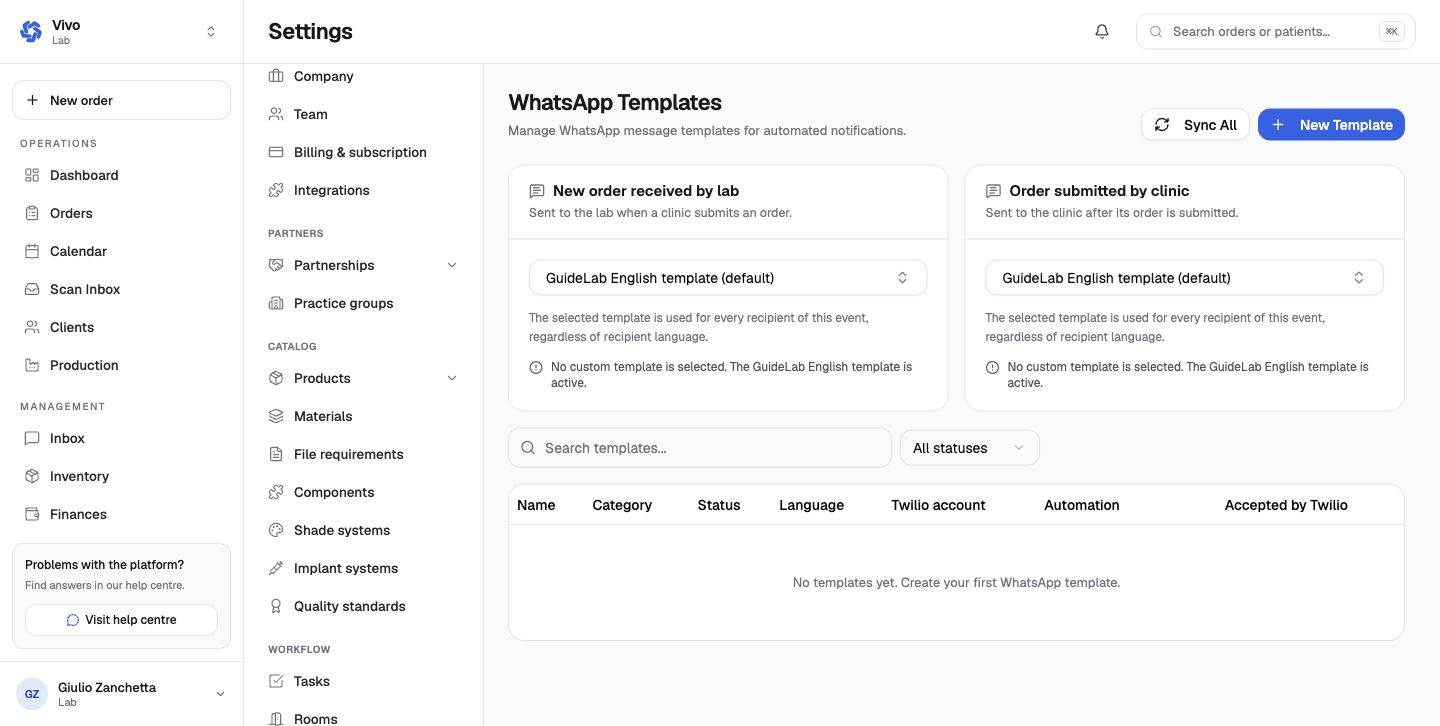
Custom WhatsApp templates are registered with Twilio and move through draft, pending, approved, or rejected states. An approved template can replace the GuideLab English default for a specific automatic event. Sync All refreshes provider approval state; it does not approve content itself.
Document branding
Configure the document title, footer, logo, terms, patient/manufacture statement copy, and display options. Review a generated invoice, statement, or other document after any branding change.
Calendar, scanners, and inventory settings
Configure working dates, scanner connections, stock alerts, expiry, automatic deduction, categories, and adjustment reasons.
Finance settings and data management
Configure invoice, payment, tax, statement, and finance-email policy, then safely import, export, and restore archived records.