Catalog options and clinical vocabularies
Configure materials, file requirements, components, shade systems, implant systems, and quality standards.
These reusable settings keep product configuration consistent. Configure the shared vocabulary first, then reference it from products.
Materials and components
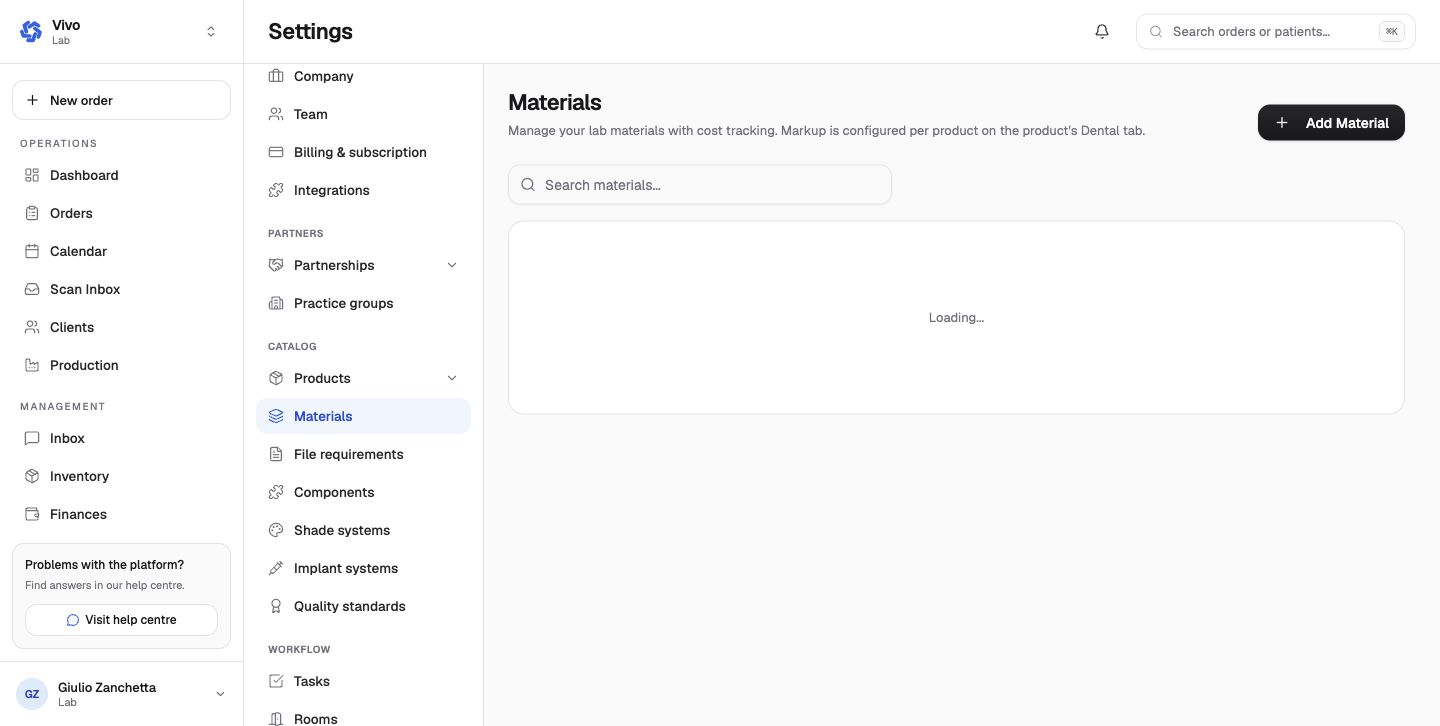
- Materials represent substances available across the catalog, with a clear name and optional code. They can also connect products to inventory deduction.
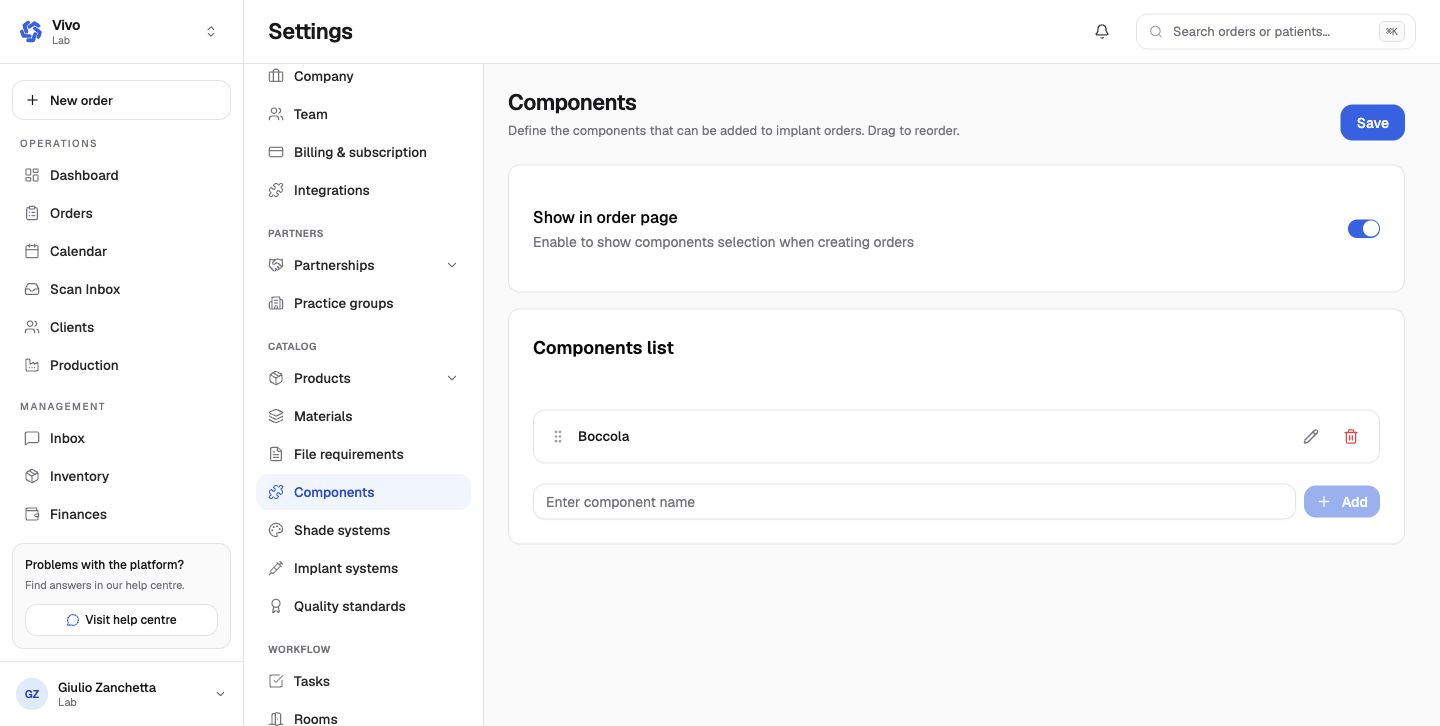
- Components represent reusable technical parts or selections used by multiple products.
File requirements
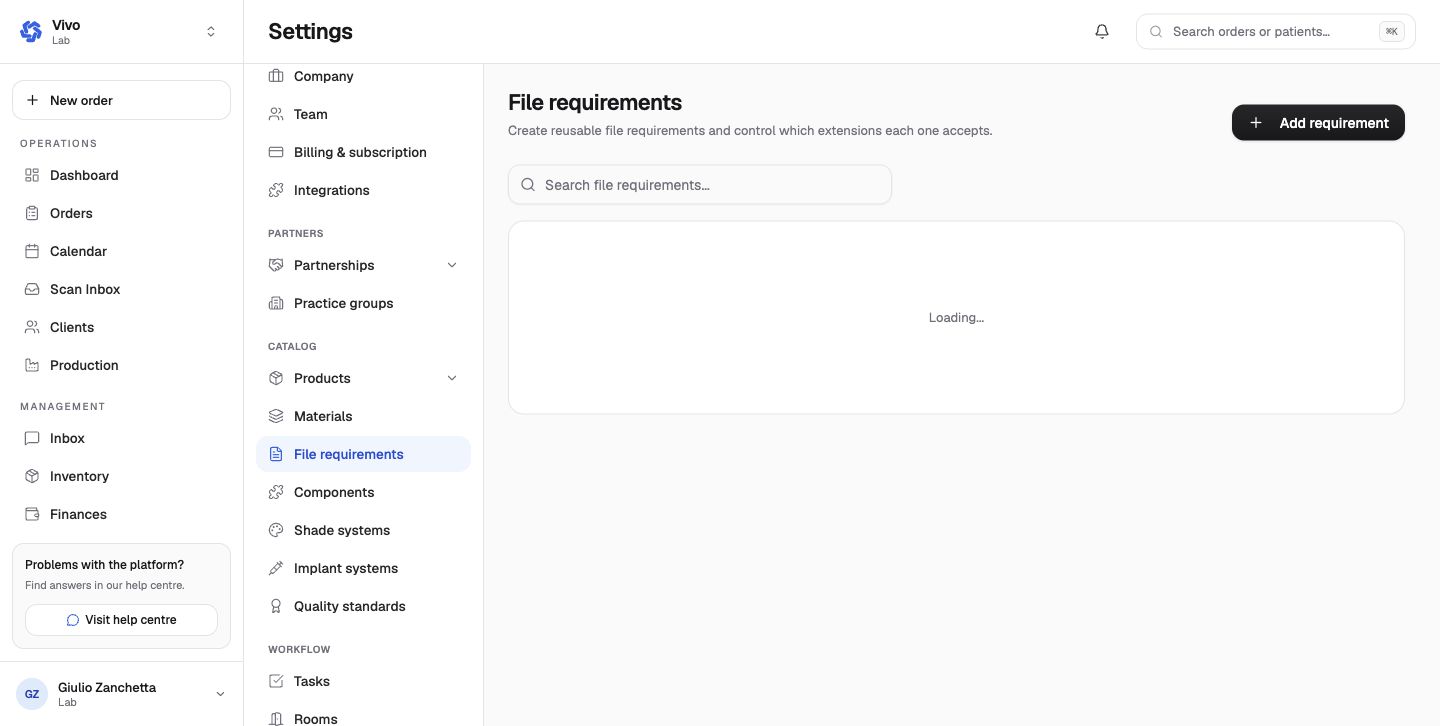
File requirements tell the order wizard what the clinic must attach. Define a recognizable requirement name, accepted formats, requirement level, and product association. Test both upload and reuse-from-patient-files paths.
Shade and implant systems
Shade systems define the ordered shade values exposed during product configuration. A default system can be used when the product does not override it.
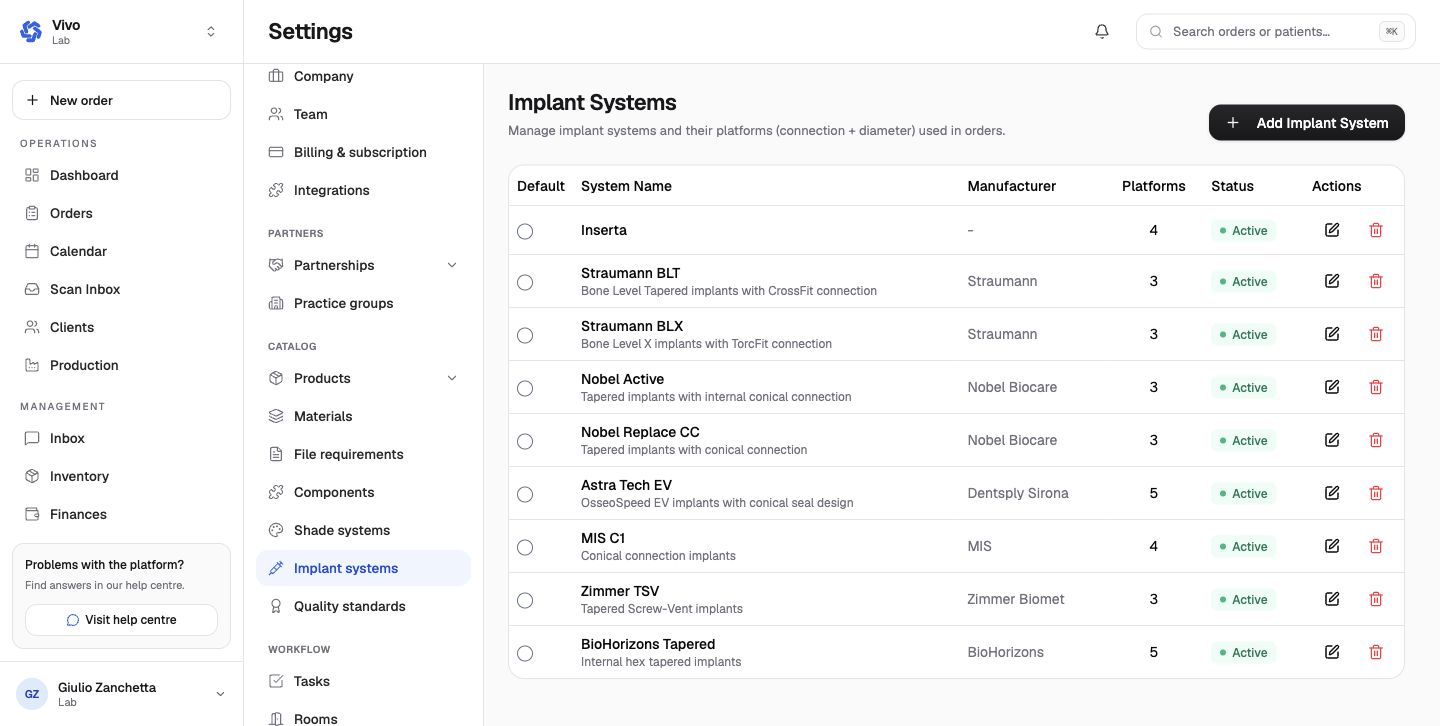
Implant systems define manufacturers, systems, and platforms used for implant cases. Use controlled names rather than free-text duplicates.
Quality standards
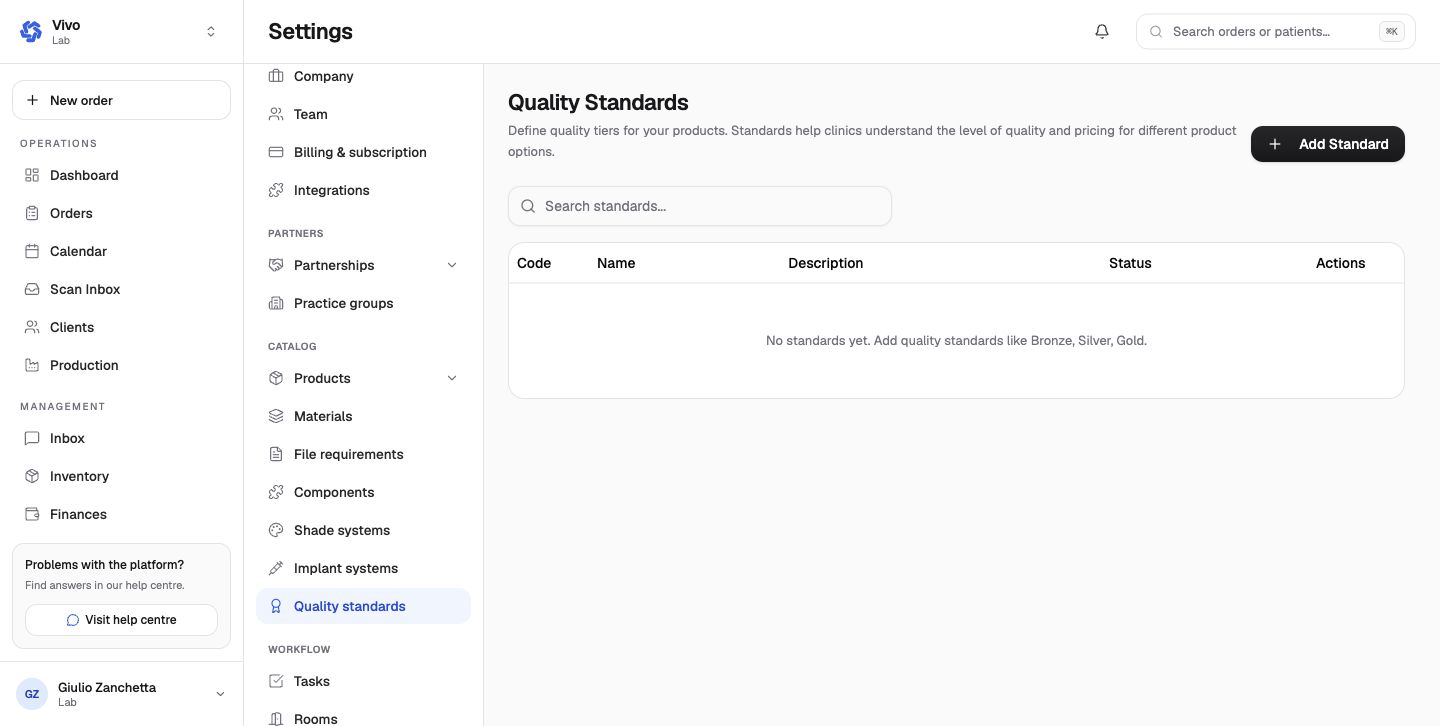
Quality standards define reusable production/QC criteria. Pair them with the QC checklist and product/workflow configuration so completion records the intended checks.
Deactivate an obsolete vocabulary item when historical orders still reference it. Renaming or deleting shared values can make old and new orders harder to compare.