Partnerships and practice groups
Manage clinic-lab relationships, invitations, patient access, routing, and practice groups.
Partnerships authorize cross-organization workflows. They do not merge the two organizations or make every patient visible automatically.
Clinic workflow
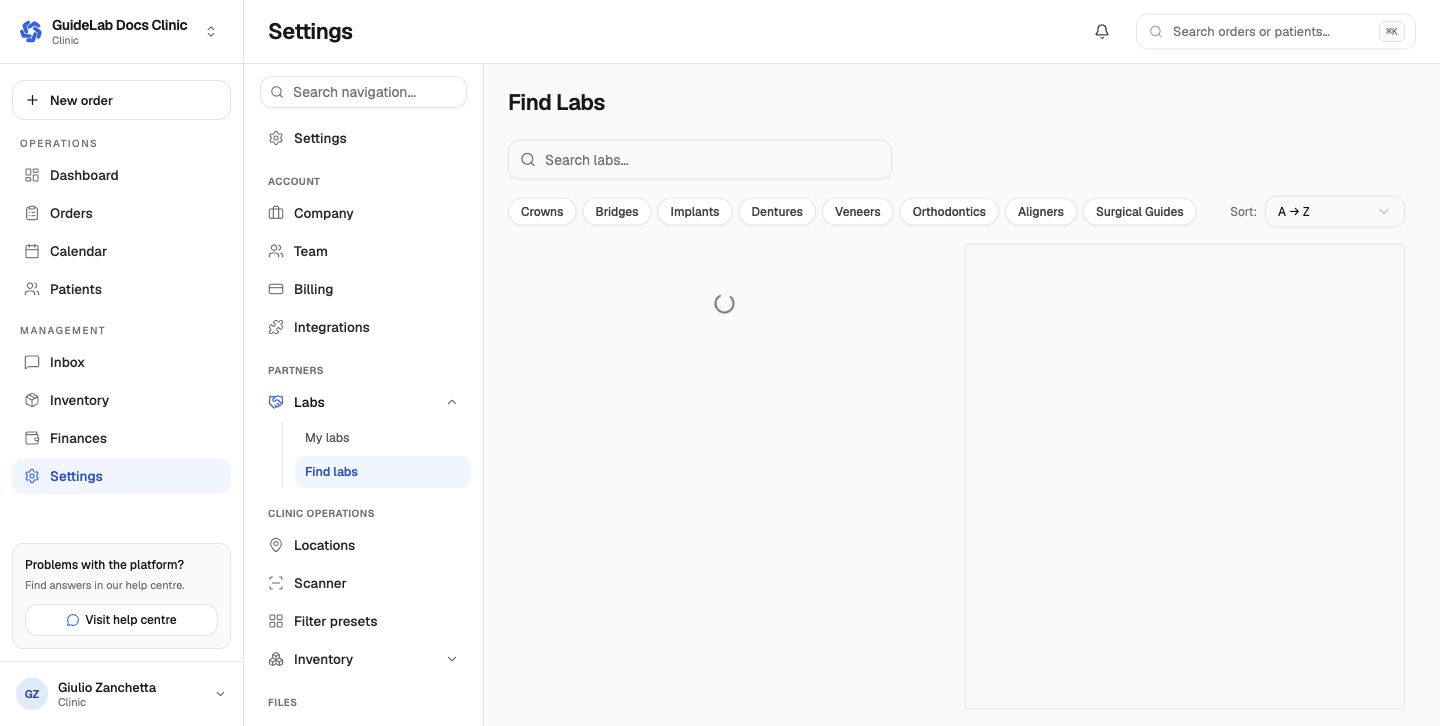
Use Find labs to browse discoverable laboratories by service and send a request. My labs shows pending and active relationships and is the entry point for lab-specific routing and payment-method configuration.
Laboratory workflow
Laboratories manage clinic relationships from Clients, not from settings. The Practices tab lists every partnership with a status filter, so pending clinic requests and sent invitations sit beside active clients. Accept or decline a request, resend or cancel an invitation, and suspend, reactivate or terminate a partnership from the row menu or the client detail page. Invite Clinic creates a new clinic and emails its owner; a clinic that already uses GuideLab sends the request from its own Find labs page. The client detail page has a Partnership tab for the price list and payment-policy override.
After acceptance, the client directory should show the practice. Patient access is still granted by the clinic, and each order records its own clinic, doctor, patient, and commercial context.
Practice groups
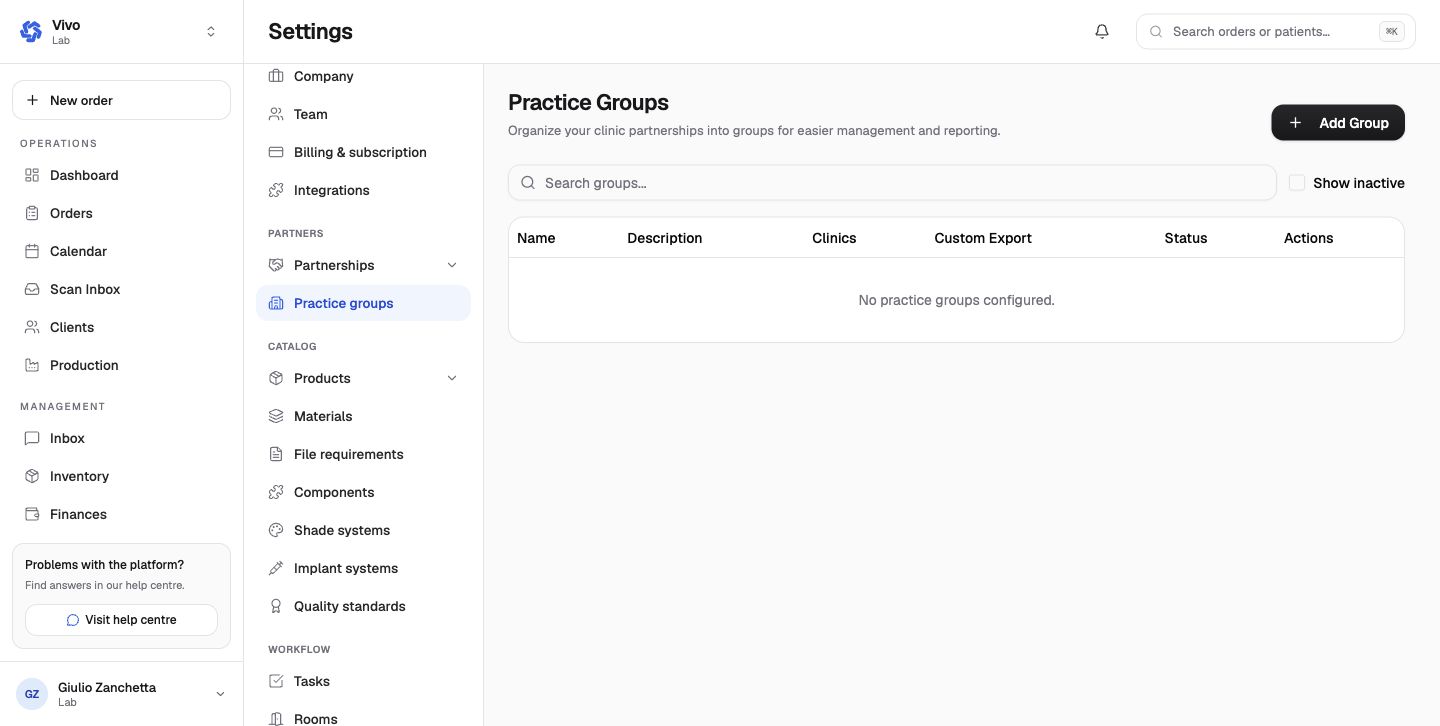
Practice groups organize partner clinics for reporting, consolidated management, and optional custom exports. Groups have a name, description, clinic membership, custom-export behavior, and active state.
Current stage inconsistency
The stage settings pages currently report zero connected partners even though the client directory shows the active GuideLab Docs Clinic relationship. The defect is recorded internally; verify both surfaces until it is resolved.