Files and scanners
Manage clinic files, scanner connections, Scanner Explorer, and order attachments.
GuideLab separates the clinic-wide file library from scanner-provider case browsing and the files attached to an individual order.
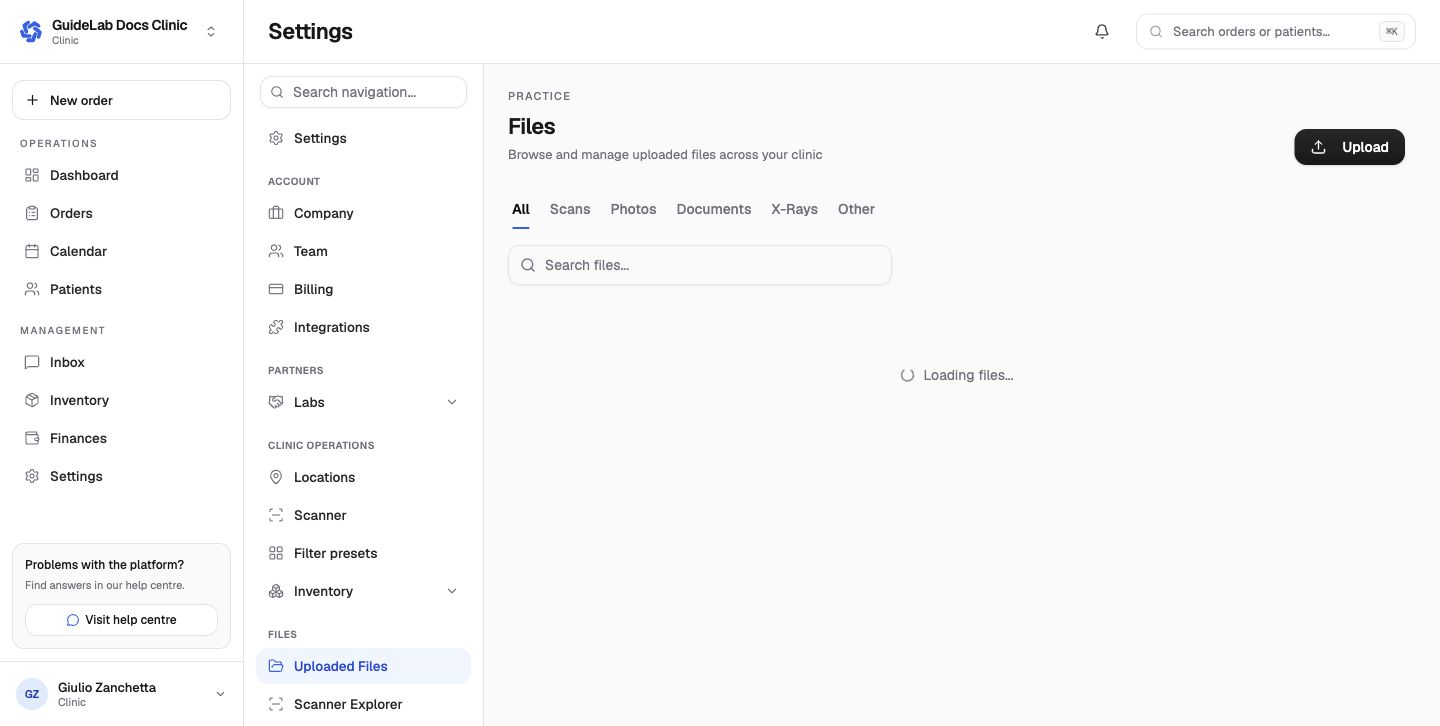
Uploaded Files
The file library can be filtered by scans, photos, documents, X-rays, and other files. Uploading here makes a file available to the clinic; attaching it to an order is a separate step.
Scanner settings and Scanner Explorer
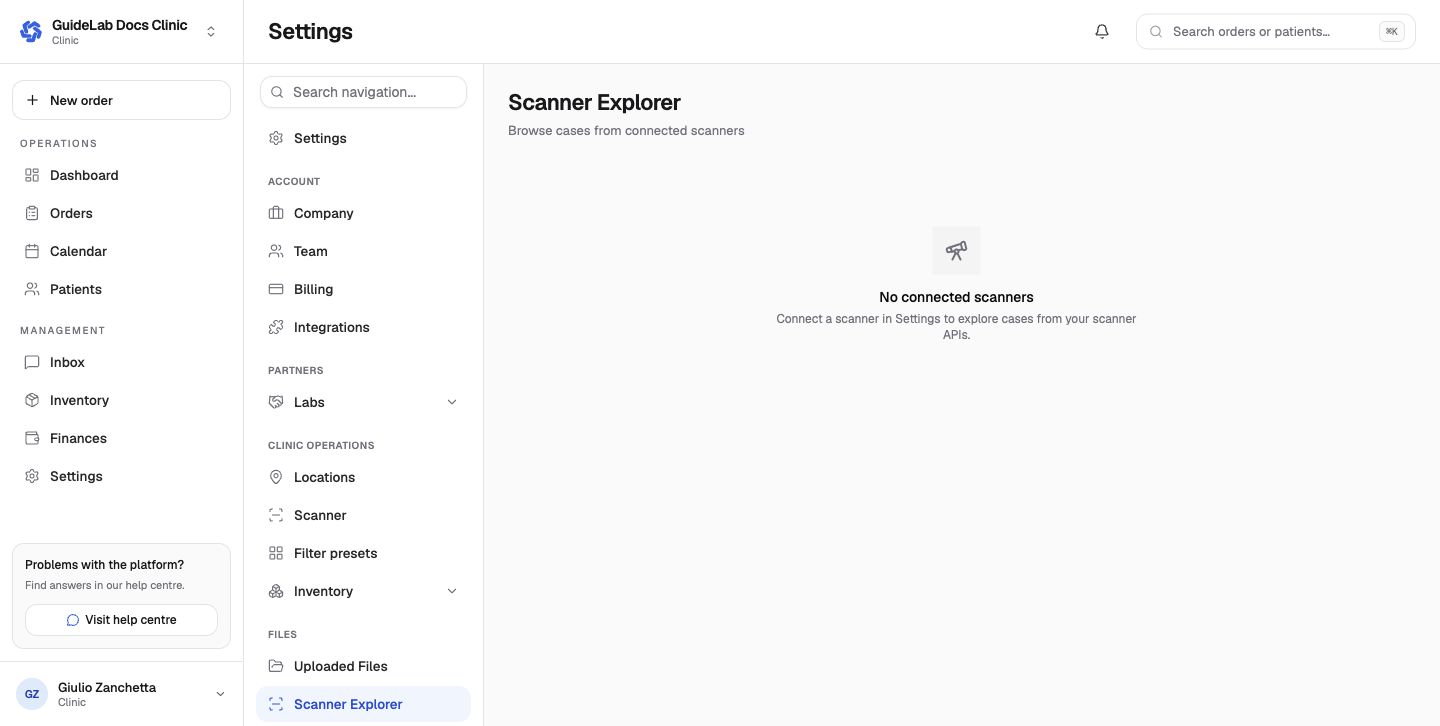
Use Settings → Scanner to add and manage supported intraoral scanner connections. Scanner Explorer then browses cases exposed by those provider APIs. From an order, use the scanner import flow to choose a case and import the required files.
Safe matching sequence
- confirm the scanner account and originating practice;
- match the provider case to the correct patient;
- inspect the file names and types;
- attach only the relevant files to the intended order;
- resolve duplicate submissions before the laboratory begins work.
Scanner integrations are managed separately from the clinic's Dentally integration, which synchronizes patient data.