GuidesClinic guide
Clinic finances
Review balances, laboratory invoices, credit notes, statements, and payment methods.
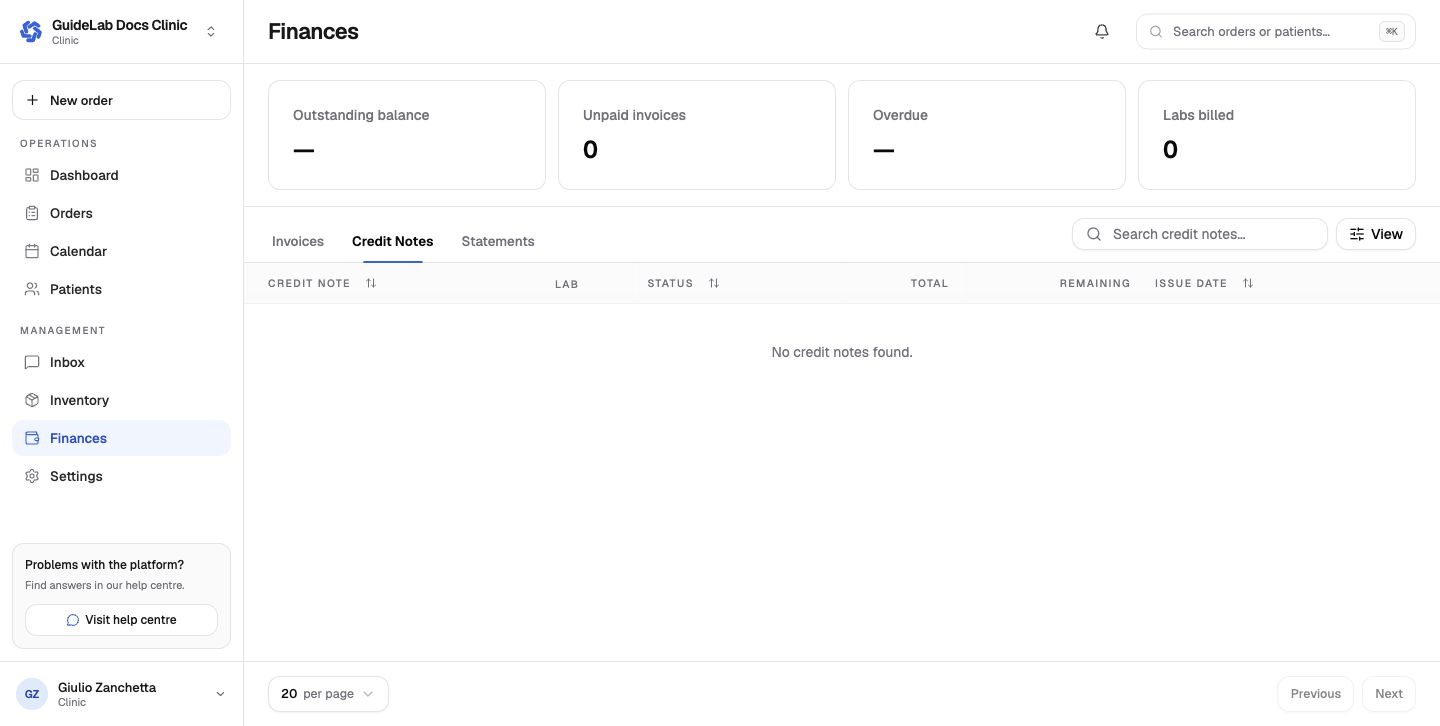
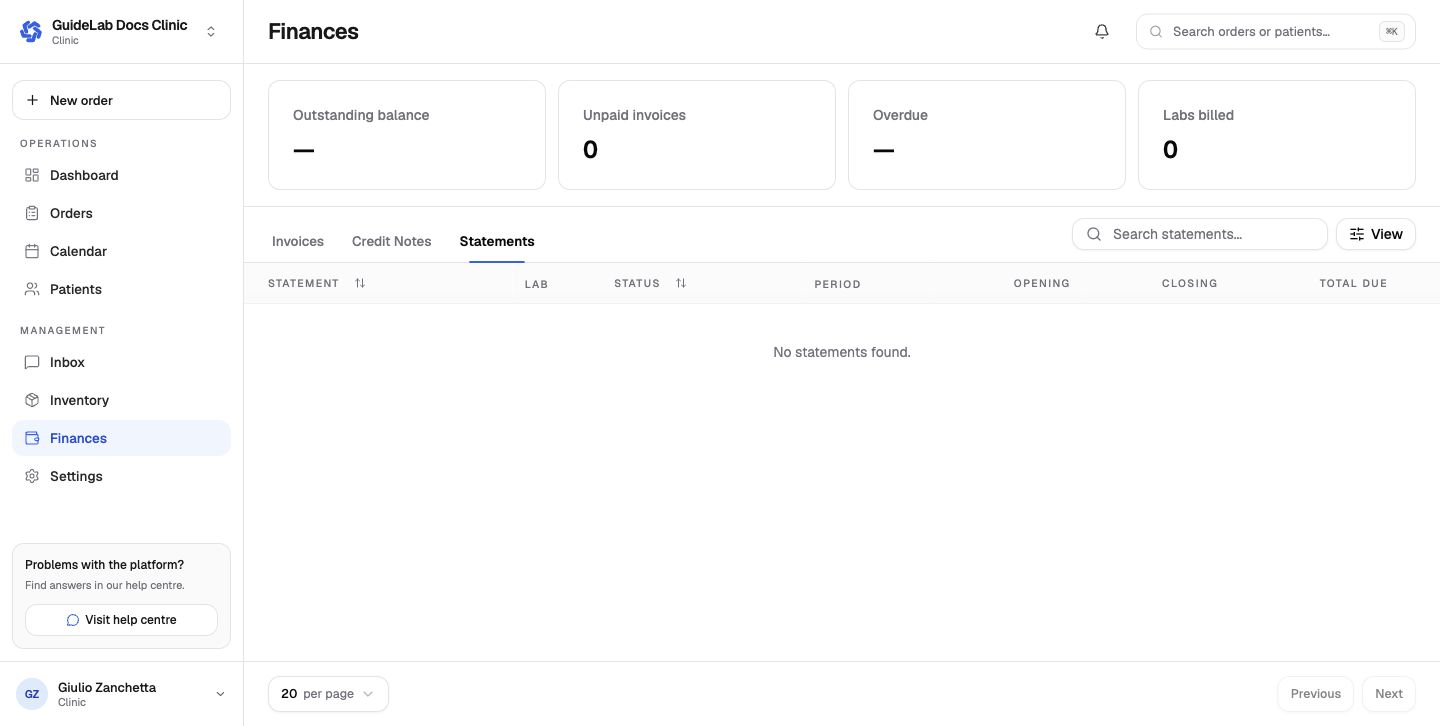
Clinic finance consolidates the commercial records received from connected laboratories. The summary shows outstanding balance, unpaid and overdue invoice counts, and the number of labs that have billed the clinic.
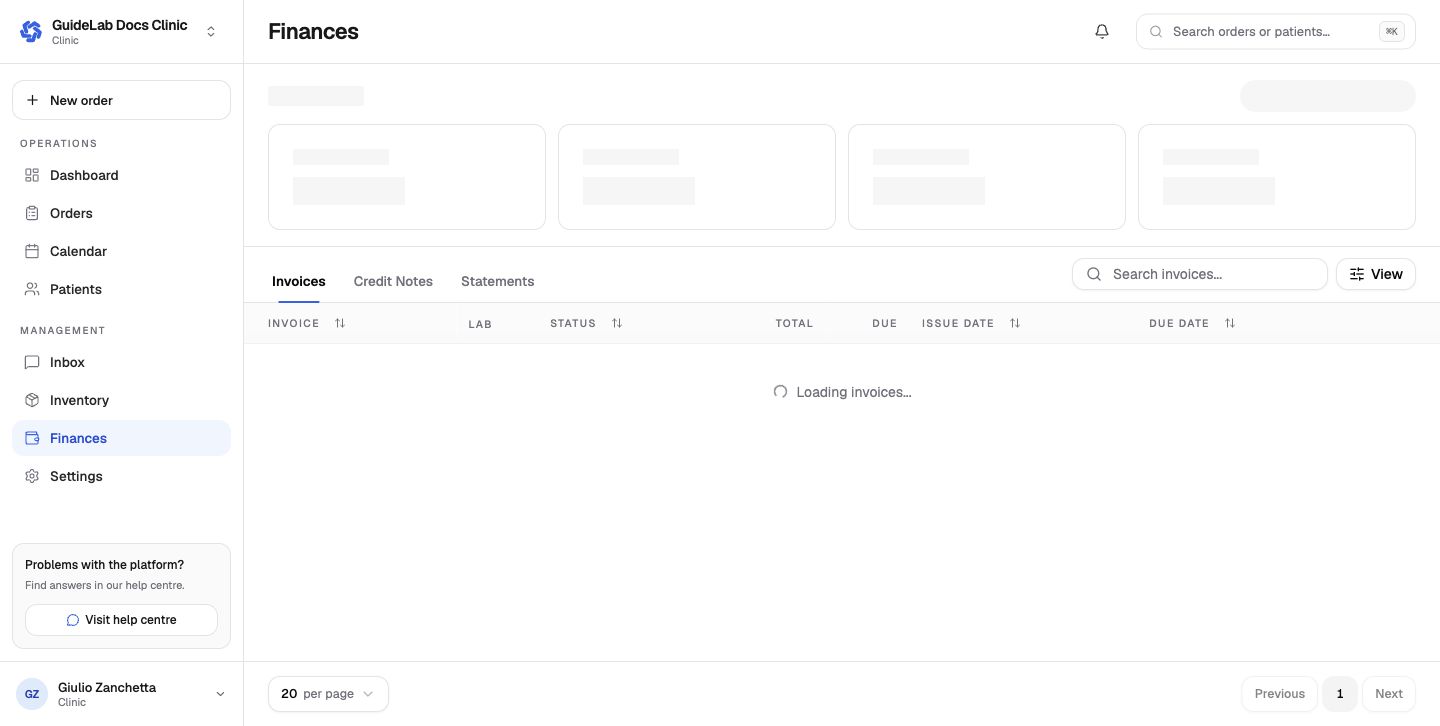
Tabs
- Invoices shows laboratory, status, total, outstanding amount, issue date, and due date. Open a row for line items and available payment actions.
- Credit Notes shows issued credit and the amount still available.
- Statements groups opening balance, activity, closing balance, and total due for a laboratory and period.
Saved payment methods
Settings → Billing manages payment methods separately for each connected lab. When the lab allows it, the clinic can enable saved-card autopay attempts on the due date and again after 3 and 7 days while the invoice remains unpaid.
See Clinic finance reference for payment and reconciliation guidance.