GuidesClinic guide
Clinic inventory
Track clinic stock, suppliers, purchase orders, categories, and adjustment reasons.
Clinic inventory uses the same stock model as laboratory inventory, but its categories and defaults are scoped to the clinic.
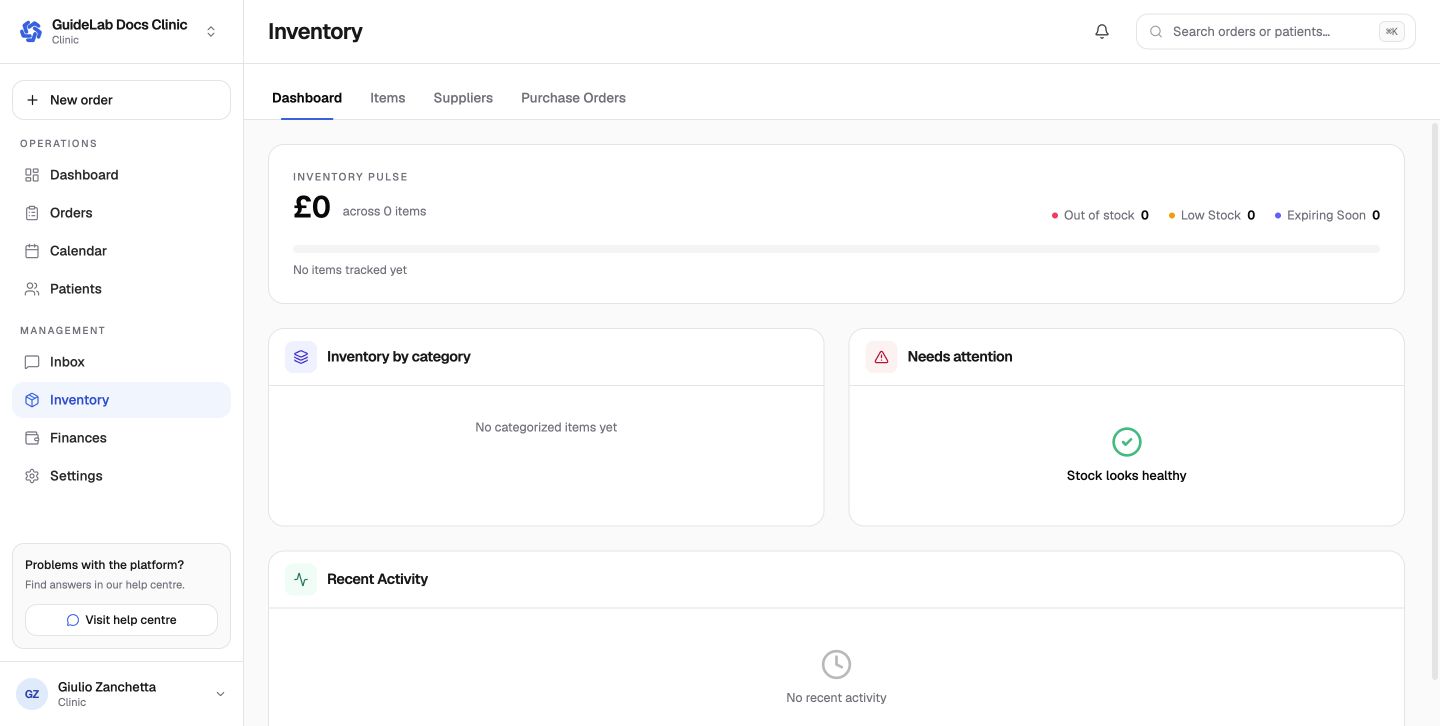
Core records
- Items hold SKU, category, supplier, quantity, limits, cost, location, lot, expiry, and notes.
- Suppliers hold purchasing and contact details.
- Purchase Orders group replenishment lines for one supplier.
- Stock movements record additions and removals with a reason.
Clinic inventory settings
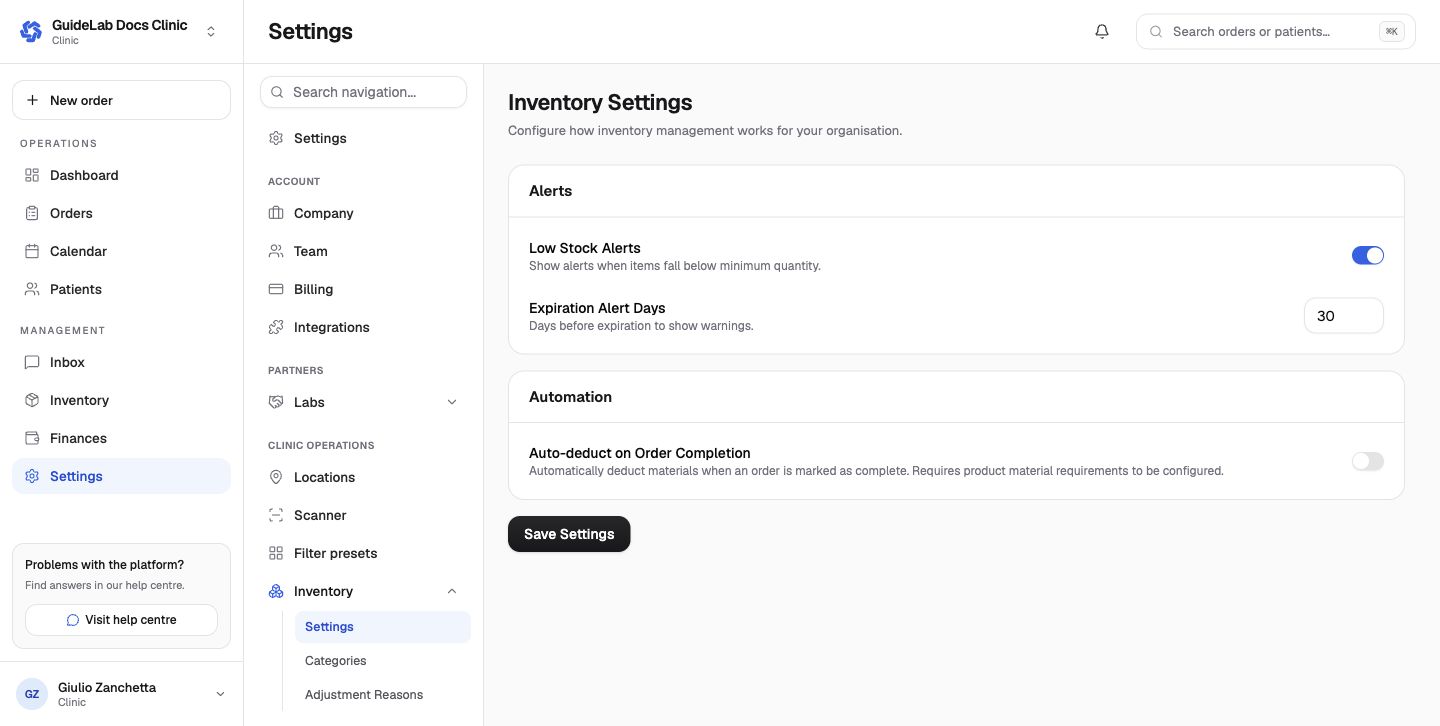
- Low Stock Alerts shows attention items below their minimum quantity.
- Expiration Alert Days determines how early expiring stock is highlighted.
- Auto-deduct on Order Completion consumes configured product material requirements when an order completes.
- Categories organize items; clinic defaults include clinical consumable groups.
- Adjustment Reasons make manual additions, removals, damage, expiry, corrections, stocktakes, and returns auditable.
For the item and purchasing workflows, see Inventory overview, Suppliers and items, and Purchase orders.