GuidesClinic guide
Clinic calendar
Use the clinic calendar to review scheduled cases and date-based workload.
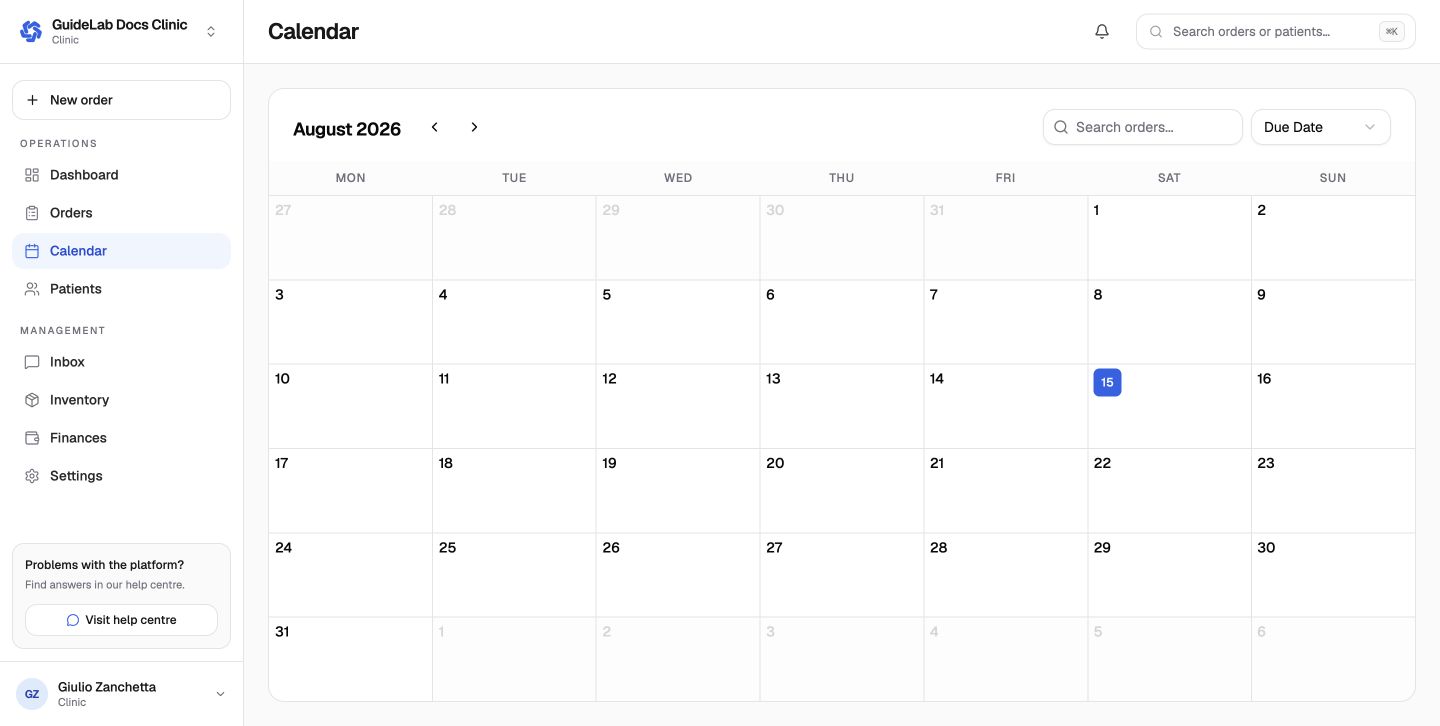
The clinic calendar provides a date-based view of order activity. It complements the order list: use the calendar to understand when work is due and the list to inspect the full case state.
Use the calendar
- move to the day, week, or period you need;
- identify orders or milestones on that date;
- open the case to confirm the requested date, current state, and laboratory;
- resolve conflicts in the order rather than treating the calendar as a second source of truth.
The lab's working calendar influences suggested delivery dates during order creation. Bank holidays, lab closure dates, weekends, cutoff time, buffer days, and configured production duration can all affect the earliest realistic date.
Changing the clinic calendar view does not reschedule an order. Open the order and use its permitted date controls or contact the laboratory.